
%20(1).svg)
8 Best Financial Analysis Software for Accountants in 2026
By Laks Satchi |
Last Updated: February 06, 2026
As finance teams scale, financial analysis quickly outgrows spreadsheets. Budget models become harder to maintain, reporting depends on repeated exports from accounting software, and forecasts fall out of sync with actuals. For controllers and finance leaders, the challenge is no longer producing reports. It is deciding which numbers can be trusted and how quickly insights can be delivered to the business.
Financial analysis software addresses this gap. These platforms sit alongside accounting systems and support budgeting, forecasting, variance analysis, and scenario planning using consistent financial data. Instead of relying on disconnected spreadsheets, finance teams work from centralized models that update as actuals change.
We review eight financial analysis tools accountants are using in 2026, covering purpose-built FP&A platforms, ERPs with embedded analysis capabilities, and business intelligence tools commonly adopted by finance teams. Each category offers different strengths depending on how your team plans, reports, and works with financial data.
For teams under pressure to close faster, improve confidence in financial reporting, and support more strategic decision-making, the choice of platform matters. The sections that follow break down what to look for and how these tools compare in real-world finance environments.
Financial analysis software, often grouped under financial planning & analysis (FP&A) or enterprise performance management (EPM), is built for forward-looking finance work, not transactional accounting.
These tools help finance teams analyze financial data, build forecasts, test assumptions, and track performance over time. They sit alongside accounting systems and focus on planning, interpretation, and prediction rather than recording transactions.
This distinction matters because FP&A software is often lumped together with accounting software, even though the two solve very different problems inside a finance function.
Accounting software like QuickBooks, Xero, or enterprise ERP systems is designed to capture financial activity. These platforms handle transactions, manage the general ledger, run payroll, generate invoices, and support audits and compliance. Their primary job is accuracy and traceability, making sure financial records reflect what has already happened.
FP&A software looks ahead. It uses historical and current financial data to support budgeting, forecasting, variance analysis, driver-based planning, and scenario modeling. Instead of focusing on whether a transaction is posted correctly, it helps answer questions finance leaders deal with every week, such as how a hiring plan affects cash flow or how margins change if revenue growth slows.
In practice, financial analysis software supports work such as:
FP&A software is not a replacement for accounting systems. It integrates with them. Most platforms connect directly to accounting software using built-in connectors, scheduled data imports, or APIs. This approach allows finance teams to work from consistent, trusted financial data without duplicating entries or manually reconciling numbers. The same foundation supports both internal management reporting and external statutory requirements.
Many controllers are moving away from Microsoft Excel for this type of work. Spreadsheets still have a place for quick analysis, but they break down as planning and reporting become more complex.
Studies have shown that over 90% of spreadsheets contain errors, and issues like version control, manual updates, and limited audit visibility slow finance teams and increase risk as data volumes grow. In SOX-regulated environments, Excel also lacks the controls, traceability, and security required for sustained compliance. FP&A platforms address these gaps by adding structure and governance while keeping the flexibility finance teams need.
This distinction sets the stage for evaluating the tools that follow, each designed to support financial analysis and planning in a different way.
As reporting cycles tighten and expectations increase, controllers typically encounter the same set of challenges when relying on spreadsheets for analysis.
Spreadsheet-based financial analysis relies heavily on manual data entry, ongoing formula maintenance, and file-based handoffs between teams. As financial models grow more complex, the risk compounds quickly. Independent reviews of spreadsheet models have repeatedly found error rates above 90%, with even simple templates contributing to material misstatements when used in financial reporting.
For controllers responsible for financial accuracy, this creates ongoing exposure. FP&A tools address this by automating the flow of financial data from accounting software, ERP systems, and operational sources, applying consistent logic across forecasts, reports, and financial plans.
Most spreadsheet-driven reporting depends on periodic exports from accounting systems, which creates lag and limits visibility into current financial performance.
Modern FP&A platforms connect directly to source systems and refresh data as needed, giving finance teams faster access to updated actuals, forecasts, and variances. This connected approach supports more timely financial reporting and allows controllers to respond to leadership questions without rebuilding reports each cycle. The result is clearer insight into financial operations and fewer delays caused by disconnected data.
Scenario planning is difficult to manage in spreadsheets, where version sprawl, manual assumption tracking, and unclear dependencies are common. FP&A platforms are designed to model scenarios using shared drivers and centrally defined assumptions. This allows finance teams to compare outcomes without duplicating files or losing transparency.
Research on FP&A best practices consistently shows that driver-based, technology-supported models make it easier to assess hiring plans, pricing changes, or investment decisions under changing conditions, leading to more resilient financial plans and stronger risk analysis.
As organizations grow, spreadsheets struggle to support analysis across departments, cost centers, and legal entities. Consolidation often depends on fragile links and manual rollups, which slows financial processes and increases risk.
FP&A tools are built to manage multi-entity structures, intercompany eliminations, and departmental reporting from a governed data model. Finance transformation research frequently points to unified planning platforms as a requirement for maintaining control as financial operations become more complex.
Controllers have traditionally spent much of their time validating numbers, reconciling reports, and managing close activities. As finance teams adopt integrated FP&A and data visualization tools, many organizations report a shift toward more forward-looking work.
By automating data collection, reconciliations, and standard reporting, FP&A software allows financial professionals to spend more time analyzing trends, supporting informed business decisions, and improving performance, rather than focusing solely on historical compliance tasks.
Before diving into individual tools, the table below provides a high-level comparison of how these platforms differ in focus, strengths, and typical use cases for controllers and finance teams.
|
Software |
Primary Focus |
Best For |
Pricing |
Ratings* |
|
Limelight |
FP&A and financial analysis |
Mid-market controllers replacing spreadsheets |
Starter Plan and Unlimited User Plan. Starter $1,400 per month for five users |
G2: 4.7/5 Capterra: 4.5/5 |
|
Cube |
Spreadsheet-native FP&A |
Teams staying close to Excel |
Custom quote, starting at $32,000 annually |
G2: 4.5/5 |
|
Datarails |
Excel-based FP&A automation |
Excel-heavy finance teams |
Custom quote |
G2: 4.6/5 Capterra: 4.8/5 |
|
Vena Solutions |
Excel-integrated planning |
Structured planning with Excel workflows |
Custom quote |
G2: 4.5/5 Capterra: 4.5/5 |
|
Workday Adaptive Planning |
Enterprise FP&A |
Large, complex organizations |
Custom quote |
G2: 4.3/5 Capterra: 4.5/5 |
|
Jedox |
Planning and performance management |
Modeling-heavy teams |
Different plans; request a quote |
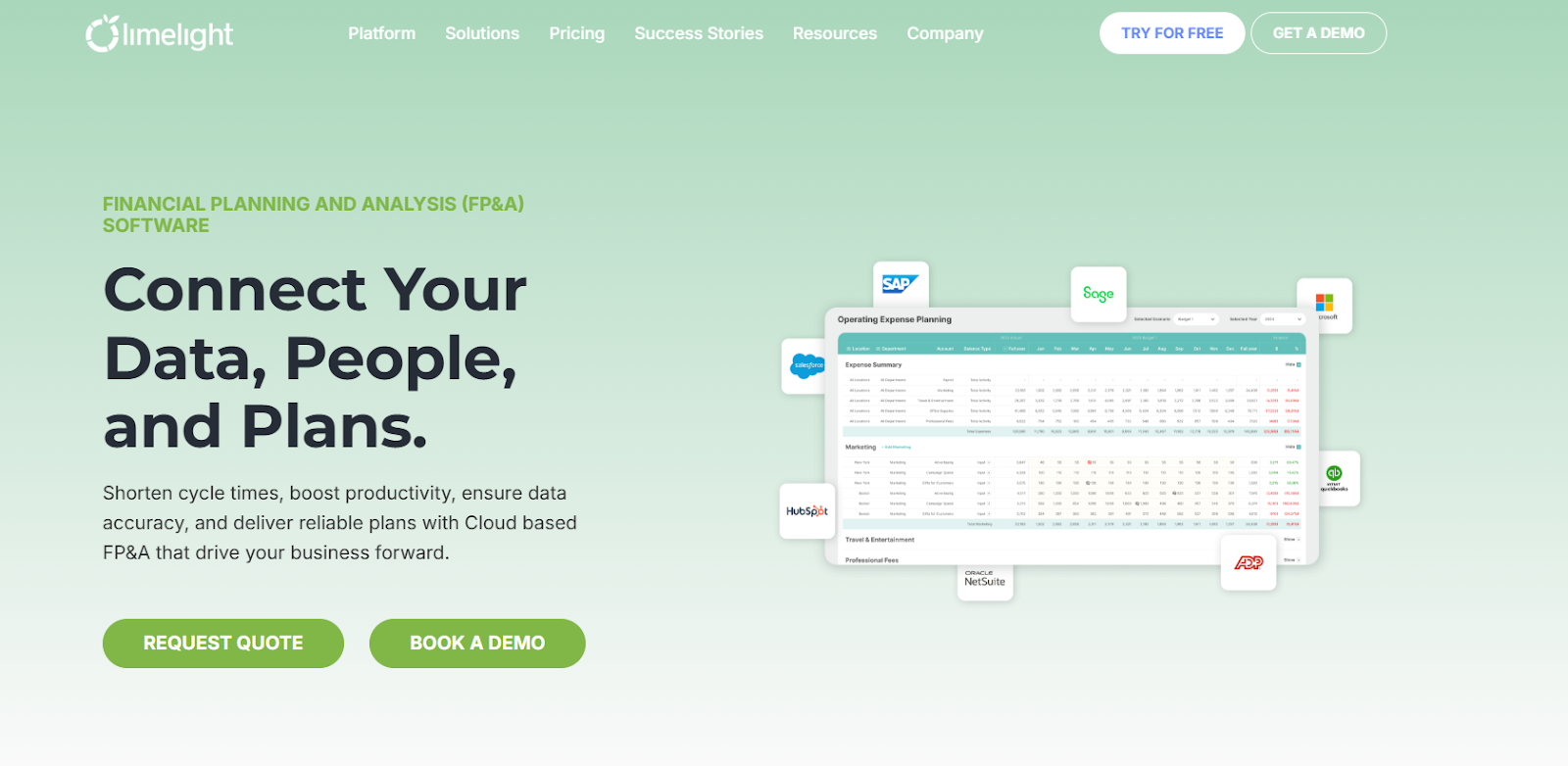
Limelight’s no-code, Excel-free FP&A platform
Limelight is a cloud-based, Excel-free FP&A platform designed for controllers and finance professionals that need structured financial analysis without relying on spreadsheets. It is commonly used by companies with 100 to 5,000 employees that have outgrown Excel but want to retain flexibility in planning and reporting.
Controllers at mid-market companies looking to centralize financial data and replace spreadsheet-driven planning
Starts at approximately $1,400 per month for five users (publicly listed)
Arlene Barbieri, Corporate Controller at Medicinal Genomics, revealed how her company used Limelight to replace spreadsheet-driven budgeting with a centralized FP&A model. The team reduced its budget cycle from four months to one month, cutting cycle time by 75% and freeing up significant time for analysis and planning instead of manual coordination.
Use when: You are a Controller at a mid-market company replacing spreadsheet-based budgeting, forecasting, and reporting tied to an ERP. Limelight fits when finance owns the model, needs rolling forecasts, scenario planning, and automated consolidation, and wants structure without enterprise platform complexity.
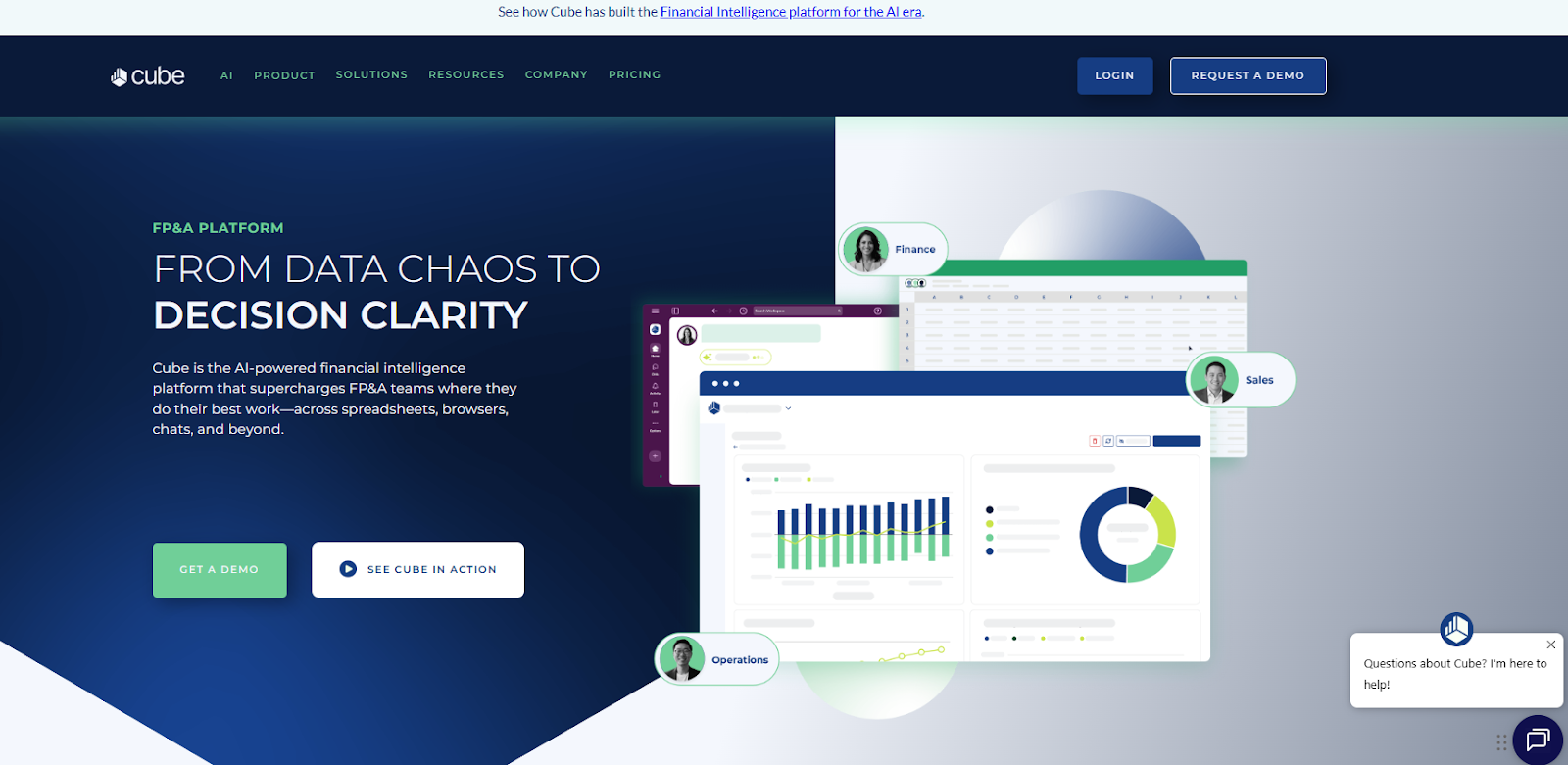
Cube Software’s financial analysis and planning platform homepage
Cube is a financial analysis and FP&A tool that integrates tightly with Excel and Google Sheets, enabling accountants to keep familiar spreadsheet workflows while adding centralized controls, automation, and governed reporting.
Small to mid-market finance teams deeply embedded in Excel who need centralized collaboration without abandoning spreadsheet workflows
Custom quote, starting at $32,000 annually
G2: 4.5/5
Use when: You want to keep Excel or Google Sheets as the primary working environment but need centralized version control and automated actuals updates. Cube works best when spreadsheets are non-negotiable, but file sprawl and manual refreshes are slowing planning cycles.
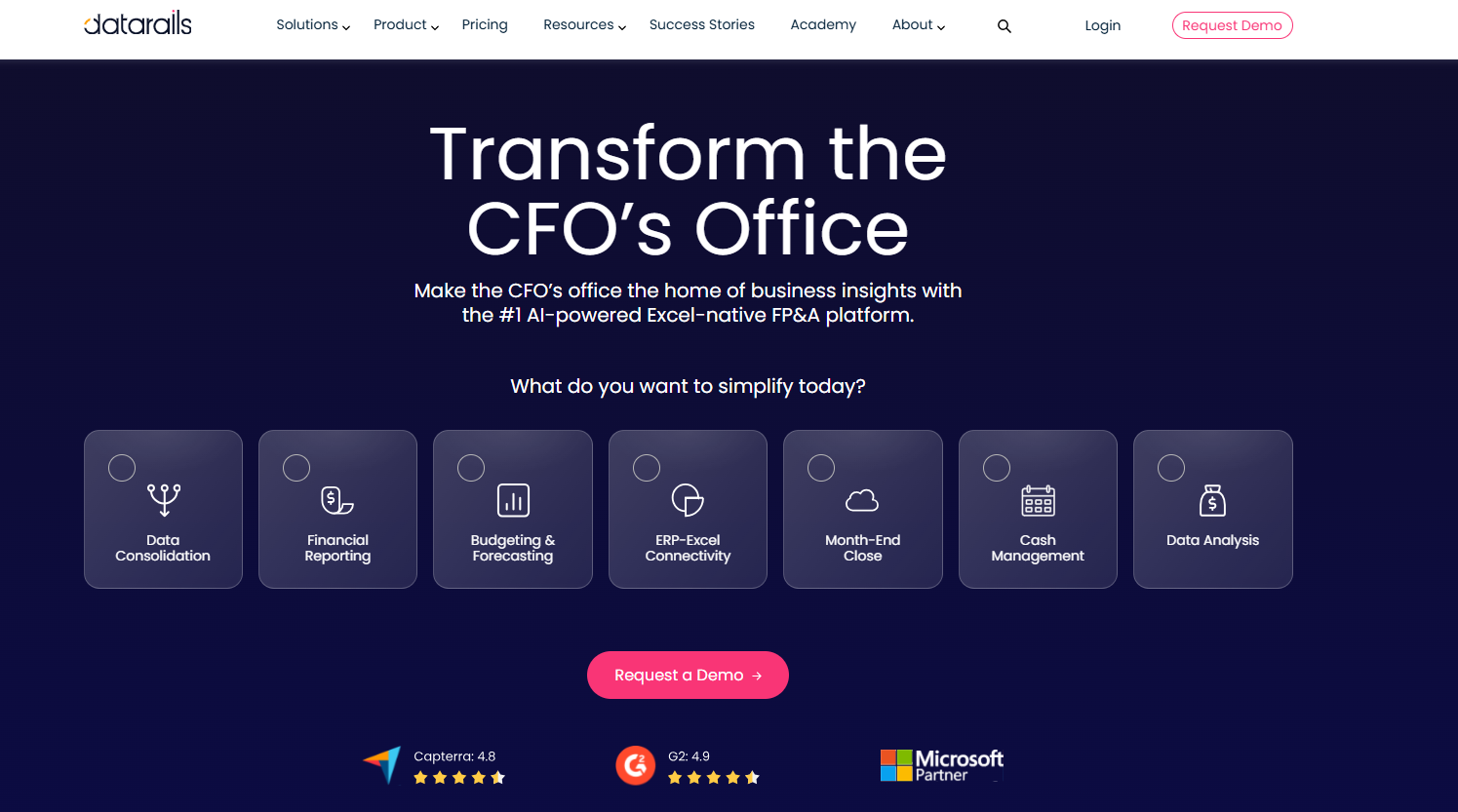
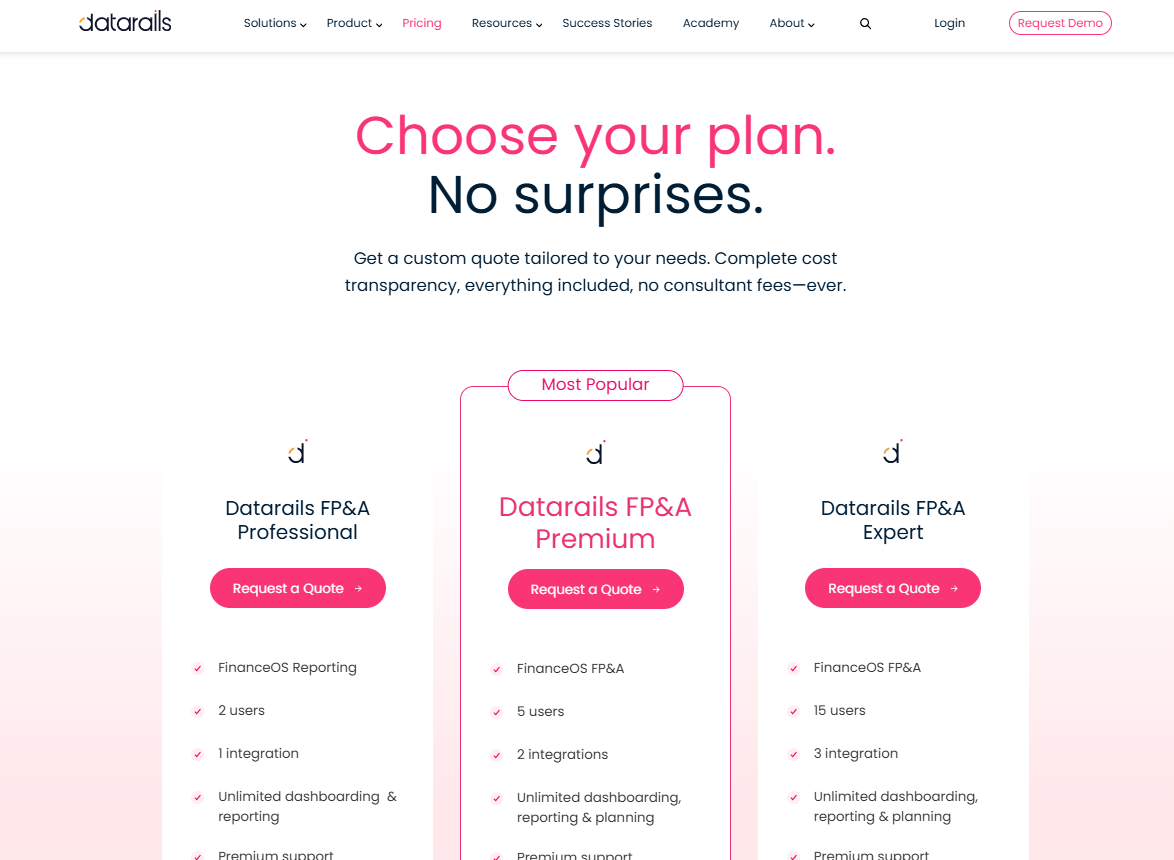
Datarails FP&A software homepage
Datarails automates spreadsheet-based financial analysis and reporting without requiring accountants to abandon Excel.
Finance teams that rely heavily on Excel and need to consolidate financial statements and management reports from multiple data sources without rebuilding existing models. Datarails works well when consistent data mapping is in place and automated data flows are required to keep dashboards and reports up to date.
Custom quote
Use when: Your team has complex, deeply customized Excel models that cannot be rebuilt, yet consolidation and reporting are becoming fragile. Datarails is a fit when preserving existing spreadsheets matters more than redesigning planning workflows.
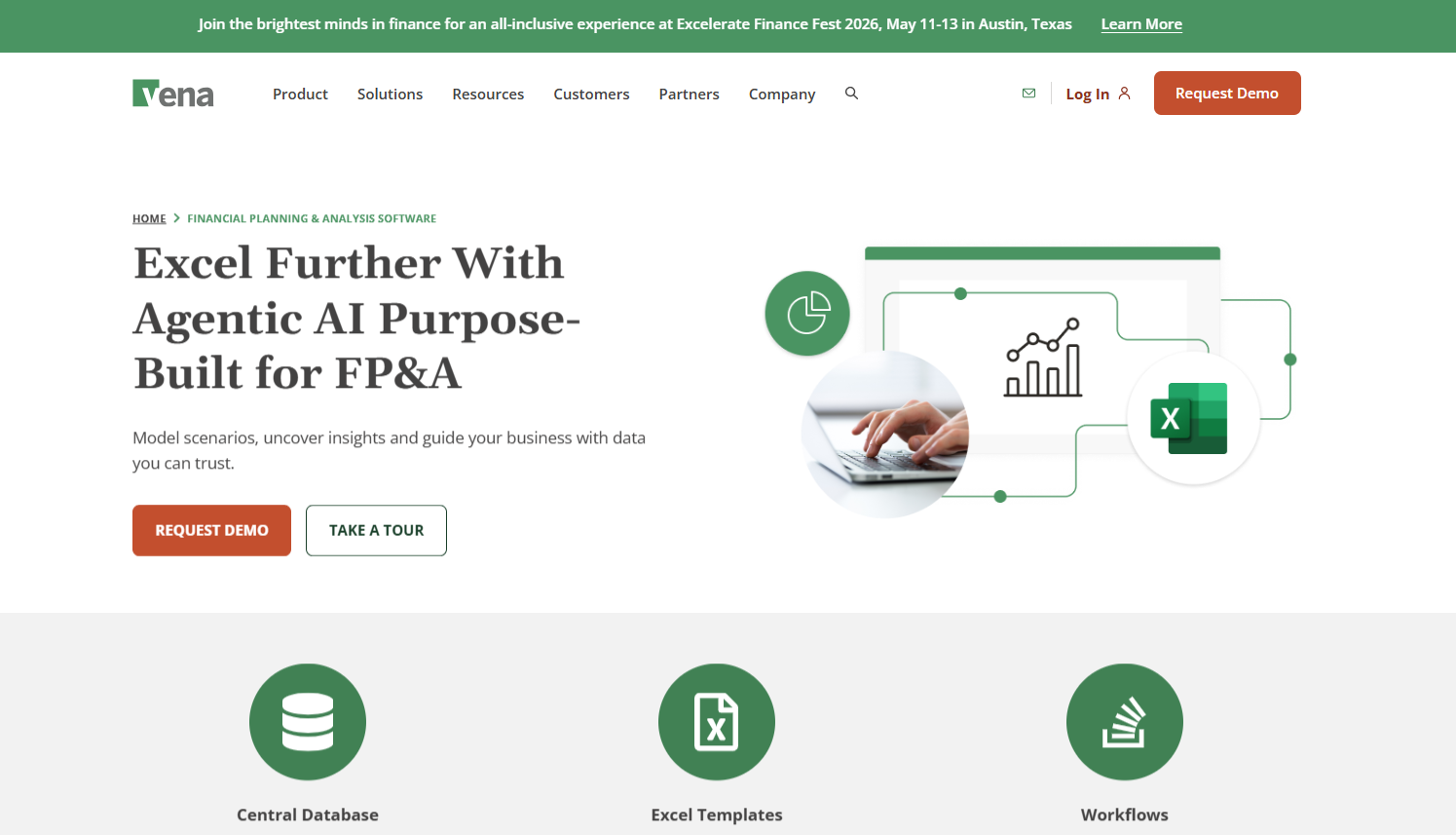
Vena Solutions landing page for financial planning and analysis
Vena combines Excel-based workflows with a centralized planning and reporting engine.
Mid-market to large organizations seeking disciplined, collaborative planning processes while maintaining Excel as the primary interface
Request a demo
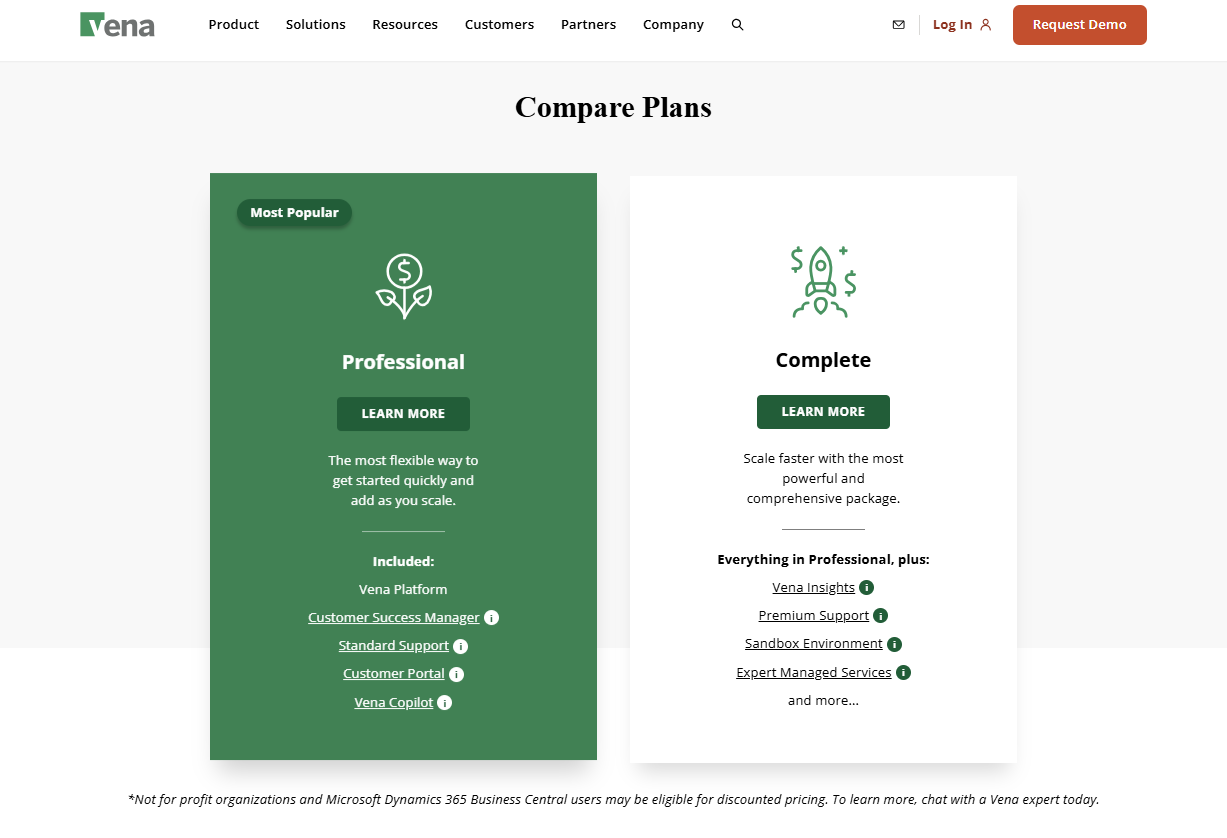
Vena Solutions plans for financial analysis capabilities
Use when: You run structured annual budgets across departments and want standardized templates, approvals, and audit trails while staying in Excel. Vena suits controllers prioritizing governance and consistency over rapid iteration or rolling forecasts.
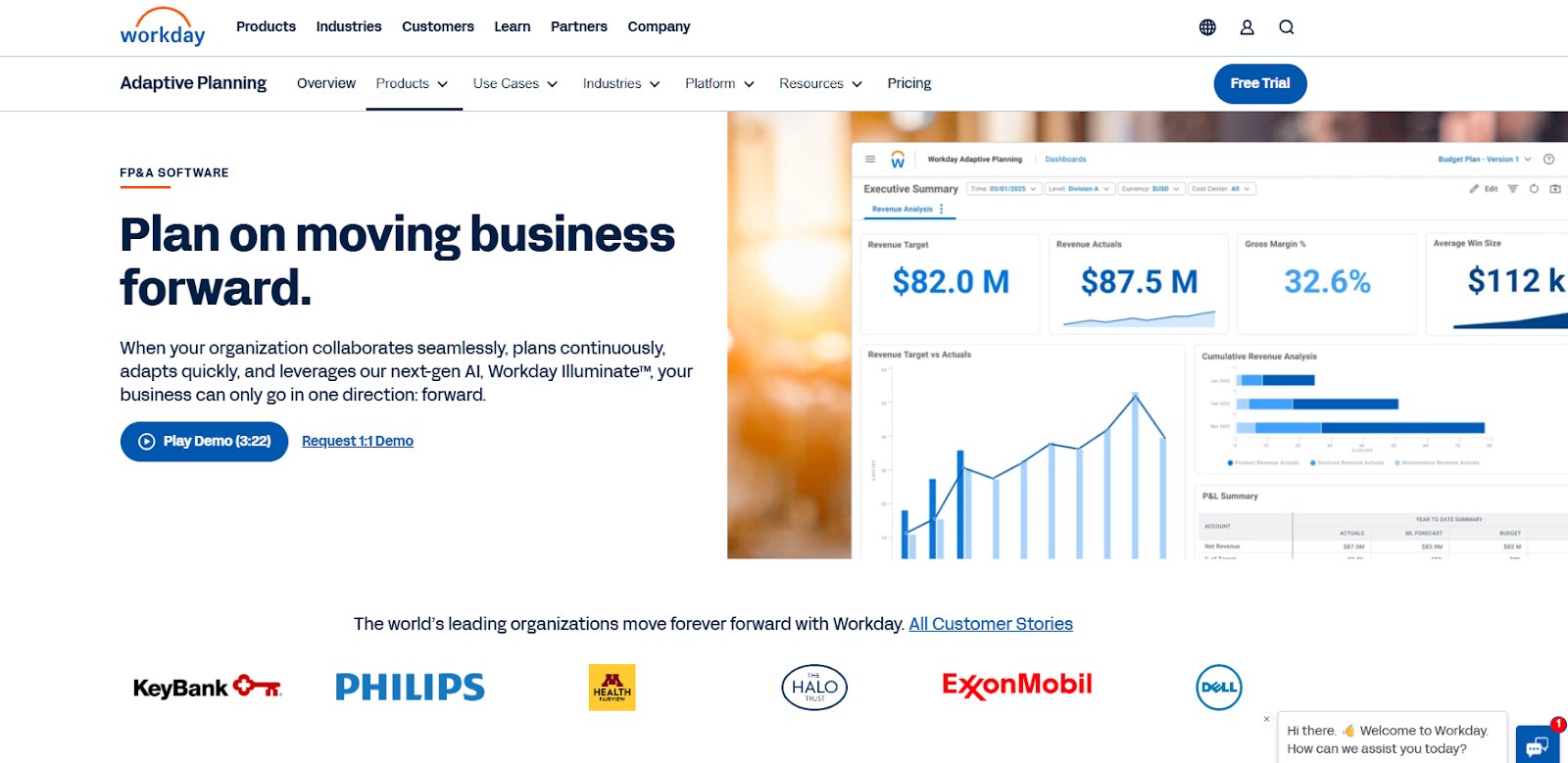
Workday Adaptive Planning financial management software
Workday Adaptive Planning is a widely adopted FP&A solution for larger organizations with complex planning needs.
Large organizations with complex, multi-entity planning requirements seeking enterprise-wide collaboration
Not publicly disclosed (custom enterprise pricing)
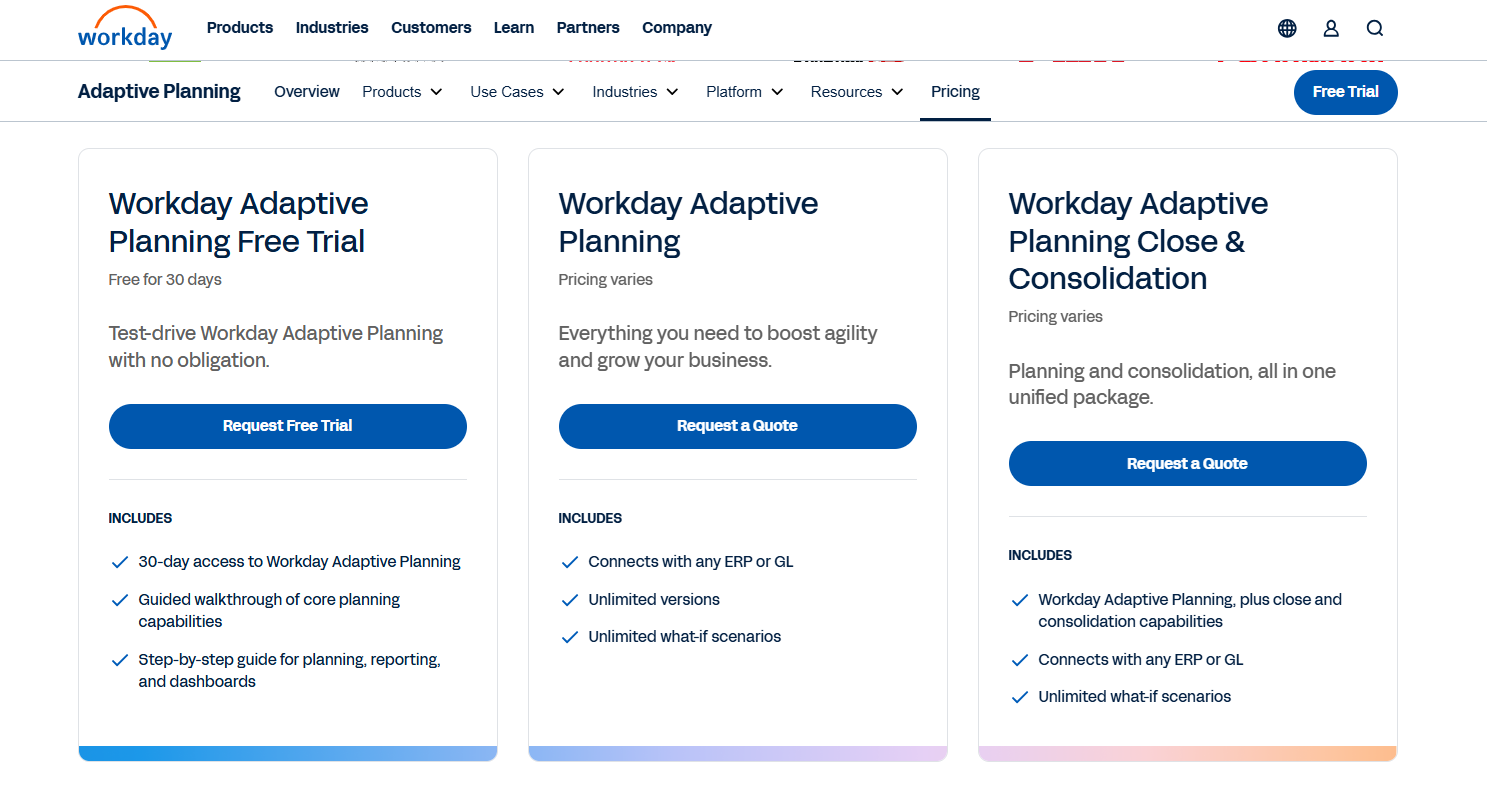
Workday Adaptive Planning pricing plans
Use when: You operate in a large, multi-entity environment with complex workforce planning, operational drivers, and frequent re-forecasting needs. Workday fits organizations with planning maturity and resources to leverage its enterprise-grade capabilities, though its self-service modeling makes it more agile than traditional heavy platforms.
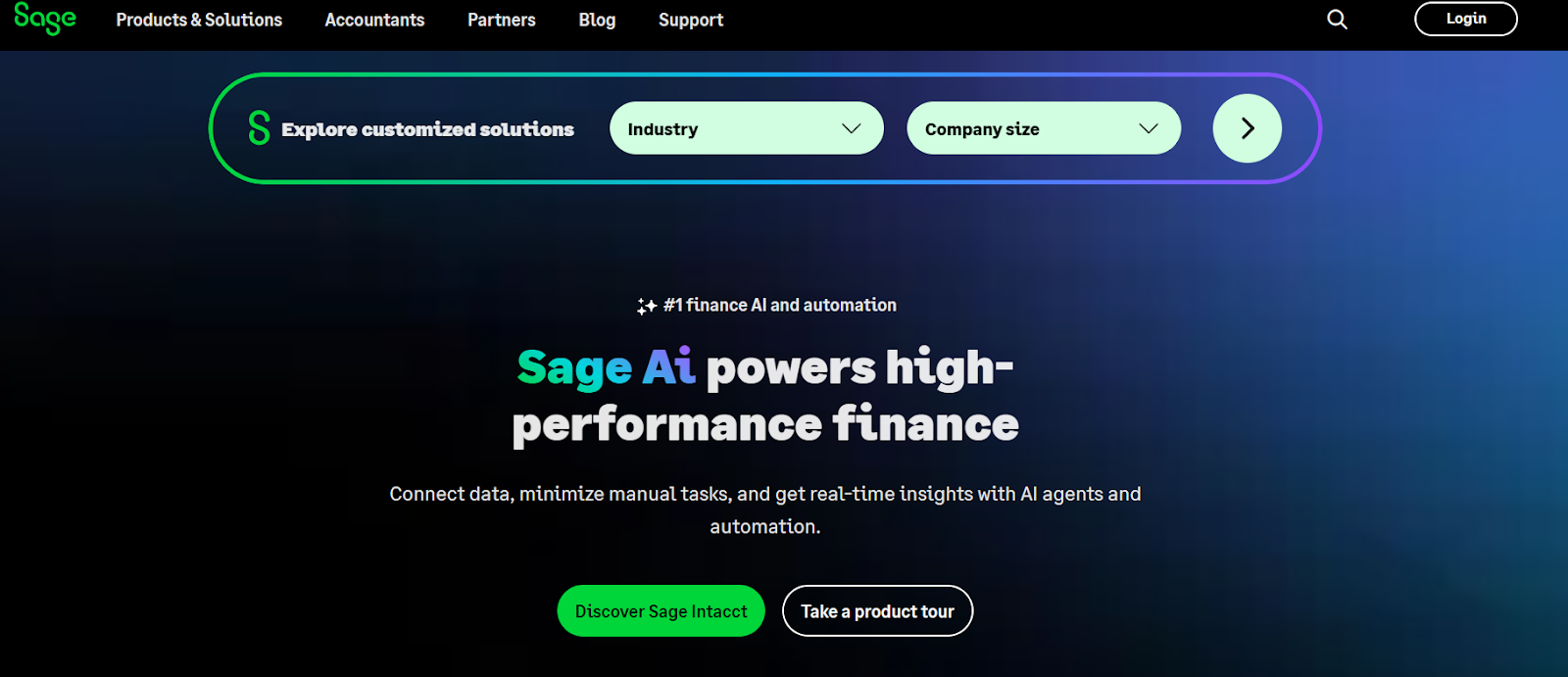
Sage Intacct financial management tool
Sage Intacct is primarily an accounting platform, with built-in reporting and dimensional analysis capabilities.
Accounting-led teams that want integrated reporting and analysis within their core accounting system rather than separate FP&A platforms
Pricing is tailored to your organization based on size, industry, and requirements, so you pay for what you actually need.
Use when: Financial analysis is closely tied to accounting operations and you need strong dimensional reporting across entities. Sage Intacct works best when planning remains accounting-led rather than FP&A-driven.
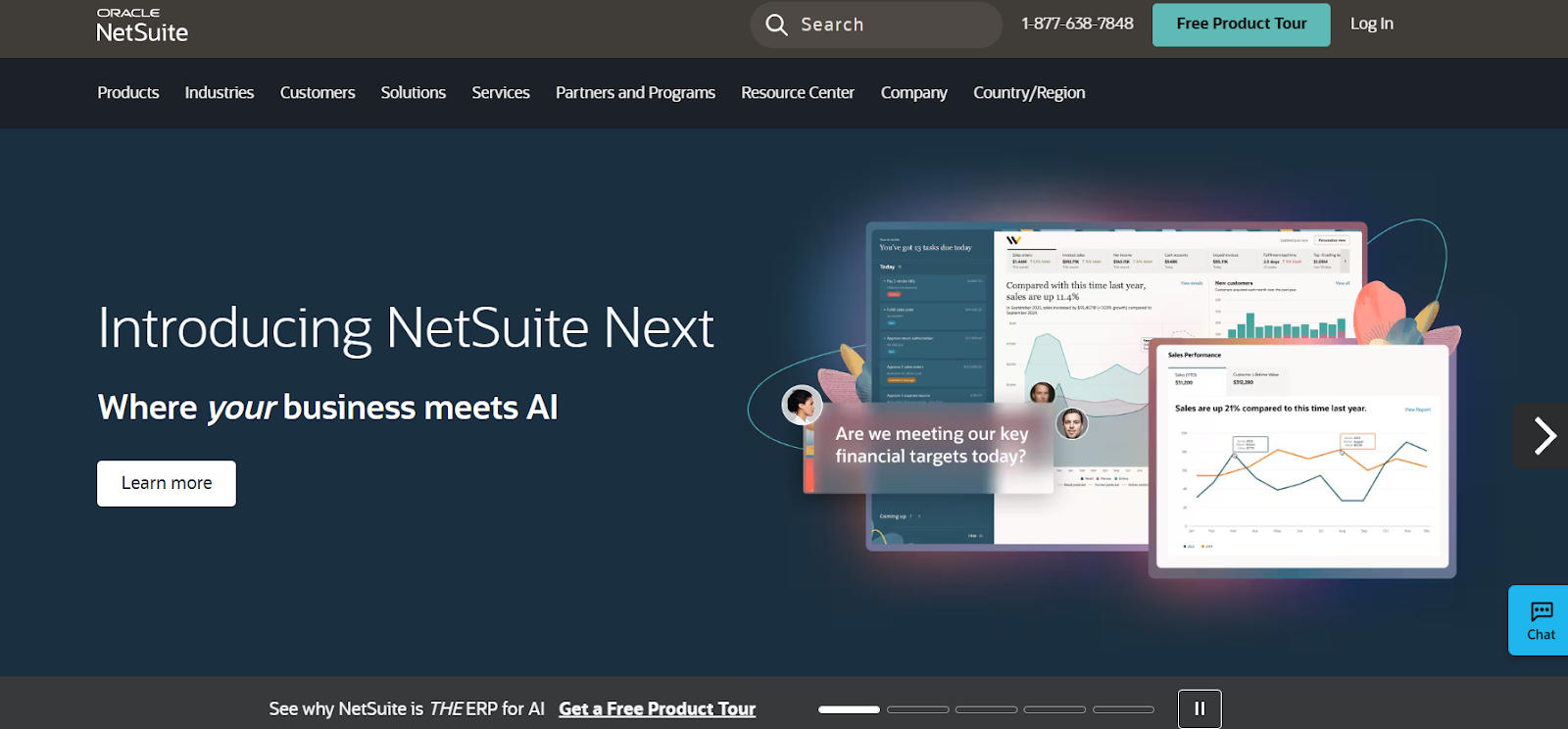
Oracle Netsuite for financial analysis
Oracle NetSuite combines ERP functionality with financial reporting and analytics.
Organizations already running NetSuite ERP
Not publicly disclosed (custom enterprise pricing based on users, modules, and transaction volume)
G2: 4.4/5
Use when: You already run NetSuite ERP and want reporting and basic planning from the same system of record. NetSuite fits controllers prioritizing ERP consolidation, with advanced FP&A handled through add-ons or external tools.
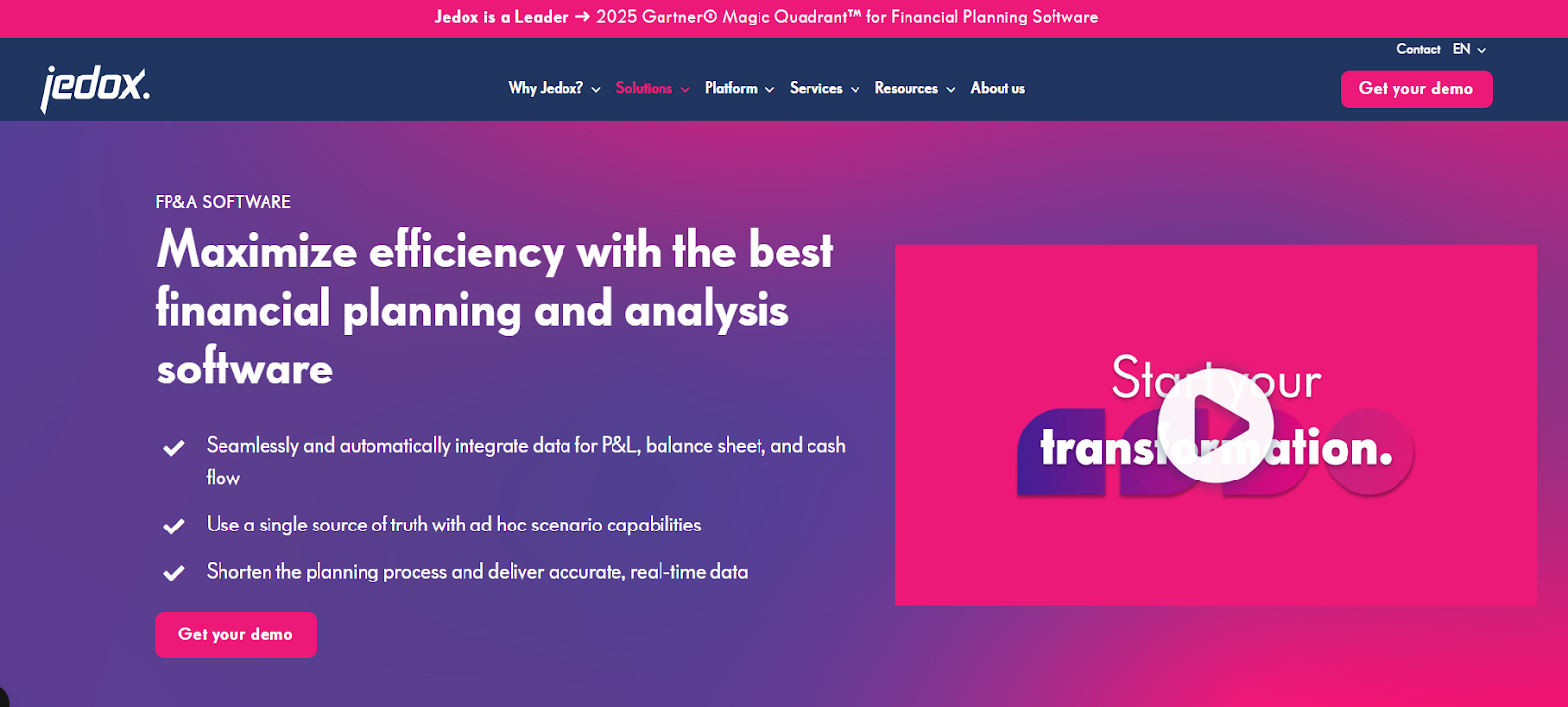
Jedox for financial performance and analysis
Jedox is a unified performance management platform focused on planning, analysis, and reporting.
Finance teams with complex, multi-dimensional modeling requirements spanning financial, workforce, and operational planning
Custom quote
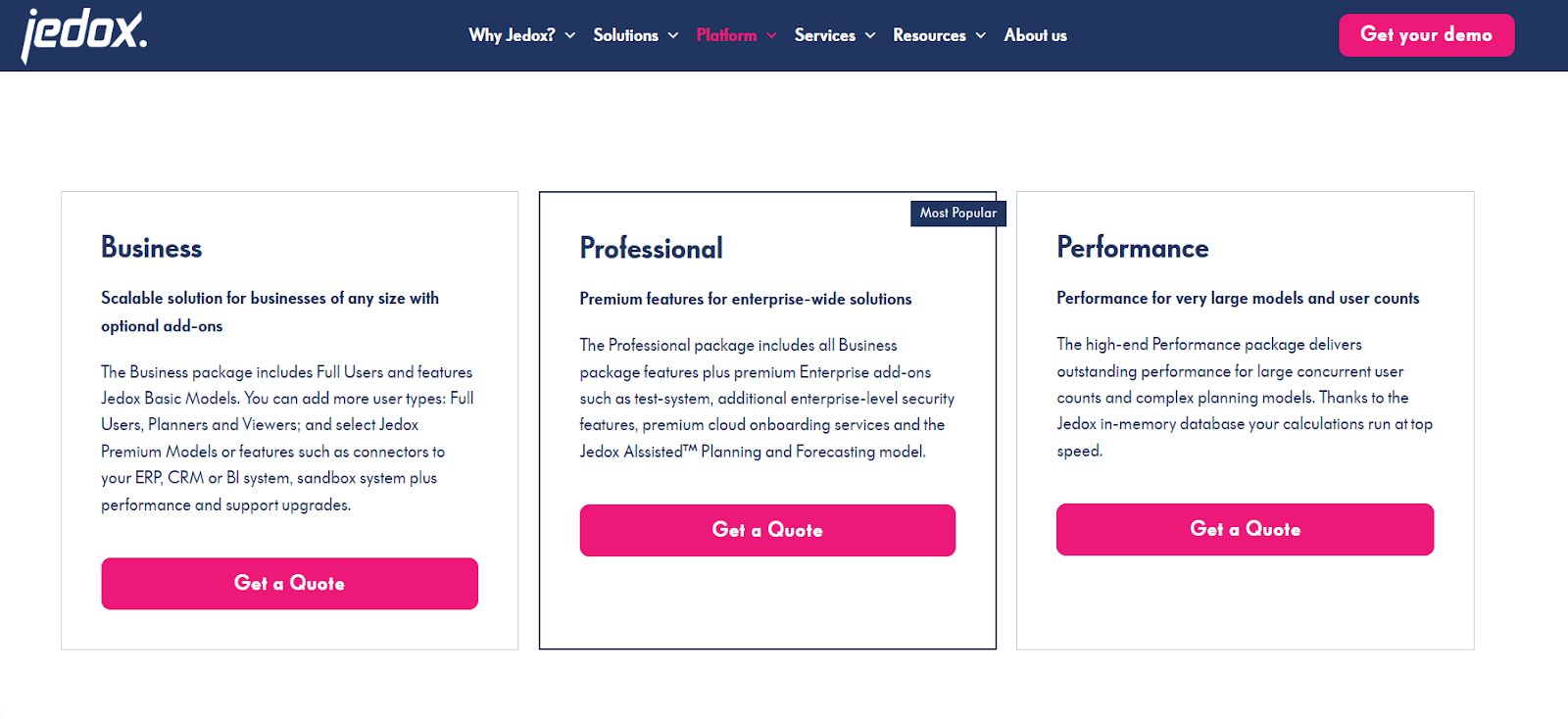
Use when: Your finance team needs advanced modeling, scenario comparison, and multi-dimensional planning across entities. Jedox suits controllers with complex analytical requirements and teams comfortable managing more technical models.
Strong integration with your ERP or accounting system is foundational. Financial analysis tools should pull actuals directly from systems like NetSuite, Sage Intacct, or Microsoft Dynamics without manual exports. This keeps financial data consistent across reporting, forecasting, and planning. When integrations are reliable, finance teams spend less time reconciling numbers and more time analyzing results.
Static reports quickly lose relevance once data changes. Modern platforms support near real-time reporting by refreshing data as often as needed, whether daily or during close cycles. Dashboards help controllers monitor financial performance, spot trends, and answer leadership questions without rebuilding reports. Clear visuals also make it easier to communicate insights beyond the finance team.
Budgeting and forecasting are core use cases, not add-ons. Look for tools that support annual budgets, rolling forecasts, and updates based on actuals. Driver-based models are especially useful, as they link operational assumptions to financial outcomes. This structure allows finance teams to adjust plans quickly when hiring, pricing, or demand changes.
As organizations grow, financial analysis often spans multiple departments, cost centers, or legal entities. Software should support consolidated views without relying on fragile spreadsheet links. Built-in multi-entity consolidation, including currency handling and intercompany eliminations where needed, helps controllers maintain accuracy as financial operations become more complex.
Variance analysis is essential for understanding why results differ from plan. Effective tools allow finance teams to compare actuals against budget or forecast, drill into variances by department or account, and explain changes clearly. This capability supports stronger financial reporting and more productive conversations with business leaders.
Adoption matters. Tools that feel intuitive or align with familiar workflows reduce training time and resistance from finance teams. Many platforms offer spreadsheet-like interfaces or guided modeling environments, balancing structure with flexibility. When software is easy to use, controllers can standardize financial processes without slowing the team down.
Together, these features form the foundation of reliable financial analysis and help finance teams move beyond spreadsheet-driven workflows with confidence.
Start by mapping how financial analysis happens today. Identify where data originates, how it moves between systems, and where spreadsheets fill the gaps. Controllers should note how much time is spent exporting data, reconciling versions, or validating numbers before analysis even begins.
Research shows that organizations waste 45% of their FP&A team’s time on manual data preparation and reconciliation when using spreadsheet-based processes. These friction points clarify what the new tool must fix first and help quantify the potential return on investment.
Be specific about the type of financial analysis your team performs. Some teams focus heavily on budgeting and forecasting, while others spend more time on variance analysis, scenario planning, or departmental reporting. Clarifying whether you need rolling forecasts, driver-based planning, multi-entity consolidation, or predictive analytics helps narrow the field quickly and avoids paying for capabilities you will not use.
Leading finance functions prioritize must-have versus nice-to-have functionality early in the selection process, ensuring the solution aligns with strategic objectives rather than just feature lists.
Integration quality often determines success or failure. Confirm which accounting systems, ERPs, HR platforms, and operational tools must connect to the platform. Ask whether integrations are native, API-based, or require third-party connectors; how frequently data refreshes; and how integration errors are detected and handled.
Strong integration reduces manual intervention, minimizes data latency, and protects confidence in financial data. Before starting, finalize integration points and ensure a common data foundation exists across systems.
Adoption depends on usability and effective change management. Finance teams with deep spreadsheet experience often prefer tools that preserve Excel familiarity while adding governance and automation. However, even intuitive platforms require a structured approach to training and buy-in.
Best practices include starting with small, cross-functional groups of early adopters; scoring small but visible wins; and building a strong internal knowledge base before full rollout. Assess how much training your team can realistically absorb, whether the vendor provides role-based onboarding, and whether the interface supports day-to-day processes without adding complexity.
Pricing structures vary widely. Mid-market solutions like Limelight, Cube, or Datarails range from $1,400–$2,000+ per month, while enterprise platforms such as Workday Adaptive Planning start at $60,000–$100,000 annually.
Most vendors use per-user, per-month models, though some offer flat-fee or usage-based pricing. Beyond subscription fees, factor in implementation services, data migration, premium support, and scalability costs as your organization grows. Transparent, predictable pricing makes long-term planning easier and prevents budget overruns.
Finally, see the tools in action. Demos and trials help validate how the software handles real workflows, not just polished use cases. Conduct proof-of-concept testing with actual reporting or forecasting scenarios, and involve end-users in the evaluation to gather feedback on usability and functionality.
Test integration points, data refresh performance, and model flexibility before committing. A structured evaluation process, including an RFP, scoring matrix, and reference checks, significantly increases the likelihood of selecting a solution that delivers measurable improvements in speed, accuracy, and insight.
For controllers and finance teams that have outgrown spreadsheets but want to avoid the cost and complexity of traditional enterprise platforms, Limelight fills a practical middle ground. It delivers structured FP&A capabilities while keeping workflows familiar and flexible for day-to-day finance work.
Limelight connects directly to existing ERP and accounting systems, including Sage Intacct, NetSuite, Microsoft Dynamics, and other major ERPs. Financial data flows automatically into plans, forecasts, and reports, reducing manual uploads and reconciliation. This allows controllers to work from consistent, current data rather than static exports.
Limelight’s spreadsheet-like interface is a key reason it resonates with accounting-led teams. Finance users work in a familiar grid-based environment while benefiting from centralized data management, role-based access controls, audit trails, and approval workflows. Template-driven, configurable modeling allows teams to build and adjust plans without writing code or relying heavily on IT, shortening planning cycles and improving ownership.
In customer case studies, finance leaders often describe a shift away from maintaining sprawling spreadsheets toward deeper analysis and decision support. As Megan Koren, VP of Finance, explains, “Limelight was the right choice for our team. We were able to create forecasts and new metric reports that better guide our business decisions.”
For controllers looking to modernize financial processes without adding unnecessary complexity, Limelight offers a finance-owned approach to FP&A that is structured enough to replace manual spreadsheets and intuitive enough for broad adoption across the team.
See how Limelight helps controllers work faster. Request a demo.
Financial analysis software for accountants supports planning, forecasting, and performance analysis using financial data from accounting systems. Unlike bookkeeping tools, it focuses on budgeting, variance analysis, scenario planning, and financial reporting. These platforms are commonly used by controllers, FP&A analysts, and finance managers to evaluate financial performance and support decision-making.
Accounting software records transactions, manages the general ledger, and supports compliance and audits. Financial analysis software works on top of that data. It interprets historical and current financial data to support forecasting, budgeting, and analysis. Rather than capturing what happened, it helps finance teams understand trends and evaluate what may happen next.
At a minimum, financial analysis software should integrate with your primary accounting or ERP system so actuals flow into reports and forecasts automatically. Common integrations include general ledger, payroll, and billing systems. Strong integration reduces manual data entry, supports consistent financial reporting, and improves trust in financial data across finance teams.
Excel remains useful for ad hoc analysis, but it becomes harder to manage as financial processes grow. Version control, manual updates, and limited audit visibility create risk over time. Specialized financial analysis software like Limelight adds structure, centralized data, and repeatable processes while still supporting spreadsheet-style workflows where needed.
Pricing varies widely depending on vendor, features, and company size. Some tools charge per user, others by module or data volume. Entry-level pricing for mid-market platforms often starts in the low thousands per month, while enterprise solutions can be significantly higher. Implementation, support, and scalability should be considered alongside subscription cost.
For accounting firms, multi-entity support, strong data segregation, standardized reporting, and efficient consolidation are critical. However, many financial analysis platforms are designed for internal finance teams rather than client services. Firms serving multiple clients often rely on a combination of accounting software and reporting tools tailored to external delivery needs.
Subscribe to our newsletter