
%20(1).svg)
Best AI Finance Tools for FP&A Teams in 2026
By Laks Satchi |
Last Updated: July 09, 2026
Finance leaders are being pitched AI from every direction, and most of it sounds the same. The job of this guide is to cut through the noise and shortlist AI finance tools that fit how your FP&A team actually works, what stack you run, and what problems you are paying to solve.
AI adoption inside finance has grown from 37% in 2023 to 59% in 2025 according to the 2025 Gartner AI in Finance Survey of 183 CFOs and senior finance leaders, and Gartner expects 90% of finance functions to deploy at least one AI-enabled solution by 2026. The live question for most CFOs is no longer whether to adopt AI in finance. It is which tools clear the bar for security, integration, and adoption inside a real finance team. This guide covers ten platforms worth shortlisting for FP&A, four accounting tools for adjacent workflows, and a five-point framework you can take into vendor conversations.
|
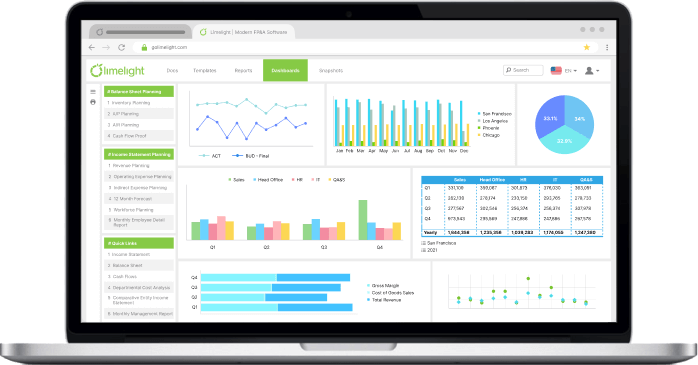
Short on time? For mid-market FP&A teams running on Sage Intacct, NetSuite, Sage 300, or Microsoft Dynamics, Limelight AI is purpose-built for the workflow. |
Before getting to the shortlist, it helps to be precise about the problem AI is actually solving for FP&A. The honest answer is narrower than vendor decks suggest, and that narrowness is where the value lives.
Walk into any FP&A team in 2026 and you will still find senior analysts copying numbers between spreadsheets. The work has not gone away. Most finance teams continue to spend a meaningful share of every month on tasks that are repetitive, mechanical, and prone to human error: data consolidation, version control, variance commentary, and board pack updates.
The cost shows up in two places. First, you pay senior people to do junior work, which slows down everyone above them. Second, you trade speed for accuracy at month-end, then accuracy for speed during the budget cycle, and rarely get both. AI tools that fit cleanly into FP&A workflows are now mature enough to take a real chunk of that work off the team's plate.
Four FP&A workflows are seeing real productivity gains from AI right now.
Be clear-eyed about the limits. AI does not yet handle judgment calls well. When the numbers say one thing and your knowledge of the business says another, AI will side with the numbers. Audit trails for AI-generated content are still maturing, which matters in regulated industries. Edge cases such as acquisitions, restructurings, and one-off accruals still need human hands. Treat AI as a force multiplier for senior FP&A talent. The judgment work still belongs to humans.
|
DID YOU KNOW? |
Knowing which workflows AI helps with is half the work. The other half is choosing tools that fit how your team already operates. Most AI finance tool reviews skip the part where you decide what you actually need. Here is the framework we use when finance leaders ask us for a sanity check on their shortlist.
The single biggest predictor of whether an AI finance tool will succeed inside your team is how cleanly it pulls data from your ERP and pushes results into Excel or Power BI. Ask vendors a direct question: do you have a pre-built connector for my ERP, or am I paying for an integration project? Native Sage Intacct integration or NetSuite integration is structurally different from "we use middleware," which tends to add another six weeks of implementation time on the back end.
Where does your data live, and what does the vendor do with it? Three questions separate enterprise-grade tools from consumer LLMs in a finance suit.
AI for FP&A is a different product category from AI for accounting. Planning platforms (Limelight, Vena, Planful, Anaplan) handle forecasts, budgets, and scenario models. AI tools for accounting (Trullion, Vic.ai, Stampli) handle close, AP, and compliance. Buying the wrong category and forcing it into your workflow is the most common mistake we see.
If you are unsure where your team's work sits on that line, see our breakdown of FP&A vs accounting before you shortlist tools.
The license fee is the headline. The bill is bigger. Add implementation services (often 20% to 50% of year-one license cost), training time for the team, premium AI add-ons that fall outside the base license, and the cost of any data infrastructure you need to build. Limelight pricing offers an unlimited-user model that simplifies this calculation. Most enterprise alternatives price per seat plus modules, which adds complexity to the three-year forecast.
The best tool you cannot get your team to use is worth less than a worse tool everyone adopts. Demo the product with a real analyst, not the vendor's solutions engineer. Watch how long it takes that analyst to do something they do every week today. If onboarding requires a six-month change program, factor that into the buy decision.
|
|
With the framework in hand, here are the ten platforms that show up most often on FP&A shortlists in the mid-market and enterprise. The list starts with the comparison table, then covers each tool individually with what it is, who it is best for, key features, integrations, pricing, and an honest take on where it shines and where it falls short. For a deeper side-by-side on three of these platforms, see our Planful vs. Datarails vs. Limelight comparison.
|
Tool |
Best for |
Key strength |
Pricing tier |
|
Limelight |
Mid-market finance teams that with modern planning & reporting |
Integrated AI for commentary, narrative insights and report building |
Mid-market |
|
Vena Copilot |
Excel-native finance teams |
Excel as the planning UX, AI on top |
Mid to enterprise |
|
Datarails Genius |
Small to mid-size FP&A |
AI commentary inside Excel-first workflows |
SMB to mid-market |
|
Planful Predict |
FP&A inside a broader close and consolidation suite |
Forecasts plus continuous anomaly signals |
Mid to enterprise |
|
Workday Adaptive |
Enterprises already on Workday HCM or Financials |
Native Workday integration, deep workforce planning |
Enterprise |
|
Anaplan PlanIQ |
Cross-functional enterprise planning |
Deepest multi-dimensional modeling |
Enterprise |
|
Cube |
SMB and lower mid-market spreadsheet teams |
Two-way Excel and Google Sheets sync |
SMB to mid-market |
|
Pigment |
High-growth, cross-functional planning |
Modern, visual, collaborative interface |
Mid-market |
|
Microsoft Copilot for Finance |
Teams already on Microsoft 365 |
AI inside Excel, Outlook, Teams |
Per-user add-on |
|
Domo.AI |
BI-led finance and analytics teams |
AI agents on top of a data platform |
Mid to enterprise |
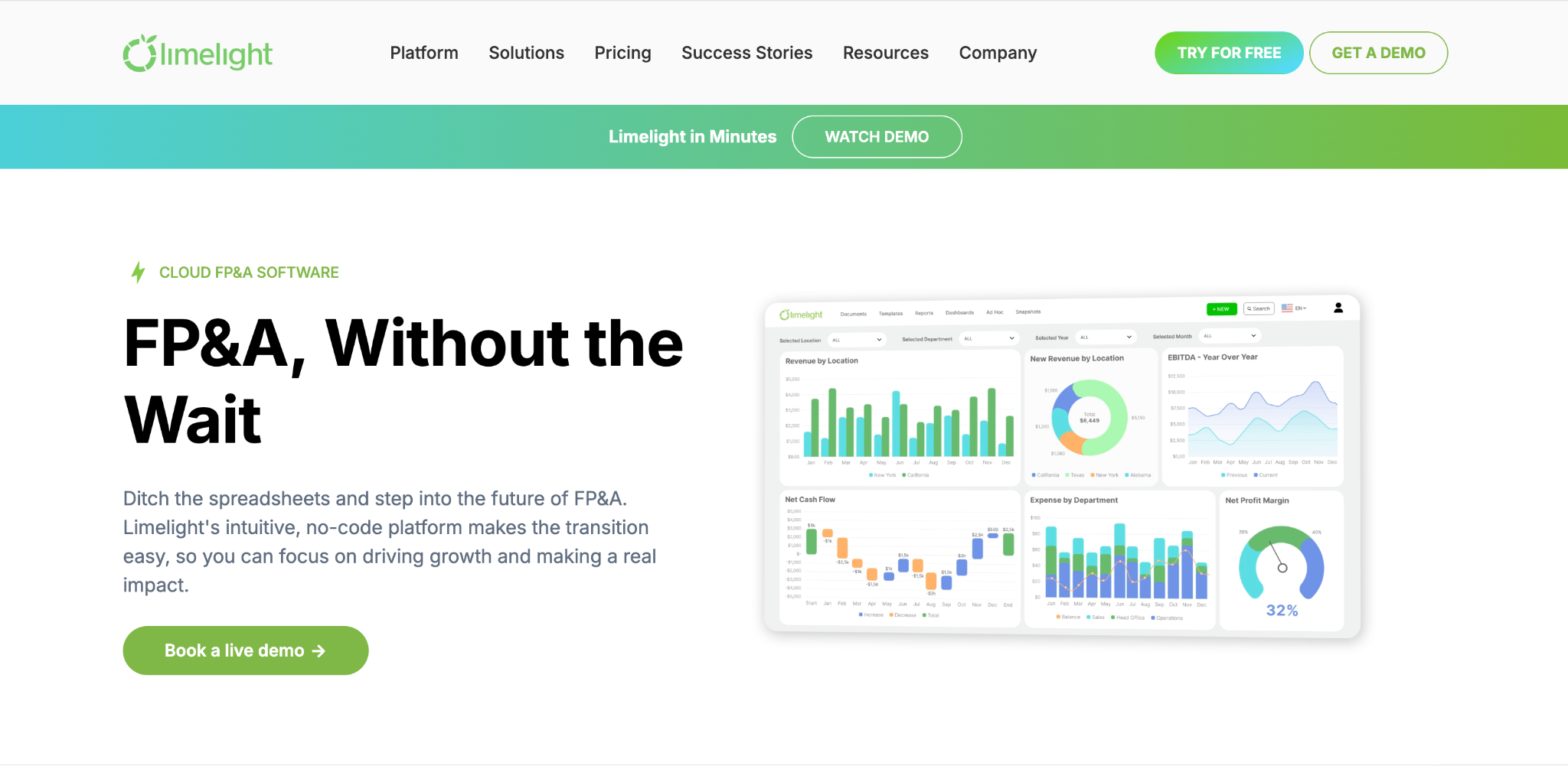
Limelight is a cloud-native FP&A platform that combines budgeting, planning, forecasting, and reporting in one workspace. Its AI suite, Limelight AI, ships with three integrated components: AI Insights for variance explanations and anomaly detection, AI Assistant for natural-language Q&A on reports, and AI Forecaster for auto-generated forecasts and what-if scenarios that blend historical data with market intelligence. Underneath that sits an analytical engine that lets finance teams build, modify, and audit their own models without depending on external consultants.
Best for: US and Canada-based mid-market organizations with 500 to 5,000 employees running on Sage Intacct, Oracle NetSuite, Sage 300 or Sage X3, or Microsoft Dynamics. Strong fit for nonprofits, higher education, healthcare, software, hospitality, and insurance.
Key features: AI Insights, AI Assistant, and AI Forecaster as a single integrated suite, not three bolted-on modules
Integrations: Sage Intacct, Oracle NetSuite, Sage 300, Sage X3, Microsoft Dynamics, SAP, Blackbaud, QuickBooks Online, plus Excel and Power BI. SOC 2 certified.
Pricing: Limelight pricing uses a subscription model with a starter plan for five users and an unlimited-user option, plus fixed-fee Ready-to-Go FP&A packages. No data restrictions or feature limits at any tier. Discounts available for nonprofits and volume purchases. Implementations launch within 90 days, with some customers going live in two to three weeks.
Honest take: Limelight is purpose-built for finance teams that want to own their models. The unlimited-user pricing and the integrated AI suite are the two things that separate it from the field. Triple Crown Sports cut report build time by 98%. Communication Service for the Deaf cut its budget cycle in half after implementation. Less suited for very small teams under 50 employees, where lighter-weight tools fit the workload better.
.png?width=992&height=335&name=CTA%201%20(3).png) 2. Vena Copilot
2. Vena Copilot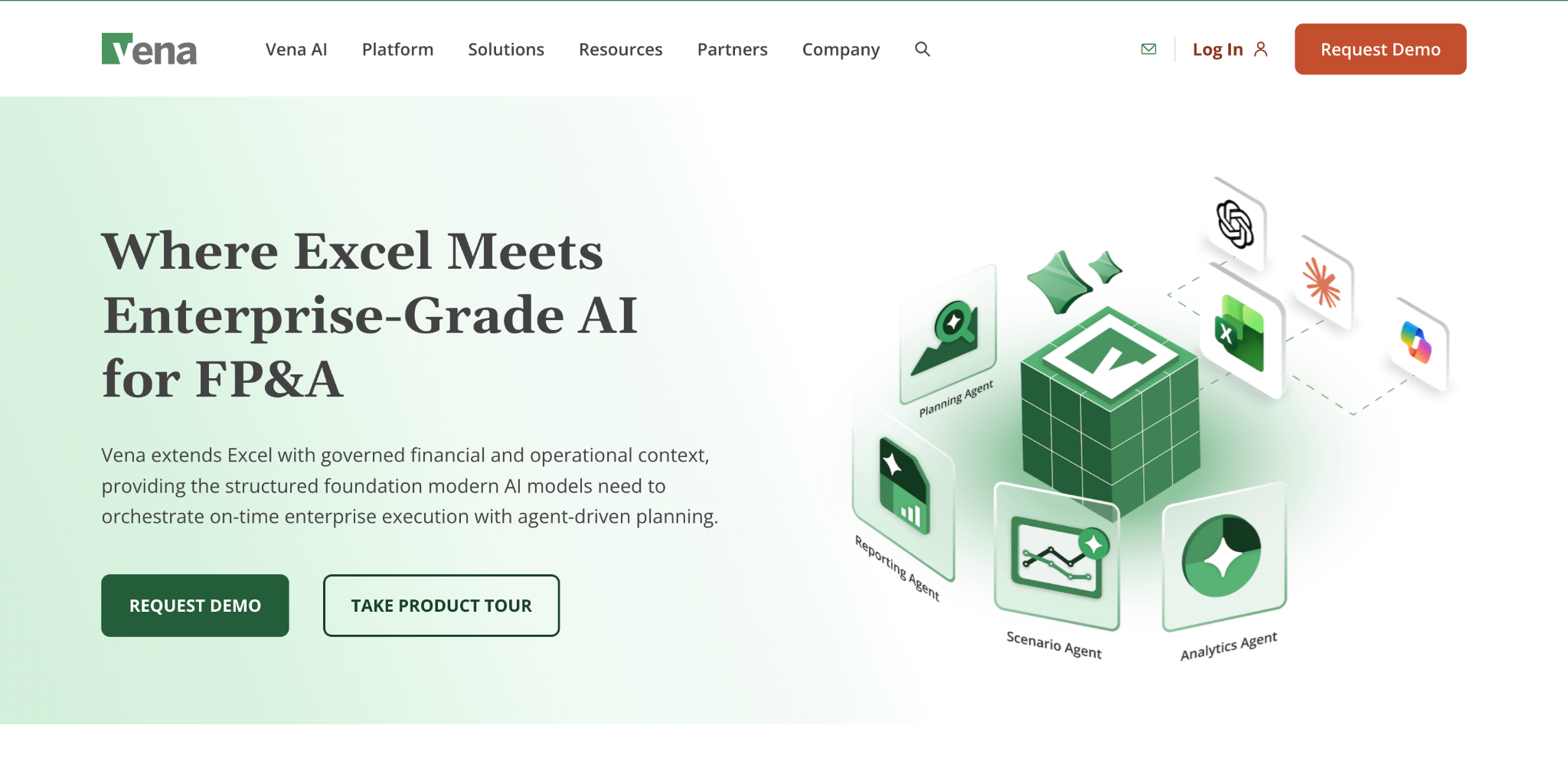
Vena Copilot is an AI assistant layered on top of the Vena planning platform. Vena's defining architectural choice is Excel as the user interface: spreadsheets sit on top of a structured database, and the platform pushes and pulls data between the two. Copilot uses generative AI to answer questions in natural language, draft variance narratives, and surface insights from inside the Vena environment, while Vena Insights extends reporting through embedded Power BI.
Best for: Mid-market and enterprise finance teams that want their planning platform to feel like Excel, are already deep in the Microsoft 365 stack, and are willing to invest in implementation services to get there.
Key features:
Integrations: Most major ERPs, CRMs, and HRIS systems. Tight integration with Excel, Microsoft Teams, and Power BI.
Pricing: Available as part of the Vena platform on a custom-quoted basis. Vena does not publish per-seat pricing. Implementation services are typically priced separately and run from several weeks to several months depending on complexity.
Honest take: Vena Copilot is well-built and Excel-native, which is a real advantage if your team lives in spreadsheets and refuses to leave them. The trade-off is that Vena implementations tend to run longer and cost more than the mid-market category average, and the Excel-first architecture can become a constraint as modeling complexity grows. Reviewers consistently praise the Excel familiarity and flag implementation time and learning curve as the friction points. Worth shortlisting when Excel-first is a hard requirement and the team has the budget for a longer rollout.
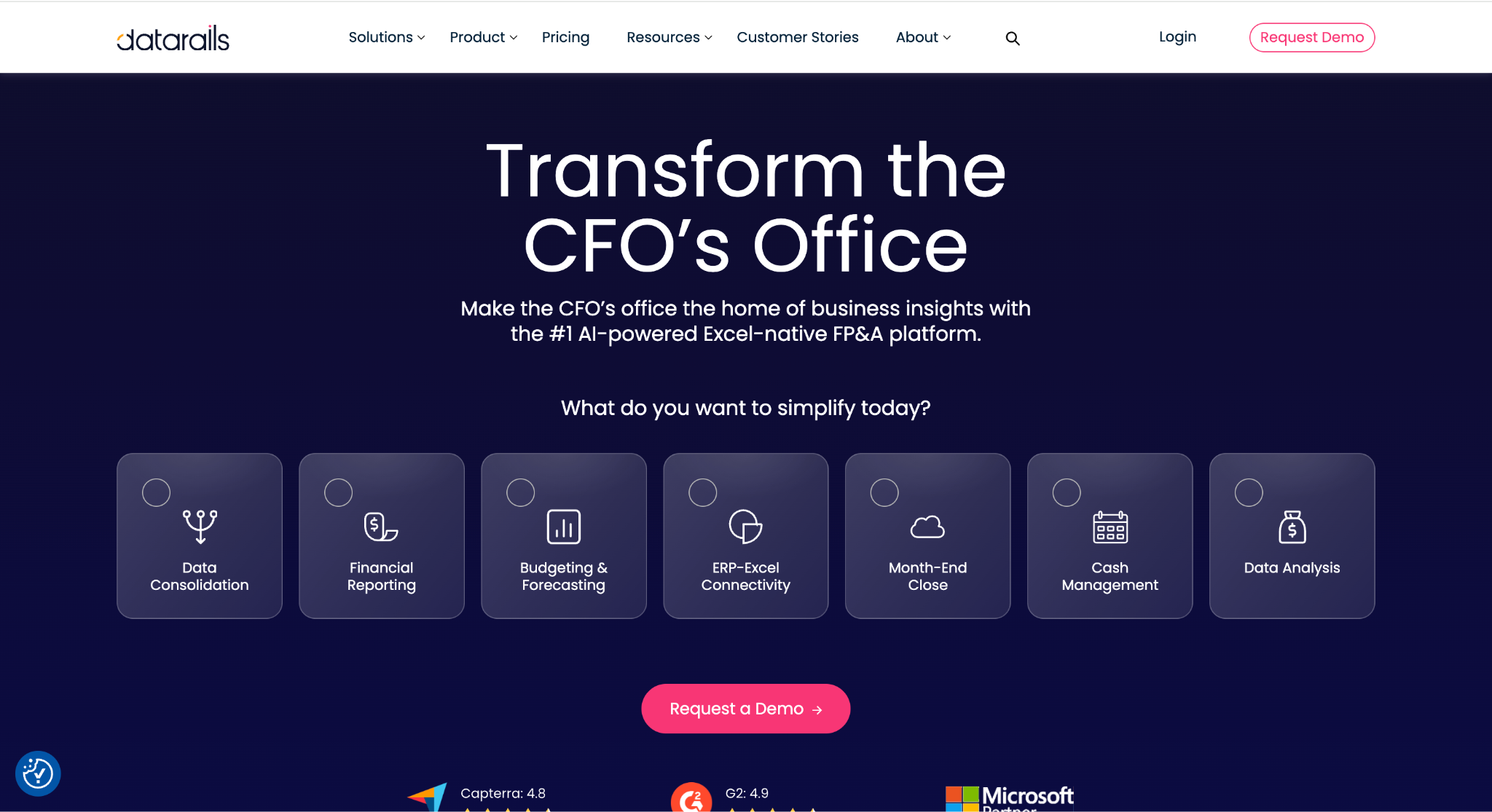
Datarails Genius is the AI assistant inside the Datarails FP&A platform. The platform itself is built around the same thesis as Vena: keep finance teams in Excel and centralize data underneath. Genius adds generative AI for summarizing performance, drafting commentary, and surfacing trends from data already consolidated in Datarails. It is squarely focused on the smaller end of mid-market.
Best for: Small to mid-sized FP&A teams (typically under $500M revenue) that want to keep working in Excel, do not want to rip out their existing models, and need AI on top of what they already have.
Key features:
Integrations: ERP and source-system data through the Datarails platform; Excel-native interface; integrations with QuickBooks, NetSuite, Sage Intacct, Microsoft Dynamics, and others.
Pricing: Custom pricing. Datarails generally lands at a lower price point than Vena and significantly below enterprise platforms like Anaplan. Implementations are typically faster than Vena's, with most teams live in 6 to 12 weeks.
Honest take: Datarails sits comfortably at the smaller end of mid-market. The platform sits on top of your existing Excel workflow rather than replacing it, which lowers the change-management burden but limits how far you can scale modeling complexity. Teams pushing into multi-entity consolidation, complex workforce planning, or sophisticated scenario modeling often hit the ceiling. Genius itself is a useful add-on rather than a category-defining AI feature, and it works best when the underlying Datarails data model is already clean.
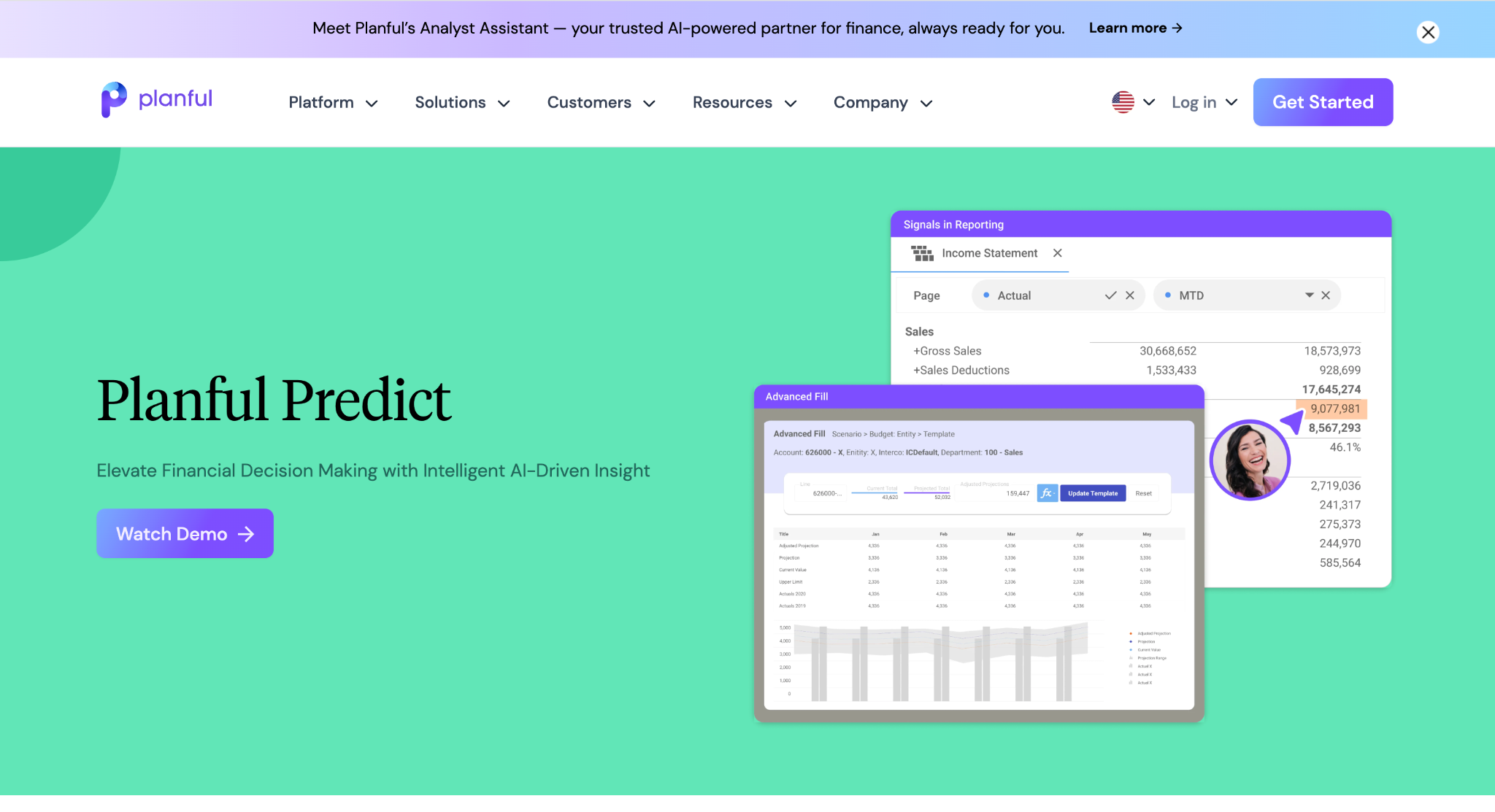
Planful Predict is the AI layer inside the Planful platform (formerly Host Analytics). It has two main modules. Predict: Projections generates baseline forecasts from historical data. Predict: Signals continuously scans data for anomalies and risky variances. Planful itself is a broad financial performance management suite covering planning, close, and consolidation.
Best for: Mid-market and enterprise FP&A teams that want one vendor for planning, close, and consolidation, and value structured workflows with formal approval routing and version control.
Key features:
Integrations: NetSuite, Sage Intacct, Microsoft Dynamics, SAP, Workday, Oracle, and major data warehouses such as Snowflake. Reviewers note that data synchronization is typically scheduled rather than continuous, which means batch refreshes are common.
Pricing: Available as part of the Planful platform on a custom-quoted basis. Implementations typically take several months, with multi-entity rollouts running longer. Implementation partners are common.
Honest take: Planful is a broad suite, which is good if you want one vendor across planning, close, and consolidation. The trade-off is that depth in any one area is sometimes traded for breadth across all of them. Predict itself is competent but not category-defining. Where Planful genuinely shines is structured governance: approval workflows, version control, and audit trails make it a strong fit for regulated industries and finance functions that need formal controls.
Originally Adaptive Insights, acquired by Workday in 2018 and rebranded as Workday Adaptive Planning. It is a cloud planning platform with AI features layered into forecasting, workforce planning, and reporting. Its strongest selling point is the integration into Workday's broader HCM and Financials stack.
Best for: Larger enterprises already running Workday HCM or Workday Financials, where the integration into the rest of the Workday stack is the primary draw. Workforce planning is a particular strength.
Key features:
Integrations: Native into Workday HCM and Workday Financials, plus most major ERPs through standard connectors.
Pricing: Custom-quoted, generally at the higher end of the market. Implementation timelines are longer than mid-market alternatives, often six months or more for enterprise deployments.
Honest take: Adaptive is mature, well-supported, and powerful, particularly for workforce-heavy planning. If you are not already on Workday, the value proposition is meaningfully weaker, since much of the differentiation comes from the native Workday integration. Workday's pricing model and implementation footprint also push it toward enterprise buyers; mid-market organizations often find the platform powerful but heavier than they need.
Teams in that position often weigh alternatives to Workday Adaptive Insights.
Anaplan PlanIQ is the AI module built on top of Anaplan's connected planning platform. Anaplan's underlying architecture (the Hyperblock engine) is designed for genuinely complex, multi-dimensional planning across finance, supply chain, sales, and workforce. PlanIQ adds machine learning forecasting and predictive analytics on top of that foundation.
Best for: Large enterprises with complex, cross-functional planning needs. Sales and operations planning (S&OP) at scale, multi-tier supply chain planning, and global financial consolidation are all strong use cases.
Key features:
Integrations: Most major ERPs, data warehouses, and BI tools. Connectors are mature but typically require implementation services to configure for specific business logic.
Pricing: Custom, generally priced for the upper enterprise market. Implementation timelines run six to twelve months or longer for full enterprise deployments, often involving a system integrator.
Honest take: Anaplan is the most powerful tool on this list for genuinely complex, cross-functional planning. It is also the most expensive and the most demanding to implement. For pure FP&A inside a mid-market organization, Anaplan is usually overkill. The modeling capability is impressive, but the implementation cost and ongoing administrative burden are hard to justify when a leaner platform would do the job.
Cube is a spreadsheet-native FP&A platform built on a clear thesis: finance teams will not leave Excel and Google Sheets, so the platform meets them there. Cube connects to your ERP, lets your team plan inside spreadsheets, and adds AI features for forecasting and reporting on top of that workflow.
Best for: Small to mid-market finance teams (typically under $250M revenue) that want to keep using spreadsheets but need a controlled, audited connection to source data. Companies that scaled past the QuickBooks-plus-Google-Sheets stage but are not ready for a full enterprise FP&A platform.
Key features:
Integrations: Standard ERP connectors (NetSuite, QuickBooks, Sage Intacct), Excel, Google Sheets, plus connections to common HRIS and CRM systems.
Pricing: Cube publishes starter pricing tiers (uncommon in this space) and offers custom enterprise pricing. Generally lower than enterprise alternatives.
Honest take: Cube has done a strong job marketing to the smaller end of mid-market, and the product is genuinely fast to deploy. The Google Sheets support is a real differentiator for teams that have standardized on Workspace. For finance teams that need deeper FP&A modeling capability such as workforce planning, complex multi-entity consolidations, or scenario modeling at scale, Cube starts to show its limits. It is built for the spreadsheet-first phase of a finance team's life.
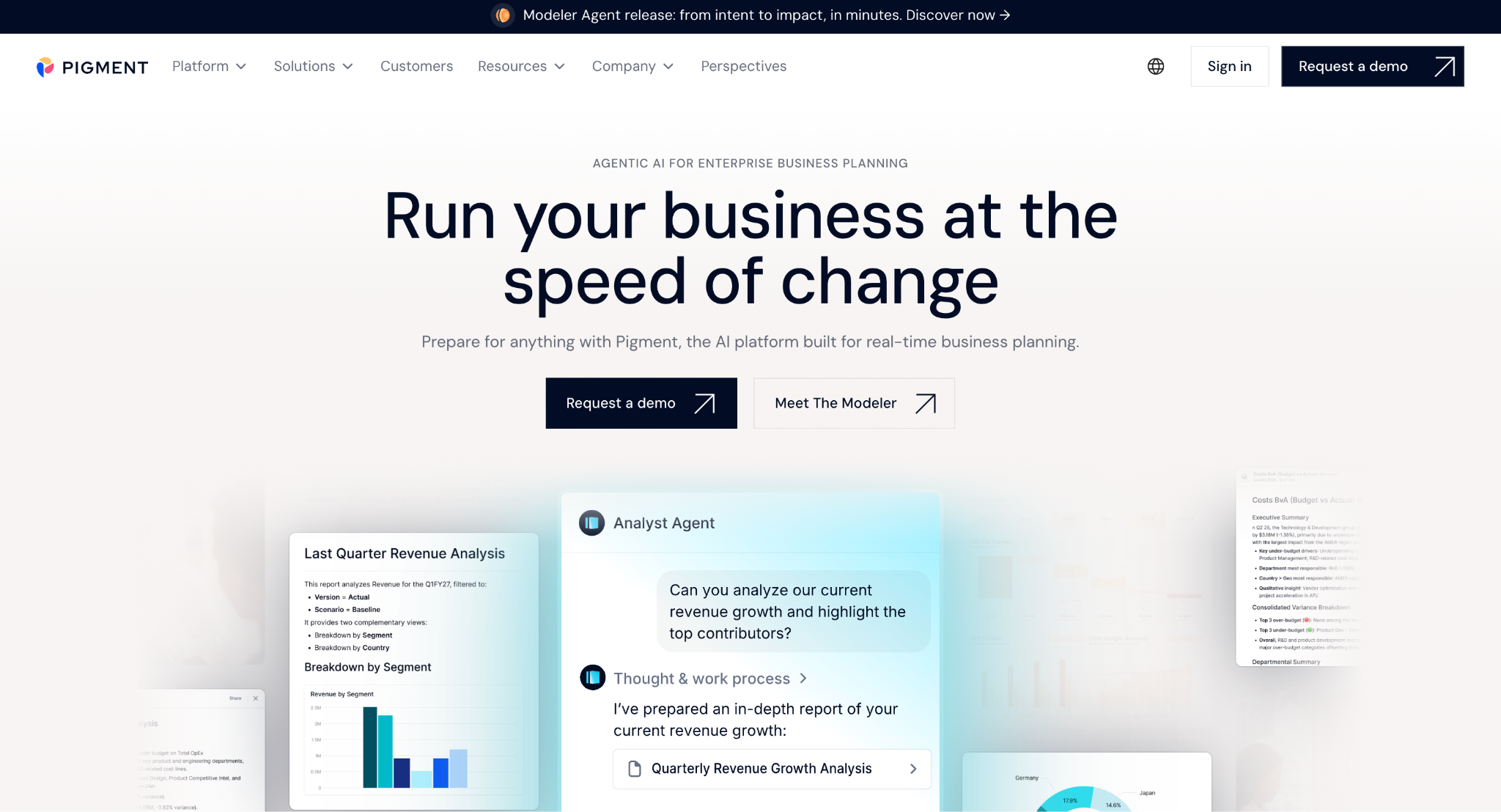
Pigment is a modern business planning platform with a visual, collaborative interface and AI features for scenario modeling and reporting. Founded in France in 2019, it has raised significant venture funding and positions itself as the planning platform for high-growth, cross-functional teams that want a more visual experience than legacy options.
Best for: Cross-functional planning teams (finance plus revenue operations, plus people operations) at high-growth companies, often venture-backed. Teams that value a modern UX, real-time collaboration, and quick model iteration over traditional finance-led control.
Key features:
Integrations: ERPs, CRMs (Salesforce, HubSpot are particularly strong), HRIS systems, and major data warehouses.
Pricing: Custom-quoted, generally priced for mid-market and up. Implementation typically faster than legacy enterprise platforms but slower than spreadsheet-first tools.
Honest take: Pigment has one of the more modern interfaces on this list and is genuinely pleasant to use, particularly for teams collaborating across finance, sales, and people operations. The product is still maturing for the deeper end of FP&A, particularly around audit trails, complex consolidations, and the compliance features larger finance teams need. Best fit for high-growth companies where speed of iteration matters more than rigorous controls.
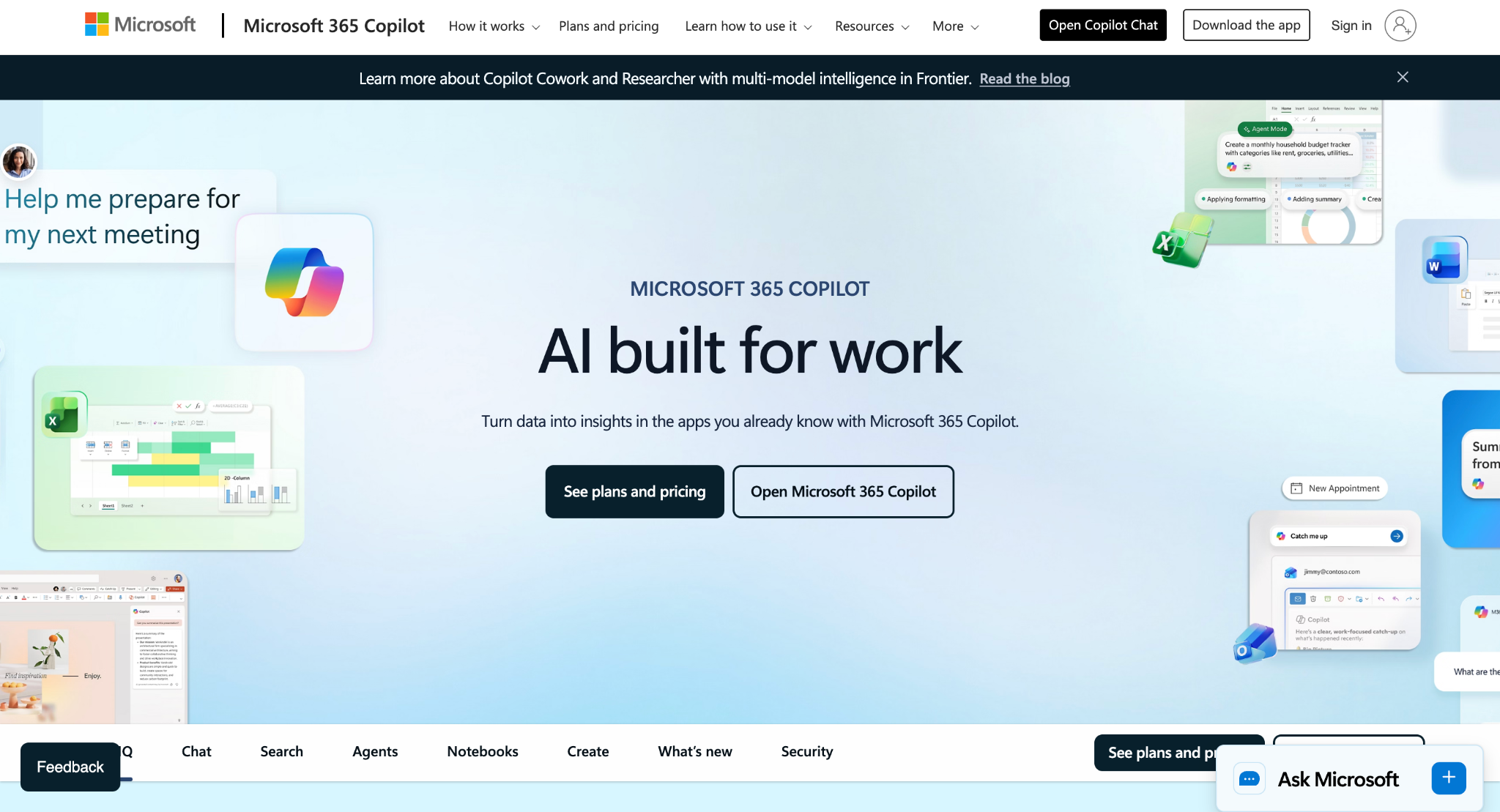
Microsoft Copilot for Finance is Microsoft's AI assistant embedded in Excel, Outlook, and Teams, with finance-specific capabilities for variance analysis, AR collections, account reconciliation, and reporting. It is positioned as a productivity layer for finance teams already standardized on Microsoft 365, not as a standalone planning platform.
Best for: Finance teams already living in Microsoft 365 that want AI inside the tools they use today, and finance functions that handle planning in Excel rather than in a dedicated FP&A platform.
Key features:
Integrations: Full Microsoft 365 stack natively. Connectors to Dynamics 365 and SAP for transactional data.
Pricing: Around $30 per user per month, on top of an existing Microsoft 365 enterprise license. The pricing predictability is one of the clearer aspects of this market.
Honest take: Copilot for Finance is the easiest AI tool to deploy if your team is already on Microsoft 365. It works as a productivity layer. Dedicated FP&A platforms still do the heavy modeling, multi-entity consolidations, and structured planning work. Copilot complements those platforms by taking a meaningful chunk of repetitive Excel work off your team's plate. The catch is that it ties you further into the Microsoft stack, which is a feature for some organizations and a constraint for others.
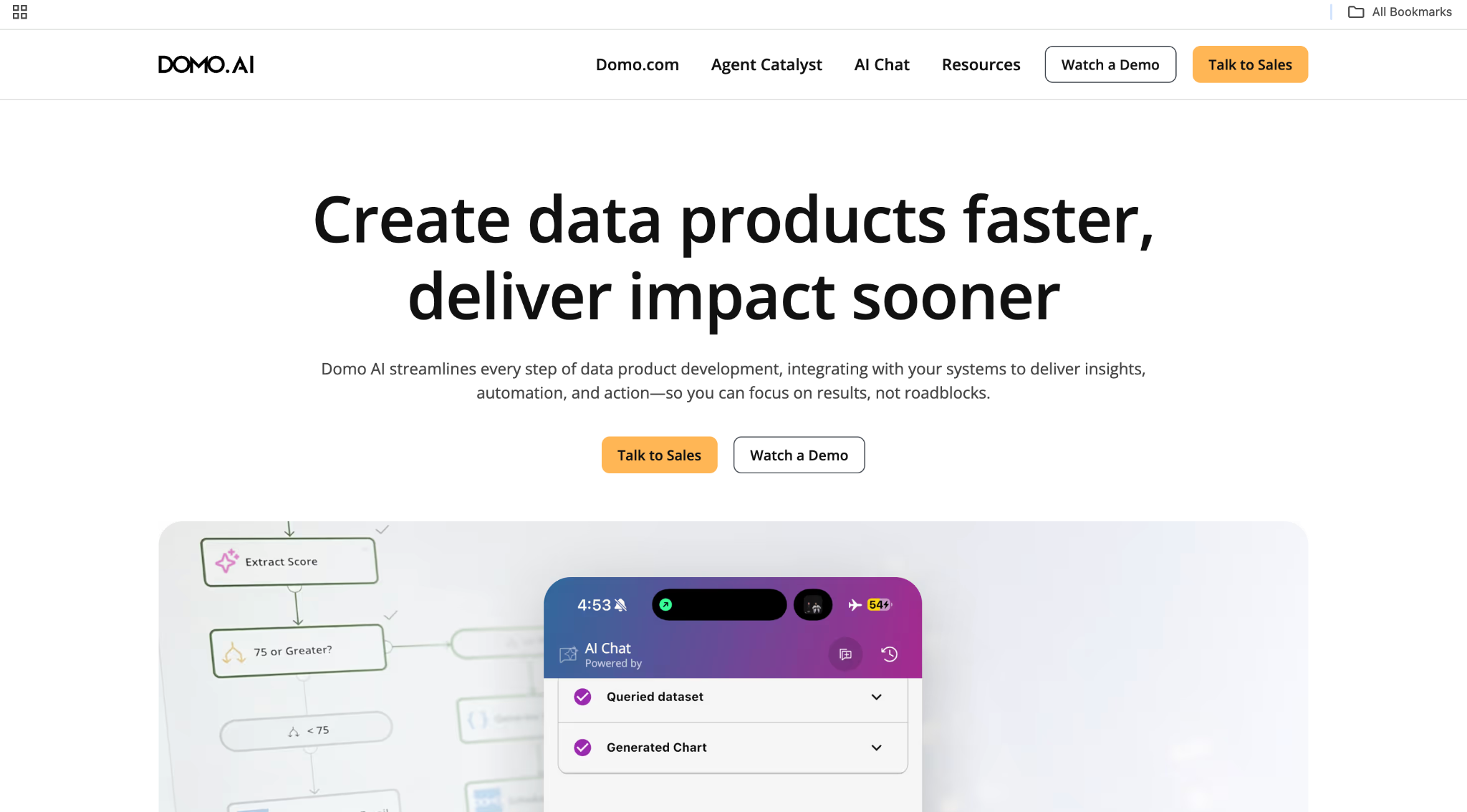
Domo.AI is the AI and automation layer of the Domo data platform. Domo started as a business intelligence tool and has extended into AI-driven analysis, forecasting, and AI agents that can run routine analytical tasks. For finance teams, Domo.AI is most relevant when finance and analytics are converging into a single function.
Best for: Mid-market and enterprise finance teams that have already invested in Domo for BI and want to extend it into AI-driven planning and analysis, or finance and analytics teams that have already merged operationally.
Key features:
Integrations: Excel, NetSuite, SAP, Salesforce, Snowflake, and most major data sources. Connector library is one of the broadest in this list.
Pricing: 30-day free trial; paid plans by usage. Custom pricing for enterprise. Pricing tends to scale with data volume rather than seats, which can be favorable or punitive depending on data scale.
Honest take: Domo.AI is strongest as an extension of an existing Domo deployment. As a standalone FP&A platform, it asks finance teams to learn a BI-led paradigm rather than a planning-led one, which is a real adjustment. Most useful when finance and analytics teams are already working closely or have merged. For pure FP&A workflows in a finance-only function, a dedicated planning platform is a better fit.
The platforms above handle the planning side of finance. The next set handles a different problem entirely: closing the books, paying invoices, and staying compliant. We cover this category in more depth in our guide to AI tools for accounting. The short version: buying a planning tool when you need an accounting tool (or vice versa) is the most expensive mistake in this space.
Stampli and Vic.ai both automate the invoice-to-pay workflow with AI, but the two platforms approach the problem differently. Stampli leans collaborative: every invoice has a built-in chat thread, approvals route through the platform, and the AI helps with coding and matching but keeps humans in the loop on every step. Vic.ai leans autonomous: it processes invoices end-to-end with minimal human intervention, learning from corrections to improve accuracy over time. Both connect to most major ERPs (NetSuite, Sage Intacct, SAP, Microsoft Dynamics) through APIs. Pricing is custom in both cases, typically scaling with invoice volume.
Trullion uses AI to extract structured data from contracts and PDFs, then automates compliance workflows for ASC 842, IFRS 16, ASC 606, and IFRS 15. It is designed for accounting and audit teams that are still spending real time on lease accounting and revenue recognition. Pricing starts around $3,000 per year, with custom pricing for larger teams. Trullion is most valuable for organizations with significant lease portfolios or revenue recognition complexity, where manual data extraction from contracts is a recurring time sink.
Booke.AI is built for accounting firms and bookkeepers managing multiple clients. It auto-categorizes transactions, flags anomalies, and drafts client messages for missing information. Integrates with QuickBooks Online and Xero. Pricing starts at $129 per month, with custom pricing for firms managing many clients. It is squarely a tool for the accountant-as-service-provider use case, not for in-house finance teams.
Workiva is the platform of choice for SOX, ESG, and regulatory reporting at large companies. The Gen AI layer drafts disclosures, summarizes documents, and supports audit-ready reporting workflows. Workiva does not use customer data to train its models, which matters in regulated industries. Available to Workiva customers on Gen AI terms; pricing varies by deployment size and is generally enterprise-priced.
Both sides covered. Now the practical question: how do you actually pick one? If you have read this far, you have done more diligence than 80% of buyers. Here is how to turn the framework into a decision.
Start with the bottleneck, not the brochure. If your bottleneck is the planning cycle (forecasts, budgets, scenario models), look at FP&A platforms first. If your bottleneck is close or AP, look at the accounting tools. If your bottleneck is reporting that nobody can self-serve, you may need a BI tool with AI rather than a planning platform. Naming the bottleneck precisely is the work that filters the field from twenty tools to three.
Before any feature demo, ask the vendor for a list of pre-built connectors and walk through exactly how data flows from your ERP into the tool. If the vendor cannot show you a customer running the same ERP you do, treat the integration as unproven. Limelight's real-time Sage Intacct integration is a useful baseline for what "native" should actually look like in this category.
Vendor demos are designed to show the product at its best. A pilot is designed to show the product as it actually works inside your team. Insist on a 30-to-60 day pilot using your data, your team, and a real planning workflow. If a vendor will not agree to a real pilot, treat that as a signal.
Implementation services, training time, premium AI add-ons, and integration projects can double the year-one cost. Ask for a three-year total cost estimate that includes every line item beyond the headline subscription fee.
|
QUICK TAKE
|
An AI finance tool is a platform with AI built into the core product (forecasting, modeling, reporting). A finance copilot is a conversational AI layer added on top of an existing tool to answer questions and draft narratives. Most modern platforms include both. The platform does the heavy lifting; the copilot makes it accessible.
The right AI finance tool fits your workflow, your tech stack, and your team's adoption capacity. The teams that get this decision right end up with tools they actually use. The teams that get it wrong end up with shelfware and a finance team back in Excel within a year.
Three concrete next steps based on where you are in the evaluation.
Want to see how Limelight compares directly to other platforms in this list? Our team has published Planful vs. Datarails vs. Limelight for a side-by-side breakdown, and a deeper look at the best FP&A software for 2026 for a broader category view.
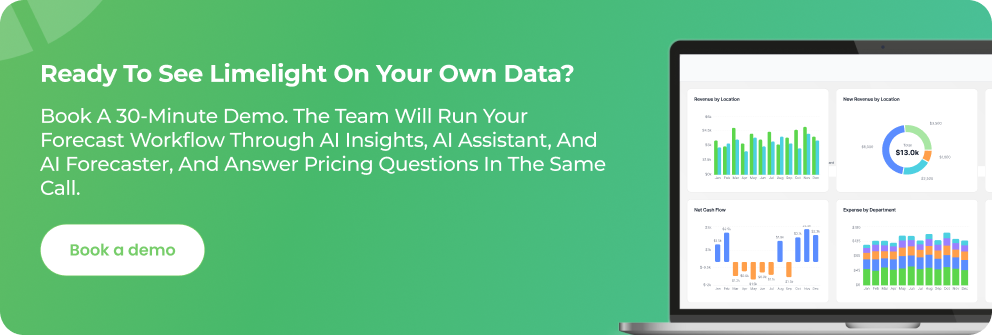
There is no single best tool. The best tool fits your dominant workflow, your existing tech stack, and your team's adoption capacity. For mid-market FP&A teams running on Sage Intacct, NetSuite, Sage 300, or Microsoft Dynamics, Limelight is purpose-built for that profile. For large enterprises with cross-functional planning needs, Anaplan or Workday Adaptive often wins. For teams already deep in Microsoft 365, Copilot for Finance is the lowest-friction starting point.
ChatGPT and other consumer LLMs are useful for general writing tasks. They are not built for handling structured financial data, and most finance teams should not paste sensitive financial information into them. If you need AI that touches financial data, choose a tool with documented data governance: SOC 2 Type II, no model training on customer data, and role-based access controls.
Most enterprise FP&A AI tools price by user count and active modules. Expect $30,000 to $200,000 per year in license fees for mid-market deployments, plus implementation services that often add 20% to 50% of year-one license cost. Some vendors offer unlimited-user pricing, which simplifies the three-year cost forecast significantly. Vendors that publish a "starting at" price tend to be at the smaller end of the market.
No. AI is a productivity layer for senior FP&A talent. The work it handles well (data consolidation, first-draft commentary, anomaly flagging) is the same work that currently prevents senior analysts from doing strategic analysis. The teams getting AI right are using it to free analysts for higher-value work and to absorb growth without adding headcount. Gartner predicts that fewer than 10% of finance functions will see headcount reduction from AI through 2026.
Subscribe to our newsletter