
%20(1).svg)

By Jade Cole |
Last Updated: September 10, 2026

Finance teams evaluating financial planning and analysis (FP&A) software in 2026 need more than a feature list. They need to know what pricing excludes, how much implementation work is likely, whether reporting fits their recurring outputs, and which teams will own the system after launch.
Planful is a cloud-based financial performance management platform for budgeting, forecasting, financial consolidation, reporting, and scenario planning. Chief financial officers (CFOs), vice presidents (VPs) of Finance, FP&A directors, and controllers often evaluate it when disconnected spreadsheets no longer provide enough process control.
This review examines Planful's pricing visibility, capabilities, customer-review patterns, implementation considerations, and alternatives such as Limelight, Anaplan, Workday Adaptive Planning, Vena Solutions, and Datarails.
Planful is a cloud-based FP&A platform that helps organizations manage budgeting, forecasting, financial consolidation, reporting, and scenario modeling in one environment.
Corporate performance management (CPM) refers to the systems and financial workflows used to plan, consolidate, report, analyze, and manage financial performance.
Planful centralizes planning data, coordinates departmental submissions and approvals, and connects financial and operational inputs for management reporting. Teams commonly evaluate it when replacing manual planning processes, disconnected workbooks, or older reporting systems.
The platform also supports analytics, collaboration, ERP connections, workforce planning, and operational planning. Its practical value depends on model complexity, implementation scope, data quality, and the finance team's capacity to administer it.
Here are the major capabilities you should know about:
|
Feature |
Description |
|
Budgeting and forecasting |
Planful supports budgets, rolling forecasts, scenarios, and structured planning across accounts, entities, departments, and periods. |
|
Financial consolidation |
The platform supports journal entries, eliminations, currency translation, intercompany reconciliation, and consolidated reporting. |
|
Reporting and analytics |
Planful provides financial and management reports, dashboards, and analytics. It also supports Microsoft Office and Power BI output workflows. |
|
Collaboration features |
Workflows, comments, tasks, approvals, notifications, and templates help finance coordinate inputs across departments. |
|
Integration capabilities |
Planful can bring ERP, customer relationship management (CRM), human resources, and other business-system data into planning and reporting models. |
|
Artificial intelligence features |
Planful Signals identifies anomalies, while Planful Projections creates forecast baselines. Planner Assistant adds natural-language analysis and forecasting when its required components are licensed. Buyers should confirm package availability and current limitations. |
|
Dynamic Planning |
Dynamic Planning provides multidimensional modeling, scenario analysis, ad hoc reporting, and what-if analysis across accounts, periods, entities, and business units. |
Table: Planful's main capabilities span planning, consolidation, reporting, workflow, integrations, artificial intelligence, and multidimensional modeling.
Planful is generally evaluated when spreadsheet-based planning becomes difficult to govern across departments, entities, or reporting cycles. Its fit depends on organizational scale, financial ownership, and industry-specific modeling requirements.
Planful is built for mid-market and enterprise organizations that want to replace spreadsheet-heavy finance processes with governed FP&A workflows.
Common use cases include budgeting, forecasting, consolidation, recurring-revenue planning, operating-cost models, workforce planning, compliance reporting, and executive reporting.
Typical evaluators include CFOs, VPs of Finance, finance directors, controllers, and FP&A leaders responsible for planning, consolidation, and reporting.
Planful is most relevant when finance needs standardized workflows, approvals, model governance, scenario analysis, departmental budgets, and recurring management reports.
Planful can be configured around the financial and operational drivers used in different industries. The most relevant applications depend on each sector’s planning models, reporting obligations, and cost structures.
Planful can support software-as-a-service (SaaS) teams with recurring-revenue models, annual recurring revenue (ARR) and monthly recurring revenue (MRR) analysis, churn planning, sales-capacity planning, and driver-based forecasts.
Planful can support cost models, production inputs, supply-chain scenarios, and budgets that respond to changes in labor, material, and overhead assumptions.
Planful can support workforce planning, reimbursement models, departmental budgets, multi-entity reporting, and scenarios tied to service-line or patient-volume assumptions.
Planful can support revenue plans, margin analysis, inventory-cost forecasts, location-level planning, and multi-entity consolidation.
Planful uses custom pricing and does not publish standard public pricing. Finance teams need to request a quote based on their selected products, users, data connections, implementation needs, and support scope.
Custom pricing means the commercial package is set after discovery. Buyers should separate the recurring subscription from one-time implementation services and any continuing consultation or administration costs.
GetApp's Planful pricing page also lists no public starting price and directs buyers to the vendor for pricing details. For context on common market models and cost drivers, see Limelight's FP&A software pricing guide.
Planful does not publish a standard price. So, the final quote depends on the configuration and services each buyer needs. Five variables are likely to influence the total cost, such as:
Pricing can vary by the number and type of users. Confirm whether administrators, finance contributors, departmental planners, report viewers, and executives use different license types.
The quote can change based on the products or capabilities required, such as planning, consolidation, workforce planning, reporting, Dynamic Planning, and analytics.
Implementation costs depend on model complexity, data readiness, entity structure, chart-of-accounts mapping, historical data migration, report design, testing, and validation.
Scope ERP, CRM, human resources information system (HRIS), payroll, and data-warehouse connections before comparing quotes. Connection design, refresh schedules, testing, and exception handling can affect the workload and timeline.
Ask which onboarding, training, support, and post-launch services are included. A realistic budget covers the subscription, implementation, internal system ownership, and any outside help required to maintain models or reports.
The ratings below were checked on August 29, 2026. Ratings and the number of reviews change as new reviews are added, so buyers should verify them during procurement.
|
Review platform |
Average rating |
Key insights |
|
G2 |
4.3/5, 509 reviews |
Users discuss planning depth, reporting, and automation, alongside setup effort and the learning required for advanced use. |
|
Capterra |
4.3/5, 76 reviews |
Reviews often mention reporting and process efficiency. Some users describe setup, integration, or learning challenges. |
|
TrustRadius |
8.4/10, 288 ratings and reviews |
Users cite budgeting, reporting, consolidation, and time savings. Critical feedback includes dashboard, configuration, processing, and administration concerns. |
Table: Current Planful ratings and recurring review themes across three third-party platforms as of August 29, 2026.
Positive reviews frequently focus on recurring finance work once the platform is configured. The cited feedback highlights three strengths:
Planful users often note that the interface is intuitive once teams understand the model structure and reporting workflow.


Many users highlight that Planful reduces manual work in data aggregation, budgeting, forecasting, and recurring reporting processes.


Planful’s ERP connectivity is a recurring positive theme in customer feedback, especially for finance teams that need centralized data for budgeting, forecasting, and management reporting.

Critical reviews tend to focus on the work required to implement, learn, customize, and administer the platform. These challenges matter most for teams with limited internal ownership or specialized modeling support.
Some reviews mention that advanced modeling, dimensions, report setup, and administrative tasks can require training and finance team ownership.

Users highlight that Planful implementation may require a strong internal owner, a qualified implementation partner, and clear model requirements before launch.
Some reviewers also note that report setup can be difficult even for advanced Excel users, particularly where models, dimensions, and outputs need to be customized.

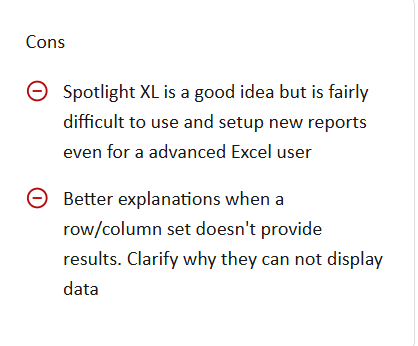
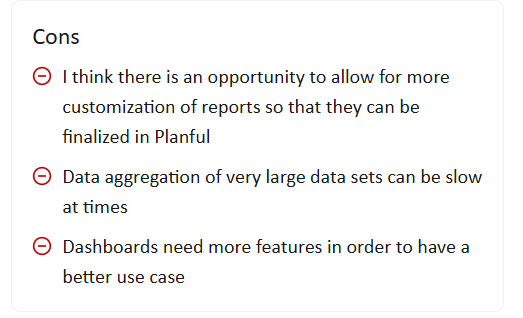
Some users report that customization options for reports, dashboards, or specific finance workflows may be restrictive depending on the use case.
Some finance users note that the overall cost can increase when implementation, consulting, customization, or complex model-building support is required.

The table below summarizes recurring themes. Validate each point through a tailored demo, current customer references, and a written implementation scope.
|
Pros |
Cons |
|
Reporting efficiency: Planful can automate recurring financial and management reporting after models and data connections are configured. |
Learning curve: Dimensions, model design, report views, and administration can require training. |
|
Connected data: ERP and operating data can feed shared planning and reporting models. |
Implementation effort: Complex entity structures, calculations, data mappings, and reports increase build and testing work. |
|
Structured planning workflows: Planful supports submissions, approvals, tasks, and controlled budgeting cycles. |
Native presentation limits: Some reviewers want more flexible dashboards, graphs, or report formatting. |
|
Consolidation support: The platform supports multi-entity consolidation, currency translation, eliminations, and management reporting. |
Unpublished pricing: Buyers need a scoped quote and must account for implementation, support, and internal administration. |
|
Office output options: Planful supports Microsoft Office workflows for recurring finance deliverables. |
Mac compatibility limitation for SpotlightXL: Planful's official support documentation says SpotlightXL is designed for Windows and that no macOS version is available. |
Table: Planful's main strengths and trade-offs based on current product information and recurring review themes.
Planful's SpotlightXL for Mac OS support page confirms that the add-in is Windows-only. Teams standardized on macOS should determine whether browser access and other output methods cover their workflows before buying.
This limitation is also one reason some buyers compare Planful with browser-based FP&A platforms that do not require an Excel add-in for core planning and reporting.
How do you know if Planful is a valid option? Consider this scenario on behalf of your team:
Planful can be a strong fit for mid-sized and large organizations that need structured budgeting, forecasting, consolidation, and management reporting.
It is particularly relevant for finance and operating teams that want controlled submissions, approvals, centralized data, and standardized reports in place of disconnected workbooks.
Planful may also fit organizations with established finance processes, a dedicated internal administrator, and enough time to define and test a scoped implementation.
Planful may not be the best fit for:
When evaluating Planful competitors, compare pricing visibility, deployment effort, model flexibility, reporting requirements, ERP connections, spreadsheet dependency, and ongoing administration.
The following comparison focuses on FP&A fit. Confirm current pricing and product scope directly with each vendor.
|
Platform |
Key FP&A strengths |
Pricing visibility |
Best fit |
|
Limelight |
ERP-connected planning, driver-based models, workforce planning, scenarios, reporting, and finance-owned administration |
Limelight’s 2026 FP&A software pricing guide lists a $1,400 per month. Final pricing varies by users, scope, and services. |
Mid-market finance teams seeking browser-based planning and less dependence on spreadsheet files |
|
Anaplan |
Connected planning, complex multidimensional models, scenarios, and cross-functional planning |
Custom pricing |
Large enterprises with specialized model-building capacity and complex planning architecture |
|
Workday Adaptive Planning |
Budgeting, forecasting, driver-based planning, reporting, and Workday ecosystem alignment |
Custom pricing |
Organizations already using Workday or assessing planning within a broader Workday environment |
|
Vena Solutions |
Excel-based planning, workflow controls, budgeting, forecasting, and reporting |
Custom pricing |
Finance teams that want to retain Excel as the main planning interface while adding governance |
|
Datarails |
Excel-based FP&A automation, data consolidation, dashboards, reporting, and presentation workflows |
Custom pricing |
Finance teams that want Excel to remain central while improving data collection and reporting |
Table: Five Planful alternatives compared by finance capability, pricing visibility, and best-fit operating model.
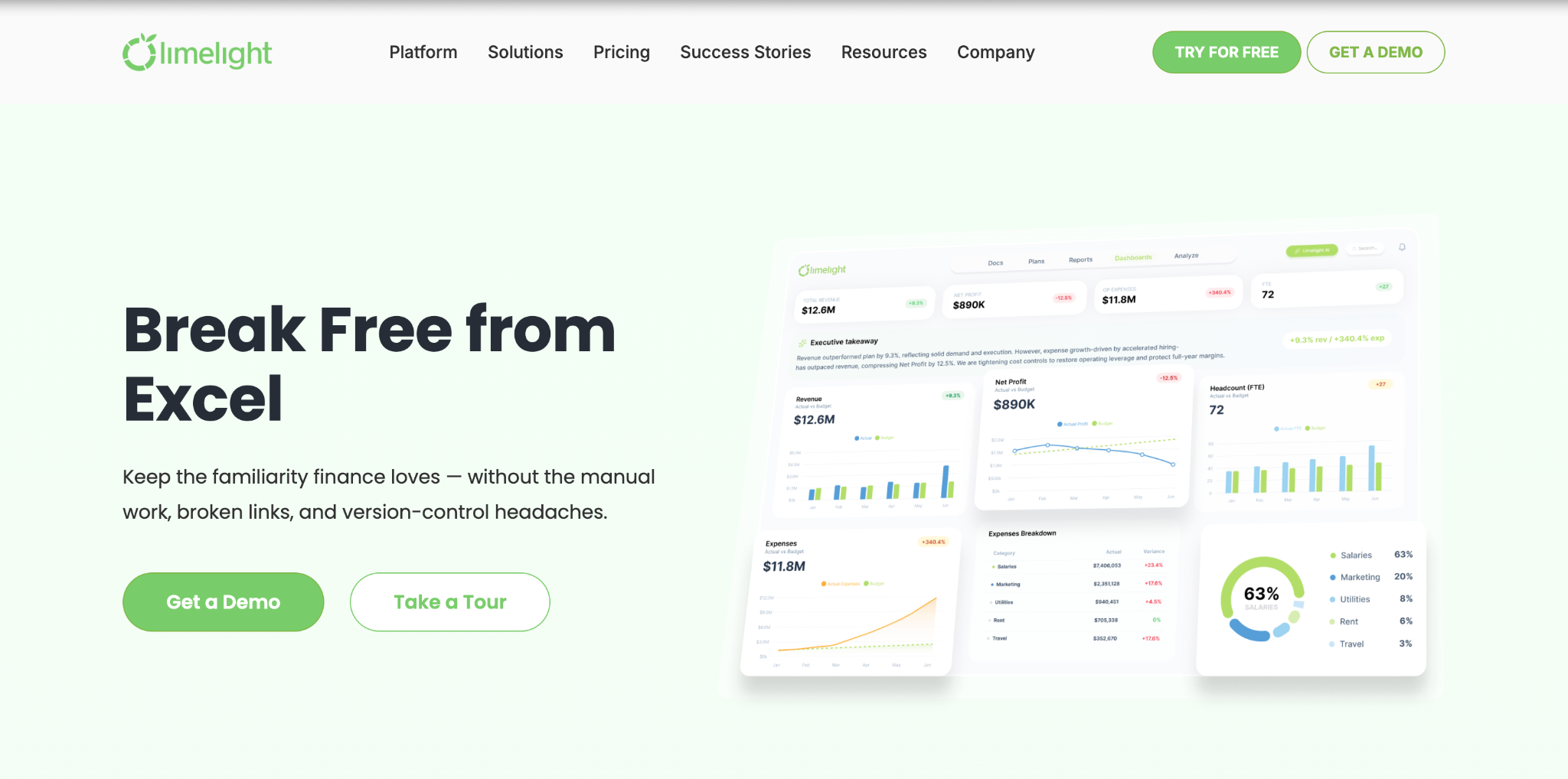
Limelight is a browser-based FP&A platform for budgeting, forecasting, reporting, workforce planning, scenario analysis, and finance-owned models.
Driver-based planning links forecasts to operating inputs such as headcount, sales capacity, units, utilization, or customer volume. When an input changes, finance can see how the related revenue, expense, cash, or margin forecast changes.
Limelight is positioned for mid-market finance teams that want ERP-connected planning, browser-based workflows, and less dependence on spreadsheet files.
Key Limelight capabilities include:
For a focused comparison, review Limelight vs. Planful.
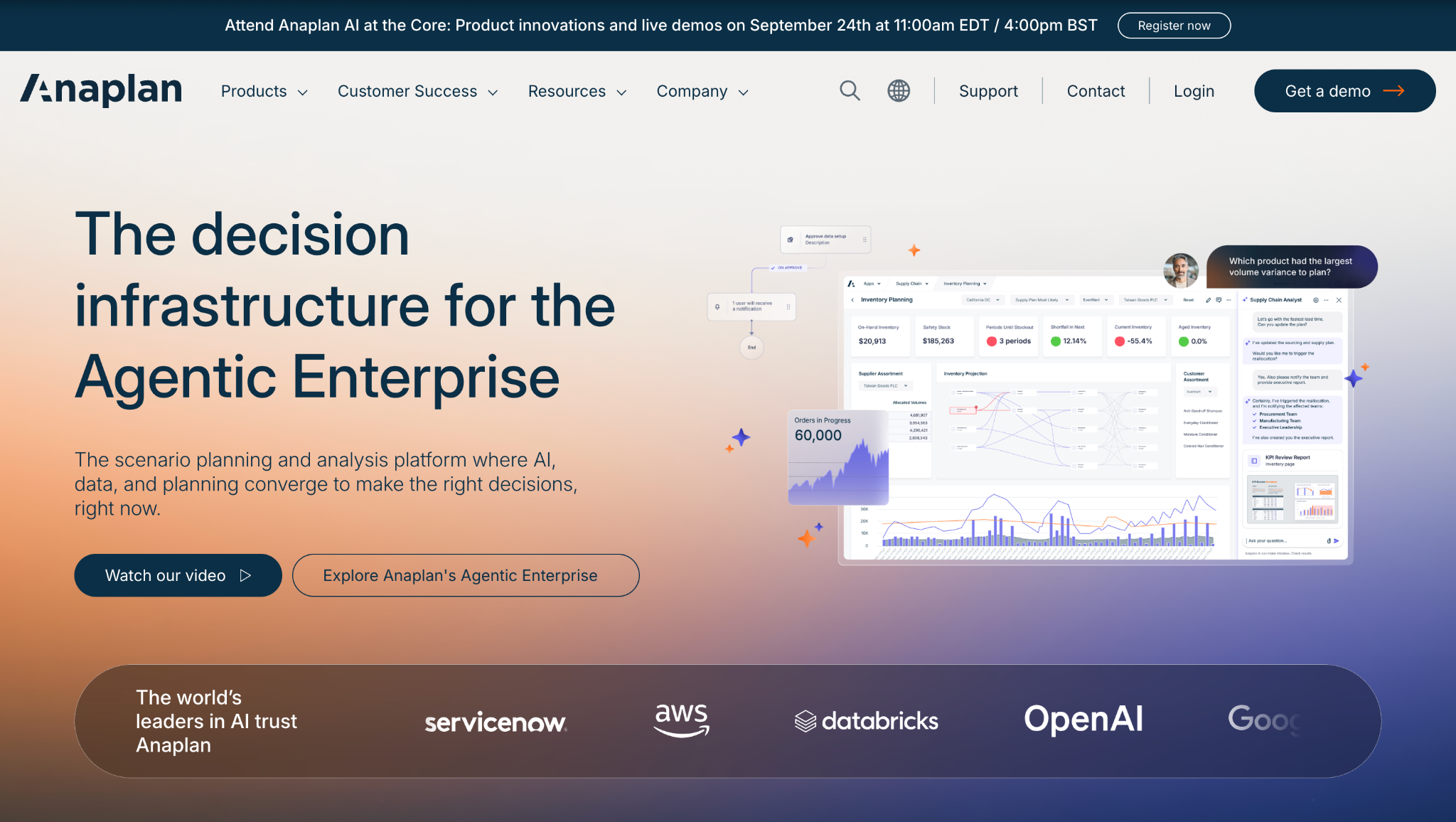
Anaplan is a connected planning platform used by larger organizations with complex models and cross-functional planning requirements.
It is commonly evaluated for enterprise scenarios, sales and operations planning, workforce planning, financial planning, and multi-function planning architecture.
Finance teams should assess model-builder availability, governance, implementation scope, and ongoing maintenance. A broader shortlist is available in Limelight's guide to Anaplan alternatives and competitors.
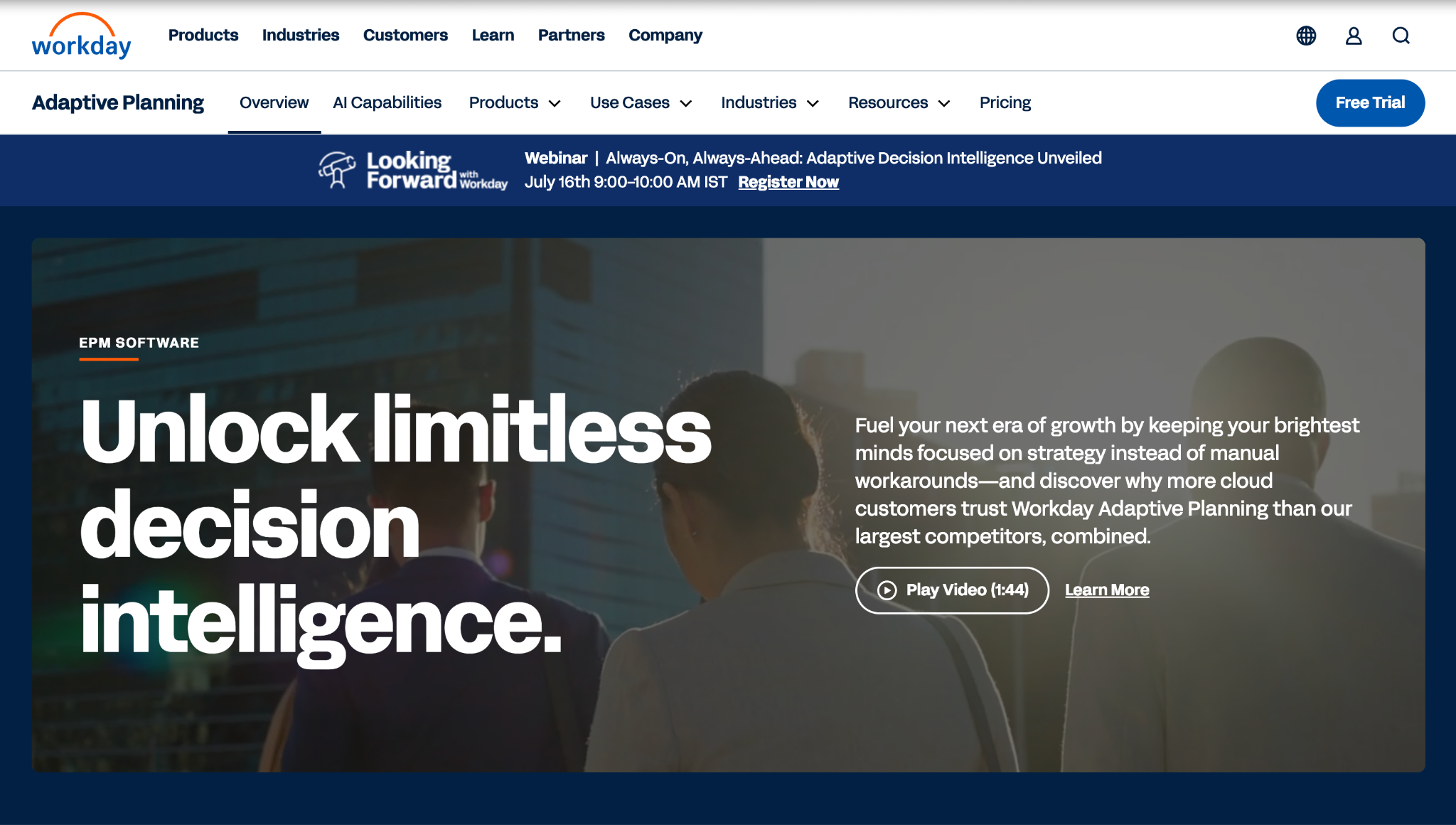
Workday Adaptive Planning is a cloud planning platform for budgeting, forecasting, reporting, scenarios, and driver-based planning.
It is often relevant for organizations using Workday or evaluating planning in the context of a broader Workday finance and human-resources environment.
Validate connection requirements, report design, implementation scope, and licensing during evaluation. See the direct Limelight vs. Workday Adaptive Planning comparison.
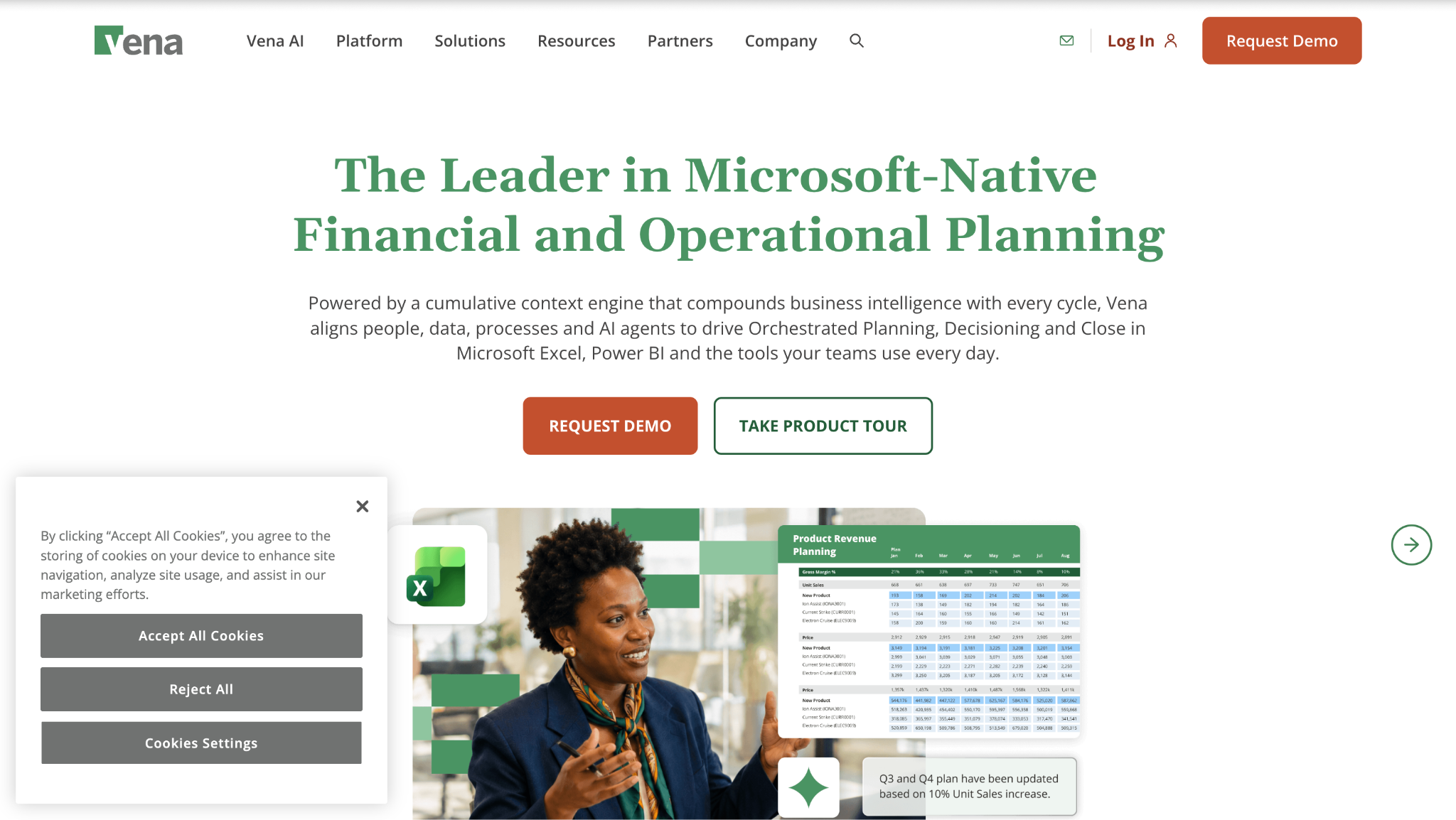
Vena Solutions is an FP&A platform built around Excel-based planning with workflow controls, automation, reporting, and centralized data management.
It can suit finance teams that want to preserve Excel familiarity while adding governed submissions and consolidated reporting.
Teams comparing Vena should assess spreadsheet dependency, implementation requirements, and administration effort. See Limelight vs. Vena and the current Vena pricing and reviews guide.
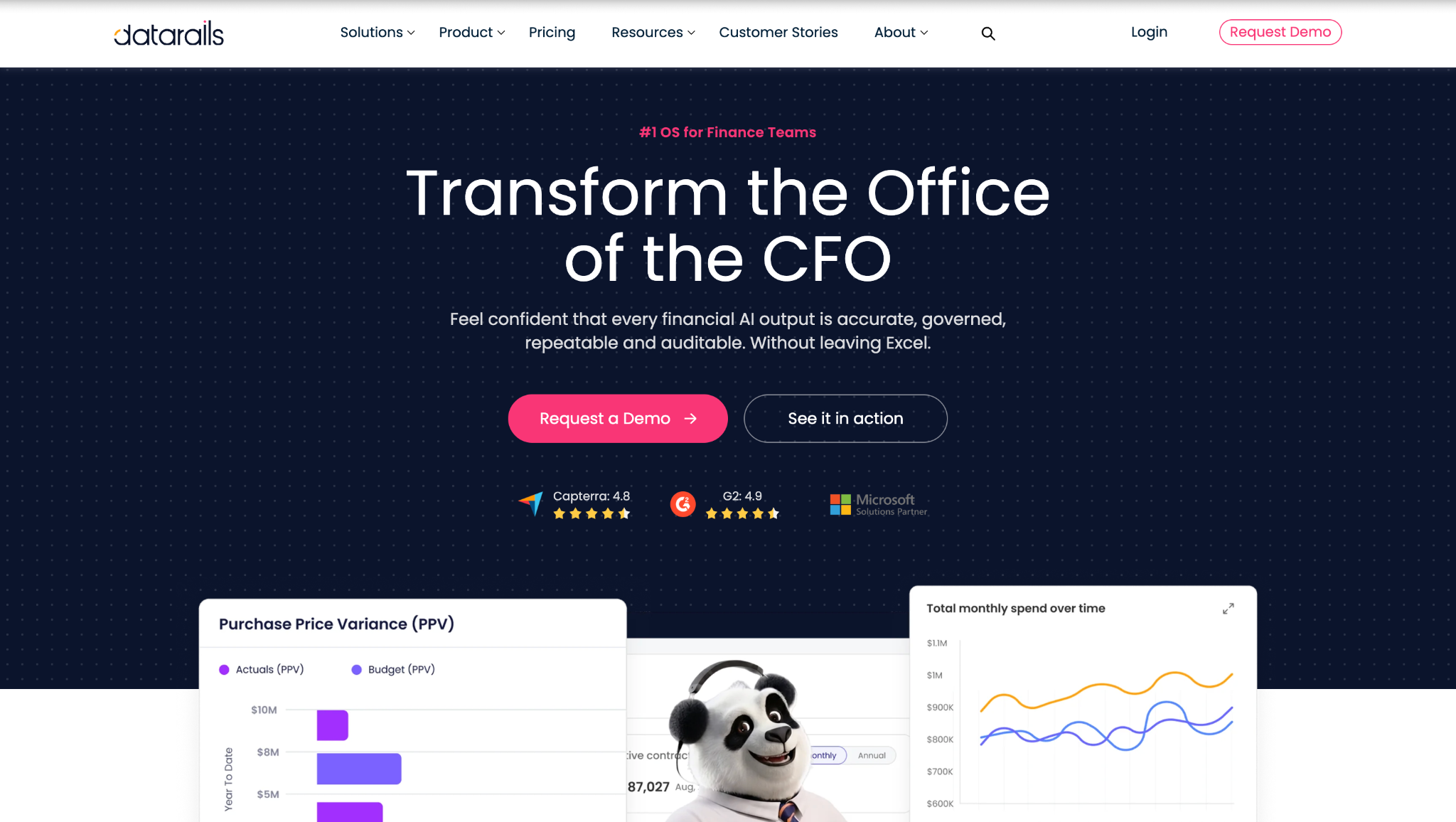
Datarails extends Excel-based finance processes with data consolidation, dashboards, reporting, and presentation workflows.
It can suit teams that want to keep Excel central while reducing manual data collection and improving reporting consistency.
Finance teams should decide whether Excel should remain the planning interface or whether a browser-based model would better fit future requirements. See the direct Limelight vs. Datarails comparison.
Planful can be worth the investment for mid-market and enterprise finance teams that need controlled budgeting, forecasting, consolidation, reporting, and collaborative planning.
Its strengths include process controls, connected data, repeatable reporting, and multi-department planning. Teams with defined requirements, clean source data, a capable administrator, and an implementation budget are more likely to realize those benefits.
Planful may be less suitable when finance needs a lightly configured rollout, highly flexible native presentation formats, low administration demands, or full Mac compatibility for Excel add-ins. Compare the recurring subscription together with implementation, data connections, training, model maintenance, and internal ownership.
Limelight is an alternative for mid-market teams that prefer browser-based planning, connected source data, finance-owned models, and less dependence on spreadsheet files. The choice should follow actual use cases, representative reports, a written implementation scope, and customer references rather than a generic vendor ranking.
See Limelight in action and book a demo.
Planful may serve nonprofit organizations, but it does not publish a nonprofit rate card. Ask Planful whether nonprofit terms are available, then compare the subscription, products, users, implementation work, training, and support in the written quote.
Yes. Planful supports currency translation and multi-entity consolidation. The configuration depends on entity structure, exchange-rate assumptions, ownership rules, eliminations, and reporting requirements, so buyers should test their actual consolidation scenario.
Planful does not provide a public implementation duration for every customer. The timeline depends on selected products, integrations, model complexity, data readiness, report design, testing, and internal availability. Request a plan with milestones for data connections, model build, validation, training, and post-launch support.
No. Planful is commonly evaluated by mid-sized and larger organizations with structured budgeting, forecasting, consolidation, reporting, and multi-department planning needs.
Planful supports structured planning, consolidation, and reporting across finance processes. Limelight is positioned for mid-market teams that want browser-based FP&A, finance-owned models, connected ERP data, and less dependence on spreadsheet add-ins. Compare both products using the same models, reports, workflows, user roles, and integration requirements.
As of August 29, 2026, Planful has a 4.3/5 rating on G2 from 509 reviews and a 4.3/5 rating on Capterra from 76 reviews. Ratings and counts change, so confirm them during vendor evaluation.
Subscribe to our newsletter