
%20(1).svg)

By Jade Cole |
Last Updated: September 18, 2026

Nonprofit accounting software helps finance teams record transactions while keeping funding restrictions, grants, programs, and reporting requirements visible. It becomes harder as an organization adds more donors, funding sources, departments, or legal entities.
The right platform depends on that complexity. Some nonprofits can manage well with QuickBooks Online or MoneyMinder. Others need purpose-built fund accounting from Aplos, Sage Intacct, Blackbaud Financial Edge NXT, or AccuFund.
This guide compares six options, explains what to evaluate, and shows where nonprofit financial management starts to require an FP&A layer beyond the accounting system.
A nonprofit accounting system needs to preserve the financial record and make restrictions, program activity, and compliance reporting easier to trace. These are the capabilities to test before comparing secondary features.
The six platforms below serve different nonprofit segments. We compared them using criteria that affect the finance team's day-to-day work and the organization's ability to scale without rebuilding core processes.
No platform is the best choice for every nonprofit. The useful question is whether the software's operating model matches the organization's current complexity and the complexity it expects over the next few years.
The comparison below provides the fastest way to narrow the list. The individual reviews that follow explain where each product fits and where buyers should look more closely during evaluation.
|
Software |
Best For |
Core Strength |
Pricing (Checked July 28, 2026) |
Main Trade-Off |
|
QuickBooks Online |
Small to mid-sized nonprofits with simpler structures |
Familiar core accounting, fund or program tracking, broad app ecosystem |
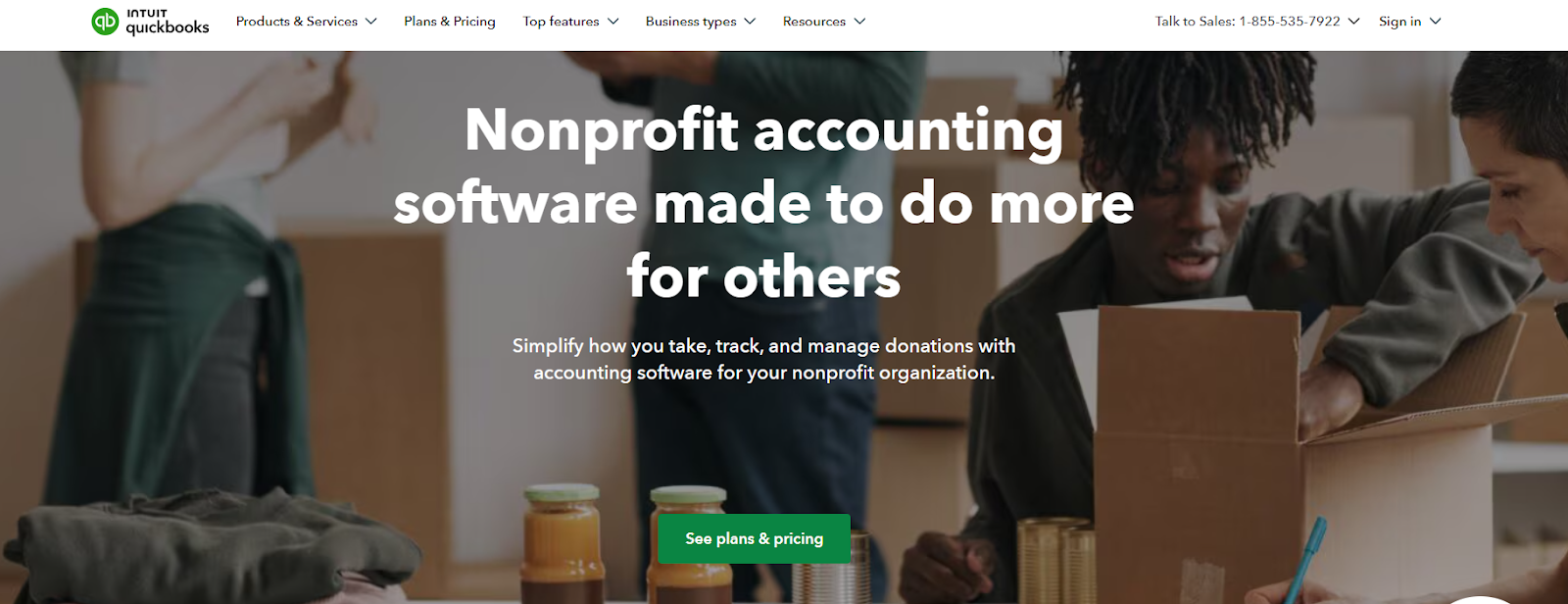
Simple Start starts at $38/month before promotions. Essentials, Plus, and Advanced pricing is changing for some renewals on August 1, 2026. |
Complex restricted-fund, grant, and multi-entity requirements may require more specialized controls. |
|
Aplos |
Small to mid-sized nonprofits that want purpose-built fund accounting |
Fund reporting, nonprofit budgeting, bank reconciliation, and donor-oriented workflows |
Lite $79/month, Core $129/month, Advanced from $229/month. Temporary promotions may apply. |
Advanced requirements can move buyers into higher-priced or custom plans. |
|
Sage Intacct |
Mid-sized and large nonprofits with multiple funds, grants, entities, or locations |
Dimensional accounting, grant tracking, consolidation, and reporting |
Custom quote |
Implementation and total cost are higher than entry-level tools. |
|
Blackbaud Financial Edge NXT |
Large nonprofits and institutions with complex fund, grant, and fundraising operations |
Purpose-built fund accounting, grant records, internal controls, and Blackbaud ecosystem |
Custom quote |
Pricing is not public, and the platform can be more than a small nonprofit needs. |
|
AccuFund |
Medium to large nonprofits that want modular nonprofit accounting |
Core fund accounting plus optional grant, budget, workflow, payroll, and HR modules |
Pricing available on request |
Buyers need to scope modules carefully because functionality is spread across the core system and add-ons. |
|
MoneyMinder |
Small, volunteer-led nonprofits, churches, clubs, and associations |
Simple bookkeeping, fund tracking, reconciliation, contacts, and tax-form support |
$299/year, with a 30-day full-feature trial |
Cash-based design and simpler reporting make it less suitable for complex accrual, grant, or multi-entity environments. |
Table: QuickBooks Online and MoneyMinder fit simpler accounting environments, while Sage Intacct, Blackbaud, and AccuFund address more complex fund, grant, and organizational structures.
Best for: Small to mid-sized nonprofits that want familiar accounting software and do not need highly specialized fund-accounting workflows.
What it does well: QuickBooks Online can categorize revenue and expenses by fund or program, create custom reports, reconcile bank activity, and track budgets by fund or program in higher tiers. Its broad app ecosystem also makes it easier to connect payment, payroll, fundraising, and planning tools. Nonprofits that later need a dedicated planning layer can connect QuickBooks data to a separate FP&A system.
Trade-offs: Buyers should test how the setup handles donor restrictions, grant-level controls, and reporting before assuming a class- or dimension-based structure will cover every compliance need. Organizations with many entities, highly specific grant workflows, or complex allocation rules may outgrow the simpler model.
Pricing: QuickBooks currently lists Simple Start at a $38 monthly standard price before promotions. Intuit has also announced pricing changes for Essentials, Plus, and Advanced renewals beginning August 1, 2026, so confirm the current rate when purchasing.
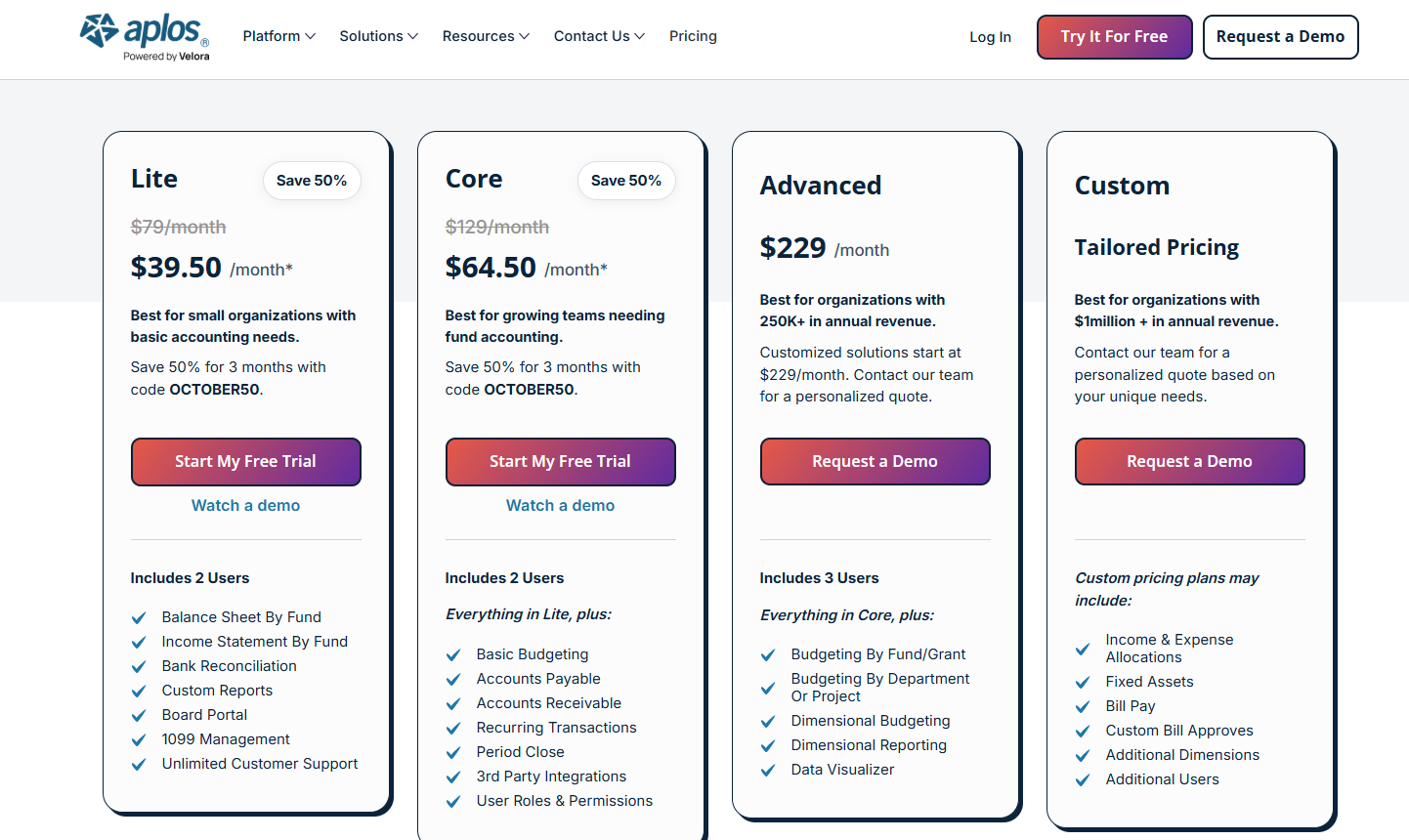
Best for: Small to mid-sized nonprofits and churches that want accounting designed around funds rather than adapting a general small-business system.
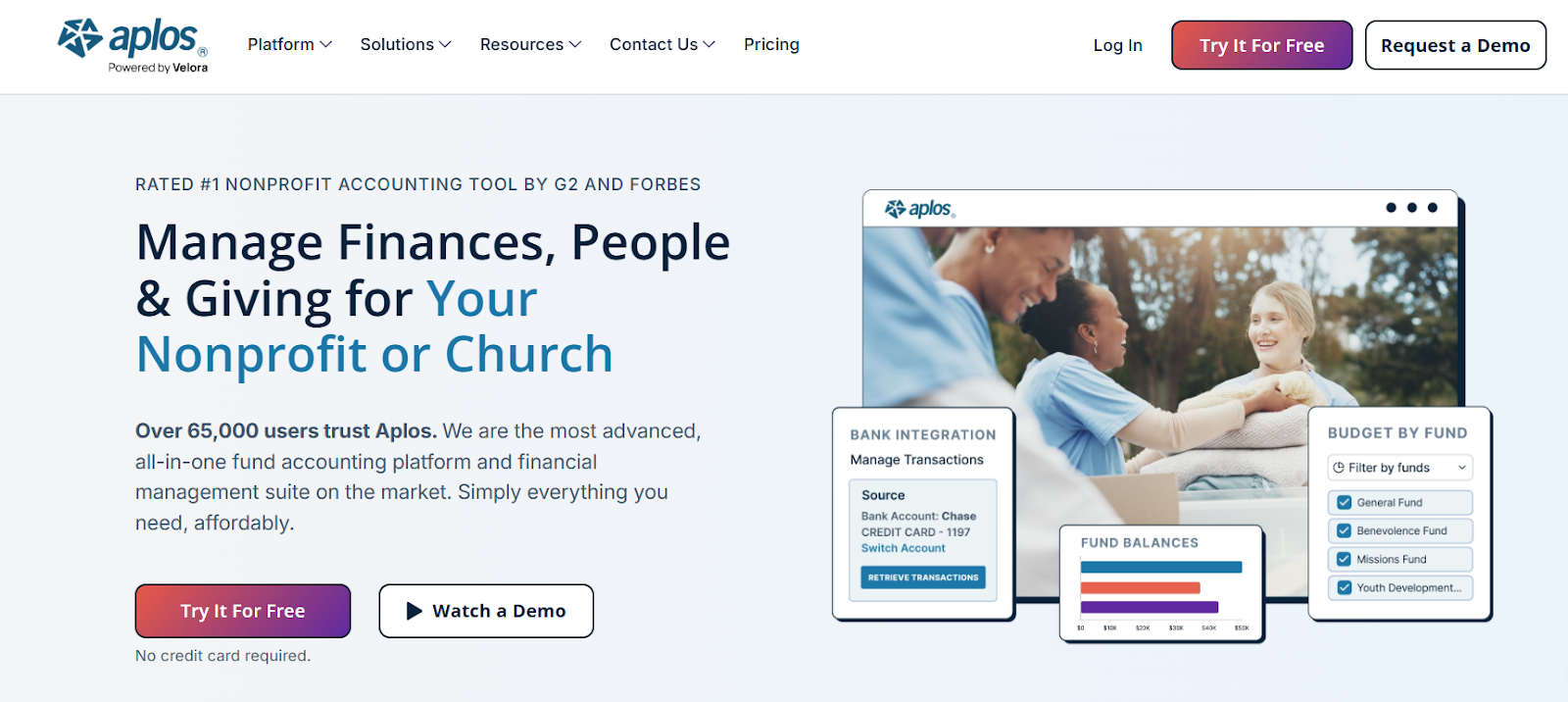
What it does well: Aplos supports balance-sheet and income-statement reporting by fund, bank reconciliation, budgeting, accounts payable and receivable in higher tiers, user permissions, and nonprofit-oriented reporting. Its pricing page positions Lite for basic accounting and Core for growing teams that need fund accounting.
Trade-offs: The entry tier is intentionally limited. Organizations that need deeper budgeting, approvals, allocations, fixed assets, more dimensions, or more users may need Advanced or custom pricing.
Pricing: Aplos lists Lite at $79 per month, Core at $129 per month, and Advanced starting at $229 per month. Its July 2026 promotional discounts are temporary, so the table uses standard prices rather than short-term sale rates.
Best for: Mid-sized and large nonprofits with multiple grants, funds, programs, locations, currencies, or legal entities.
What it does well: Sage Intacct combines a dimensional general ledger with AP, AR, cash management, multi-entity consolidation, fund accounting, grant tracking and billing, reporting, dashboards, audit trails, and nonprofit-oriented controls. That structure lets finance report across programs, grants, funds, entities, and locations without multiplying the chart of accounts.
Trade-offs: Sage Intacct is a larger implementation than the small-nonprofit tools in this list. Buyers should scope modules, integrations, implementation support, and user access before comparing its cost with a basic monthly subscription product.
Pricing: Sage uses custom pricing. Organizations need to request a quote based on their required modules and implementation scope.
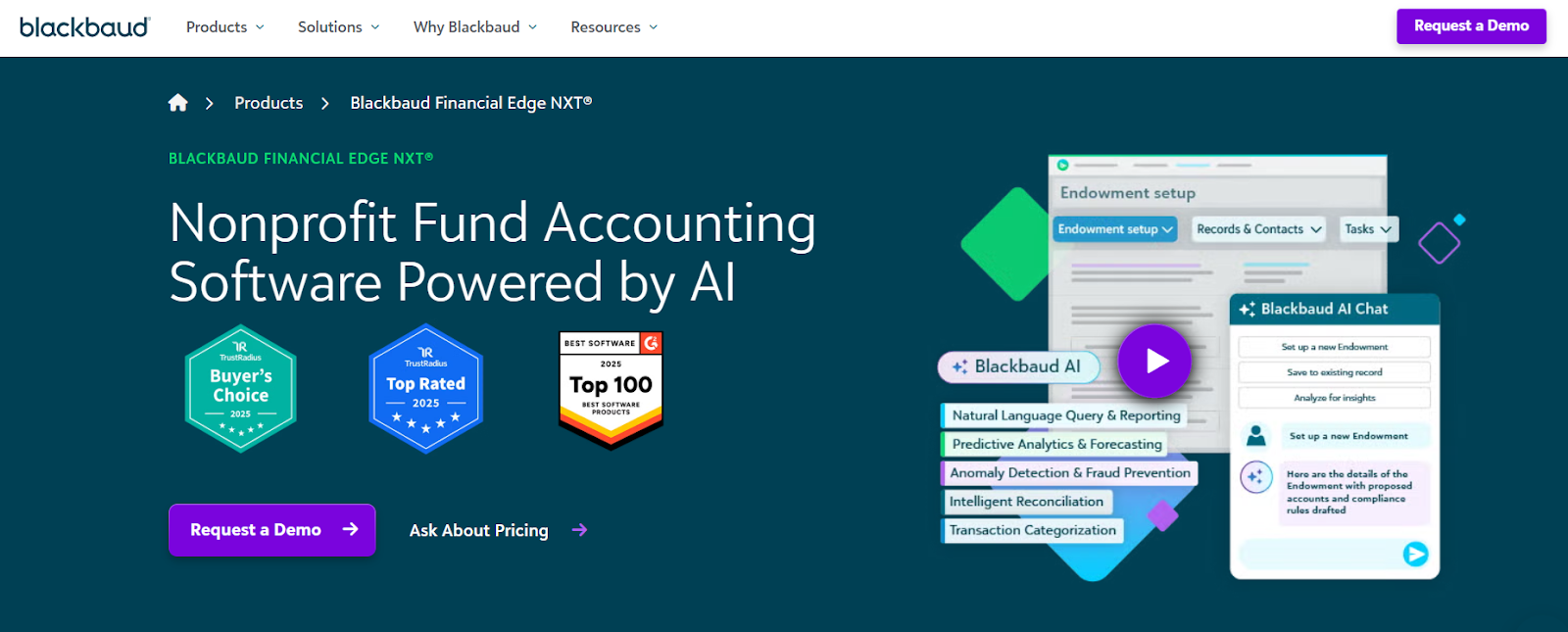
Best for: Larger nonprofits, foundations, educational institutions, and other organizations that need detailed restricted-fund, grant, and fundraising workflows.
What it does well: Financial Edge NXT is built specifically for nonprofit fund accounting. Blackbaud highlights restricted-fund tracking, subfunds, grants, projects, endowments, customizable reporting, reconciliation, expense controls, and role-based access. It also connects with Raiser's Edge NXT, which can reduce the handoff between fundraising and finance.
Trade-offs: The platform is designed for more complex environments. Smaller organizations should weigh that depth against implementation effort, administrative overhead, and the value of staying inside the broader Blackbaud ecosystem.
Pricing: Blackbaud does not publish a standard Financial Edge NXT rate. It provides tailored quotes based on organizational needs, products, services, and support.
Best for: Medium to large nonprofits that want a nonprofit-specific core accounting system and the ability to add modules as requirements expand.
What it does well: AccuFund Anywhere Online includes AP, bank reconciliation, cash receipts, dashboards, financial reporting, a general ledger, and allocation tools in its core system. Optional modules cover grant management, budget development, accounts receivable, purchasing, workflows, program management, fixed assets, AP automation, and other functions. HR and payroll are available through a separate integrated package.
Trade-offs: Modularity gives buyers flexibility, but it also makes scoping important. A comparison based only on the core package can understate the modules required for a specific grant, budget, payroll, or workflow design.
Pricing: AccuFund does not publish standard plan prices on the nonprofit product page. Contact the vendor for a current quote based on the required modules.
Best for: Small, volunteer-led nonprofits, churches, clubs, parent groups, and associations that need a simpler cash-based system.
What it does well: MoneyMinder combines bookkeeping, budgeting, bank reconciliation, contact management, donation receipts, role-based user access, and tax-form support in one low-cost plan. It allows additional users without per-seat charges and includes bank and payment-account integrations. MoneyMinder also supports e-filing for certain Form 990-series filings, with some filing services carrying separate fees.
Trade-offs: MoneyMinder describes itself as a cash-based accounting system. Organizations that need complex accrual accounting, sophisticated grant billing, multi-entity consolidation, or enterprise controls should evaluate a more advanced platform.
Pricing: The full MoneyMinder subscription is $299 per year with a 30-day trial. A limited Free Edition remains available for budgeting and contact tracking, but transaction entry and advanced features require the paid subscription.
Free accounting software can be enough when the organization has a simple structure and the treasurer mainly needs basic bookkeeping. The limitation is usually not transaction entry. It is the absence of purpose-built fund, grant, compliance, and reporting controls.
A free plan is most defensible when the organization has few accounts, no complicated donor restrictions, and limited grant reporting. Once finance is maintaining parallel spreadsheets to make up for missing controls, the software is no longer truly free in operating terms.
Organization size is useful, but financial complexity is the better buying signal. A small nonprofit with several restricted grants can have more demanding accounting needs than a larger organization funded mainly by unrestricted revenue.
Prioritize a clean setup, low administrative burden, bank reconciliation, basic fund or program tracking, and reports that the treasurer and board can use without a specialist. QuickBooks Online, Aplos Lite or Core, and MoneyMinder are the most natural starting points from this list. A nonprofit budget template can also help smaller teams define the categories and reporting structure they need before they commit to new software.
Before choosing, test three real workflows: recording a restricted gift, reconciling a month of bank activity, and producing the board report. If any of those require a separate spreadsheet from day one, the lower subscription price may create more work rather than less.
The trigger for a more capable system is usually complexity across grants, departments, entities, or reporting audiences. Aplos can remain viable for some organizations, while Sage Intacct and AccuFund offer more room for dimensional reporting, specialized modules, grant workflows, and organizational growth.
At this stage, evaluate implementation and integration design alongside features. Teams that are also replacing spreadsheet planning can compare nonprofit budgeting software separately from the accounting-system decision. Finance should know how fundraising data enters accounting, how approvals work, how allocations are handled, and which system owns each reporting dimension before migration begins.
Larger organizations often need multi-entity consolidation, stronger controls, detailed grant records, role-based access, audit trails, and reporting across multiple organizational dimensions. Sage Intacct and Blackbaud Financial Edge NXT are the strongest fits in this comparison, with AccuFund also worth evaluating when a modular nonprofit-specific system is preferred.
The selection process should include finance, accounting, program leadership, fundraising operations, and IT. A technically capable system can still fail if teams cannot agree on the chart of accounts, dimensions, approval ownership, source systems, or reporting definitions before implementation.
Accounting software and FP&A software solve different finance problems. Treating them as substitutes creates gaps in either the financial record or the planning process.
|
Capability |
Nonprofit Accounting Software |
FP&A Software |
|
Primary job |
Record and control completed financial transactions |
Plan future performance and analyze how actuals compare with the plan |
|
System role |
System of record |
Planning and analysis layer connected to accounting or ERP data |
|
Typical workflows |
General ledger, AP, AR, bank reconciliation, fund tracking, grant accounting, close, audit support |
Budgeting, forecasting, scenarios, allocations, variance analysis, management reporting, long-range planning |
|
Time orientation |
Historical and current actuals |
Forward-looking, with actuals used as the planning baseline |
|
Compliance role |
Maintains accounting records and supports statutory, grant, and audit reporting |
Supports planning, management reporting, and analysis but does not replace the accounting record |
|
Best fit |
Every nonprofit needs an accounting system |
Useful when planning and reporting complexity outgrows accounting reports and spreadsheets |
Table: Accounting software protects the financial record, while FP&A software uses that record for budgeting, forecasting, scenarios, and management analysis.
A nonprofit should keep transaction entry, reconciliations, accounting controls, and the close inside its accounting system. Dedicated FP&A software becomes useful when finance needs to model multiple funding scenarios, collect budgets across departments, explain variances, or produce recurring board reports without rebuilding spreadsheets each cycle.
That division also clarifies ownership. Accounting determines what happened and maintains the audit trail. FP&A takes reconciled actuals and asks what happens next, what changes under a different assumption, and where the organization is likely to finish the year.
Limelight is an FP&A platform for nonprofits, not a replacement for QuickBooks Online, Sage Intacct, Blackbaud Financial Edge NXT, or another accounting system. It connects the accounting record to budgeting, forecasting, scenario analysis, and management reporting. That distinction matters because finance can keep reconciliations and transaction controls where they belong while moving spreadsheet-heavy planning work into a connected model.
Limelight provides prebuilt integrations for QuickBooks Online, Sage Intacct, and Blackbaud Financial Edge NXT. The goal is to bring actuals into the FP&A model without repeated exports and re-keying.
For nonprofit finance teams, that means the budget and forecast can start from the same accounting data used for the close rather than a separate spreadsheet copy that drifts over time.
Limelight's planning and forecasting tools support models across entities, funds, programs, scenarios, years, and other dimensions. Teams can set drivers and assumptions for revenue, expenses, workforce, allocations, and grant planning, then update an assumption and see the effect across the forecast.
This is where FP&A adds something the ledger is not designed to do. Finance can compare funding scenarios, test program-level changes, or revise allocations without changing the accounting record.
Limelight's reporting tools compare actuals, budgets, forecasts, prior periods, and scenarios. Reports can drill from a management view into accounts, departments, funds, business units, and transaction-level detail when the source integration supports it.
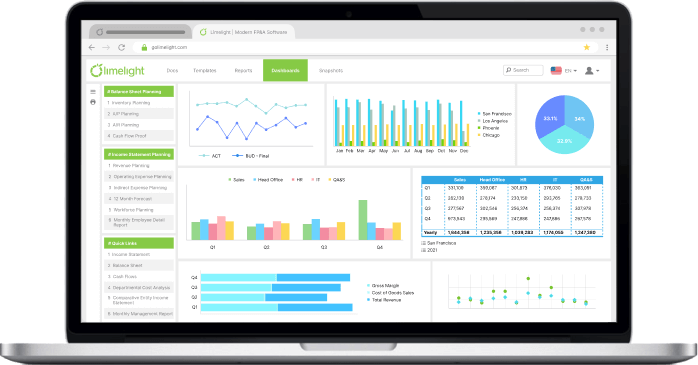
Many of those views take the form of financial dashboards for nonprofits that boards and program leads can filter by fund or program
That makes recurring board and leadership reporting easier to maintain. Finance can keep report formats in place and refresh the underlying numbers rather than rebuilding the package after every close.
See our guide to nonprofit board reports for what those packets typically include.
Limelight AI includes AI Insights, an AI Assistant, and an AI Forecaster. The current product page says teams can ask natural-language questions about items such as budget variances and headcount trends. The AI Forecaster blends historical financials with market intelligence to generate forecasts and multiple what-if scenarios.
AI should sit on top of governed finance data, not compensate for an unreconciled accounting system. The practical sequence is accounting first, connected planning second, and AI-assisted analysis after the data model is trustworthy.
Communication Service for the Deaf had been working with large spreadsheets that required extensive scrolling, filtering, validation, and manual assembly. According to Limelight's Communication Service for the Deaf case study, automation cut the organization's annual budgeting process in half. The case study also describes real-time actual-versus-budget and forecast reporting, easier collaboration, and reduced manual data handling.
For a nonprofit that already has an accounting system but still plans in spreadsheets, that is the gap Limelight is designed to address.
Book a demo to see how Limelight connects nonprofit accounting data with budgeting, forecasting, and reporting.
These questions cover filing, donor systems, migration triggers, and implementation details that buyers may still need to resolve before selecting a platform.
It depends on the product and the return your organization must file. Some platforms help map accounts or prepare Form 990-series reports, while others support e-filing for specific forms. The IRS uses different filing requirements for Form 990-N, 990-EZ, 990, and 990-PF, with some organizations exempt from the annual return requirement. Confirm both your filing obligation and the software's exact filing capability before purchase.
Not always. Some nonprofit accounting products include donor or contribution tools, while others integrate with a fundraising CRM. A separate donor system becomes more useful when development teams need constituent histories, campaign management, stewardship workflows, segmentation, or communication tools beyond what the accounting platform provides.
The trigger is usually operating complexity rather than organization size. Consider a purpose-built fund-accounting platform when restricted funds, grant reporting, multi-entity consolidation, allocation rules, internal controls, or audit preparation require recurring workarounds outside QuickBooks. Test the actual workflows before migrating because a well-configured QuickBooks environment can still serve many smaller nonprofits effectively.
Prepare the chart of accounts, opening balances, bank and credit-card accounts, vendor and customer records, active grants, donor restrictions, departments or programs, outstanding receivables and payables, fixed assets where relevant, user roles, approval rules, and reporting requirements. Also decide which systems will remain the source of truth for fundraising, payroll, payments, and planning.
Subscribe to our newsletter