
%20(1).svg)
Financial Planning & Analysis

By Limelight Team |
Last Updated: September 25, 2026

Strategic workforce planning software helps finance, human resources (HR), and executive teams align future headcount, skills, roles, capacity, and workforce cost with business strategy.
Workforce planning products solve different problems. Some focus on financial planning, while others specialize in people analytics, organizational design, or workforce demand and supply.
Chief Financial Officers (CFOs) and financial planning and analysis (FP&A) teams need a platform that connects workforce decisions with budgets, forecasts, actuals, and business drivers. This guide compares 11 tools through that strategic lens.
Strategic workforce planning (SWP) is the multi-year process of aligning workforce capacity, capabilities, structure, and cost with an organization's business strategy.
It helps leaders assess whether they will have the right roles, capabilities, organizational capacity, and workforce investment needed to achieve future business goals.
SWP includes:
For finance-led SWP, workforce plans need to tie directly to compensation, benefits, start dates, attrition, cost centers, budgets, actuals, and forecasts.
For the broader category, including software with wider operational use cases, see the workforce planning software guide.
For a deeper look at the financial layer, see headcount planning.
Strategic and operational workforce planning work at different horizons, for instance:
|
Aspect |
Strategic workforce planning |
Operational workforce planning |
Workforce management |
|
Typical horizon |
Multi-year, often 3–5 years |
Annual or shorter planning cycles |
Daily to near-term |
|
Primary question |
What workforce will the strategy require? |
What workforce plan should the business execute next? |
How should the current workforce be deployed today? |
|
Core decisions |
Future capabilities, workforce demand and supply, skills, structure, and scenarios |
Approved positions, hiring plans, annual headcount, and workforce budgets |
Scheduling, attendance, shifts, leave, and staffing coverage |
|
Typical owners |
CFO, HR leadership, executives, and strategy teams |
Finance, HR, and business leaders |
HR operations and workforce managers |
|
Financial focus |
Long-range workforce cost and strategic capacity |
Headcount and labor-cost execution |
Current labor utilization |
Table: Strategic planning sets direction while operational planning turns strategy into annual action.
A strong scheduling or time-and-attendance system can be valuable for workforce management without providing the long-range scenarios, organizational modeling, skills analysis, or financial planning required for SWP.
This comparison evaluates how well each platform supports finance-led strategic workforce planning. The order reflects the comparison criteria rather than overall product quality.
The evaluation considers:
Tools focused mainly on employee monitoring, shift scheduling, applicant tracking, time tracking, payroll administration, or project resourcing were excluded from the shortlist.
G2 ratings provide an additional market signal, but they are not the ranking formula. Review volumes vary substantially between the products, so both rating and sample size should be considered.
Use this table to narrow the shortlist by planning ownership, strategic use case, scenario capability, pricing, and current G2 coverage.
|
Software |
Best for |
Scenario modeling |
Strategic fit |
Starting price |
G2 rating |
|
Limelight |
Finance-led headcount, cost, and scenario planning |
Yes |
Strong for workforce cost tied to budgets and forecasts |
From approximately $1,400/month for five users |
4.7/5, 15 reviews |
|
Anaplan |
Large-enterprise connected planning |
Yes |
Strong for complex cross-functional workforce models |
Custom quote |
4.6/5, 476 reviews |
|
Workday Adaptive Planning |
Enterprise FP&A and Workday-centered environments |
Yes |
Strong for workforce and financial scenario planning |
Custom quote |
4.3/5, 409 reviews |
|
Planful |
Finance-led workforce planning inside FP&A |
Yes |
Strong for headcount cost and financial planning |
Custom quote |
4.3/5, 509 reviews |
|
Orgvue |
Organizational design and workforce transformation |
Yes |
Strong for organizational modeling and workforce strategy |
Custom quote |
4.4/5, 16 reviews |
|
Visier |
People analytics-led workforce strategy |
Yes |
Strong for workforce intelligence and predictive analysis |
Custom pricing |
4.6/5, 223 reviews |
|
ChartHop |
Headcount planning and organizational visibility |
Yes |
Strong for live org data, scenarios, and budget impact |
Core $5 + Headcount Planning $4 per employee/month |
4.3/5, 171 reviews |
|
eQ8 |
Dedicated strategic workforce-planning teams |
Yes |
Strong for demand, supply, skills, and workforce scenarios |
Custom quote |
No current G2 rating located |
|
Nakisa |
Enterprise workforce and organizational planning |
Yes |
Strong for organizational modeling and skills gaps |
Custom quote |
4.5/5, 1 review |
|
Board |
Integrated enterprise planning |
Yes |
Strong for workforce, finance, and operational planning |
Custom quote |
4.4/5, 322 reviews |
|
Vena |
Excel-oriented finance teams |
Yes |
Strong for finance-led workforce-cost planning |
Custom quote |
4.5/5, 482 reviews |
|
Cube |
Spreadsheet-oriented FP&A teams |
Yes |
Moderate to strong for finance-led headcount planning |
Custom quote |
4.5/5, 146 reviews |
Table: Twelve tools vary most by planning ownership, depth, and finance integration.
Pricing and G2 ratings were checked in September 2026. Custom pricing means the vendor does not publish pricing plans on their website. Ratings should also be interpreted alongside review volume.
The platforms below approach SWP from different starting points. Some emphasize enterprise planning, while others focus on people analytics, organizational design, or finance-led headcount modeling.
Best for: Large enterprises that need connected planning across finance, operations, and workforce models.
Anaplan is an enterprise planning platform built around connected modeling across multiple business functions. Its workforce-planning capabilities support long-term workforce strategy, headcount and position plans, hiring requirements, skills needs, and scenario analysis.
The platform is particularly relevant when workforce decisions need to interact with other enterprise models. Finance and HR can evaluate workforce assumptions alongside financial, commercial, operational, and supply-chain plans instead of maintaining a separate workforce model.
For strategic workforce planning, Anaplan can support:
Buyers should evaluate model governance, administration, implementation effort, and the internal resources required to maintain a complex connected-planning environment.
Best for: Large organizations that need enterprise FP&A, workforce, and expense planning.
Workday Adaptive Planning supports financial planning, workforce modeling, headcount planning, expense forecasting, and scenario analysis.
The platform can help teams align workforce assumptions with broader financial plans. Finance can model the effect of hiring, compensation, workforce growth, and organizational changes without treating labor cost as an isolated spreadsheet exercise.
Its fit is especially clear for organizations already working within the wider Workday ecosystem, although Adaptive Planning can also connect with other finance systems.
Key strategic use cases include:
Finance buyers should determine how much of the workforce-planning requirement centers on financial modeling and how much requires greater skills, workforce-supply, or organizational-design capabilities.
Best for: Finance teams that want workforce planning inside a broader FP&A platform.
Planful is a cloud-based FP&A platform supporting budgeting, forecasting, reporting, and workforce planning.
Its workforce-planning capabilities allow finance and HR teams to model headcount and labor cost using inputs such as roles, departments, compensation, hiring assumptions, and payroll or HR data.
Strategic use cases include:
Planful is a strong candidate when finance owns the planning process and workforce cost is a major component of the operating plan. Buyers should still assess implementation requirements, data integration, and the depth of skills or organizational modeling needed.
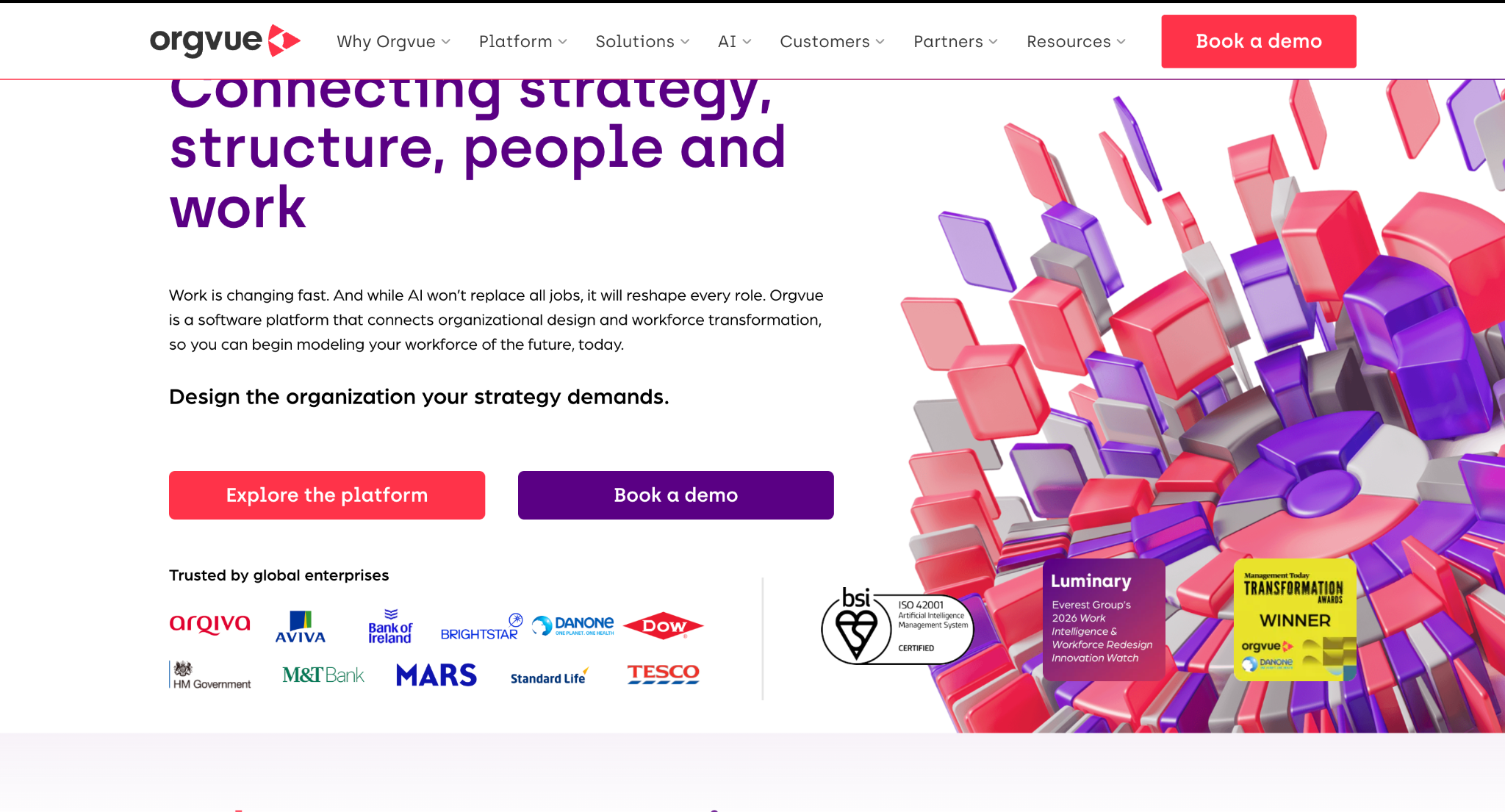
Best for: Organizational design, workforce transformation, and future-organization modeling.
Orgvue lets teams examine roles, organizational structures, workforce demand and supply, reporting relationships, and alternative future-state designs. The platform’s strategic applications include:
Finance teams should evaluate how easily workforce models connect to cost centers, budgets, forecasts, and actuals if the organization also requires a finance-owned planning process.
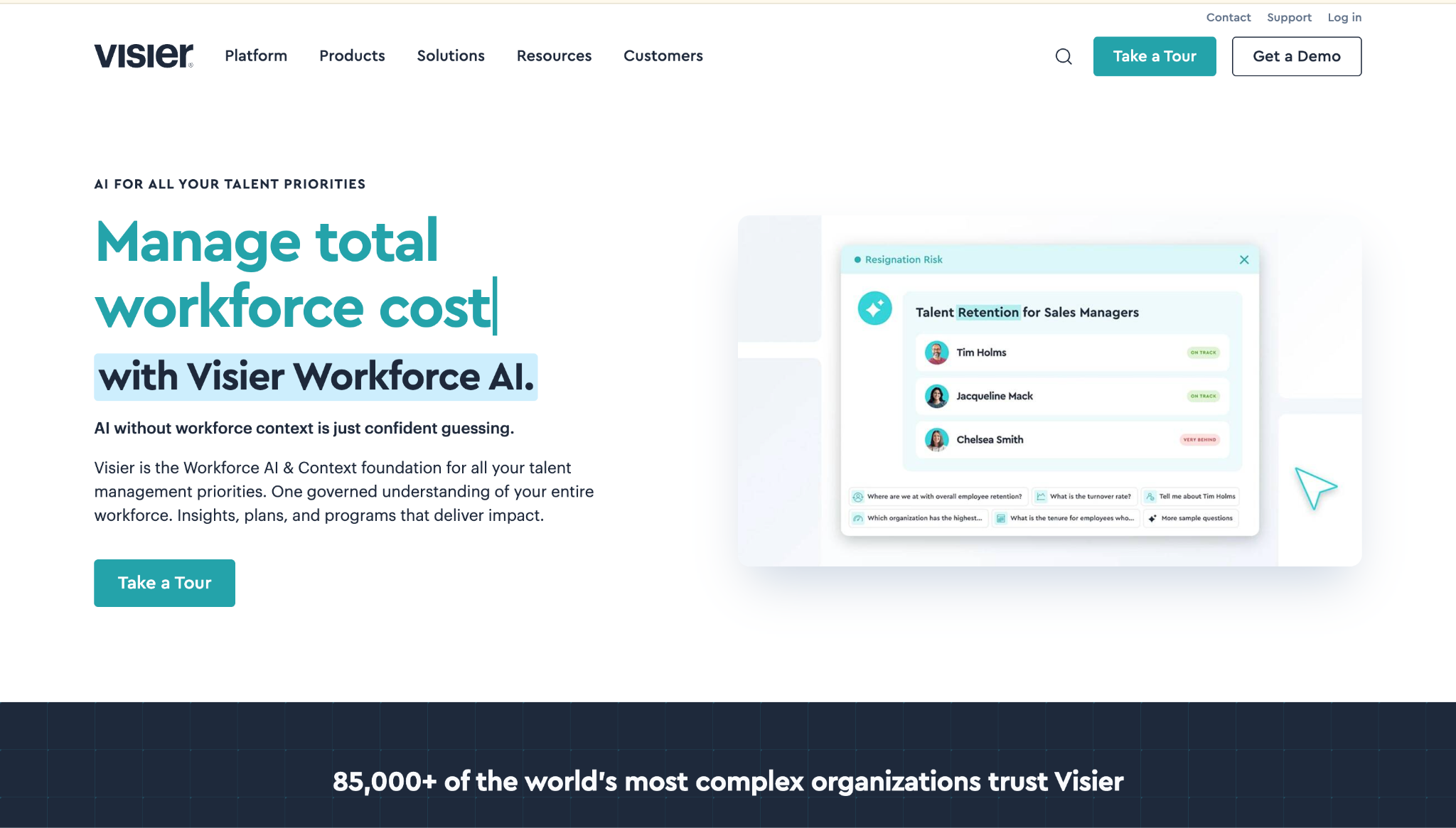
Best for: People analytics teams that need workforce intelligence before finalizing strategic plans.
Visier approaches workforce planning through people data and analytics. The platform helps teams analyze workforce trends, employee movement, retention, workforce cost, talent risk, and other people metrics before turning those insights into workforce decisions.
Its strategic value is strongest where long-term workforce planning depends on understanding what is happening inside the existing workforce.
Relevant capabilities include:
For finance-led planning, buyers should assess how directly Visier connects workforce assumptions to budgets, forecasts, cost centers, and the existing FP&A environment.
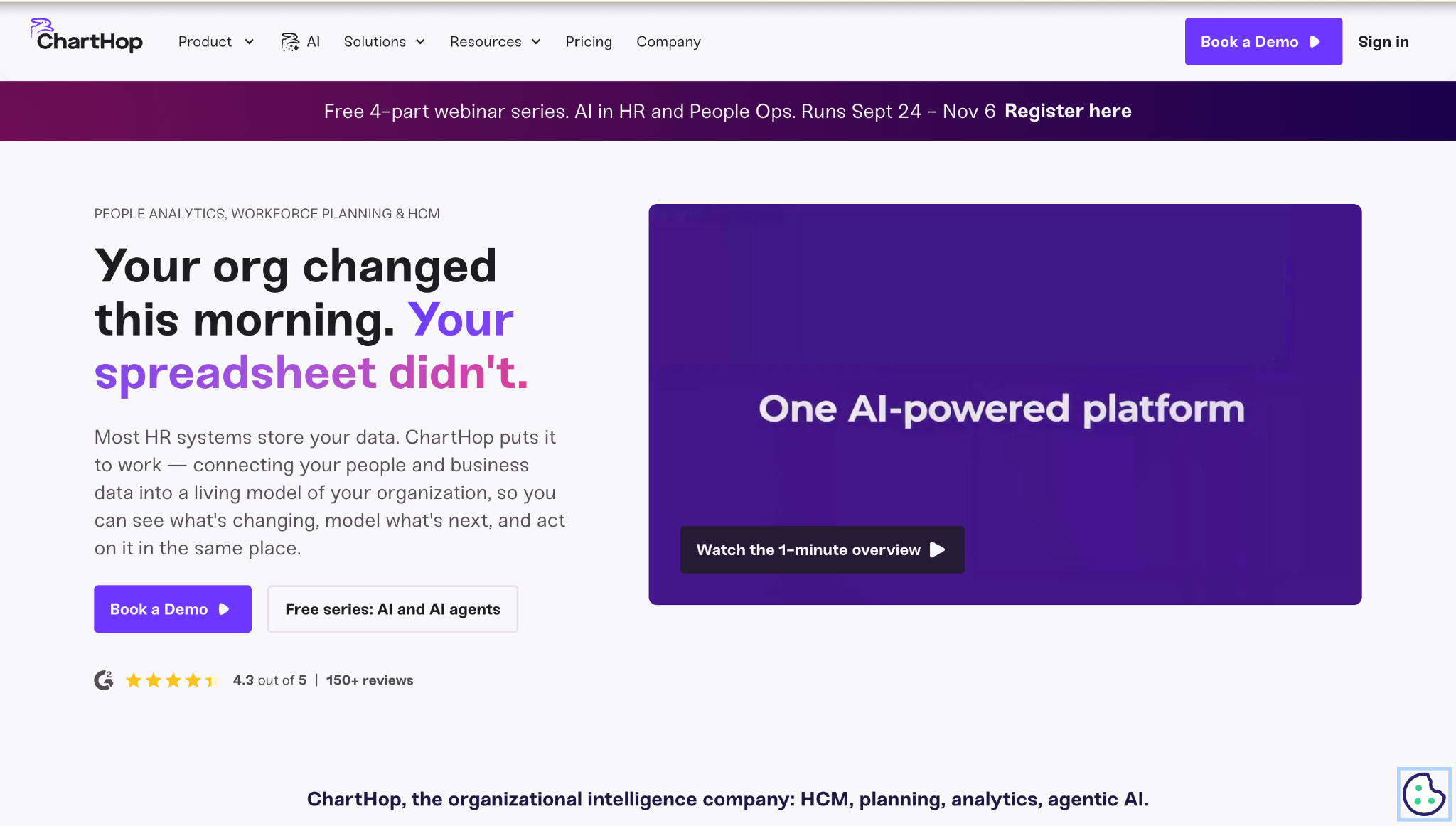
Best for: People data visualization, organizational visibility, and collaborative headcount planning.
ChartHop combines live organizational data with headcount planning, people analytics, organizational charts, compensation information, and scenario planning.
Its Headcount Planning module models the budget impact of workforce changes using current organizational data. This gives finance, HR, and department leaders a shared environment for reviewing planned roles and workforce costs.
Strategic applications include:
ChartHop is also comparatively transparent on pricing. ChartHop’s Core plan currently starts at $5 per employee per month, while Headcount Planning adds $4 per employee per month, billed annually.
The platform is especially useful when organizational visibility and collaborative headcount planning are more important than building a highly customized enterprise financial model.
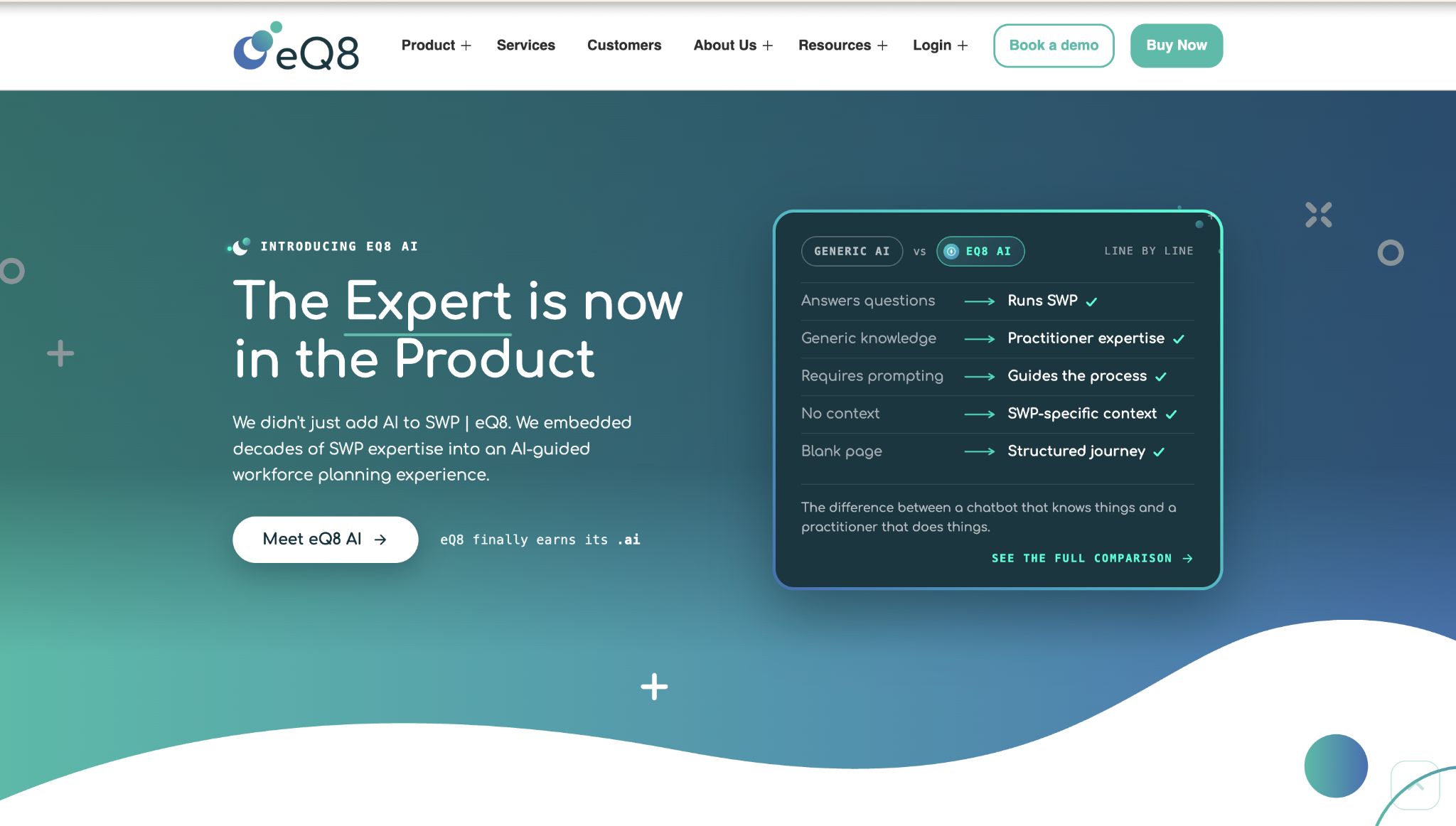
Best for: Dedicated SWP teams focused on long-term workforce demand, supply, skills, and scenarios.
eQ8 is purpose-built around strategic workforce planning rather than treating workforce planning as a module inside a broader finance or HR suite.
It focuses on dynamic scenario modeling, future workforce demand and supply, skills forecasting, and structured strategic workforce-planning workflows.
Key areas to evaluate include:
Finance leaders should verify how compensation, benefits, cost centers, budgets, actuals, and financial forecasts connect with the workforce model before using it as part of a finance-led planning process.
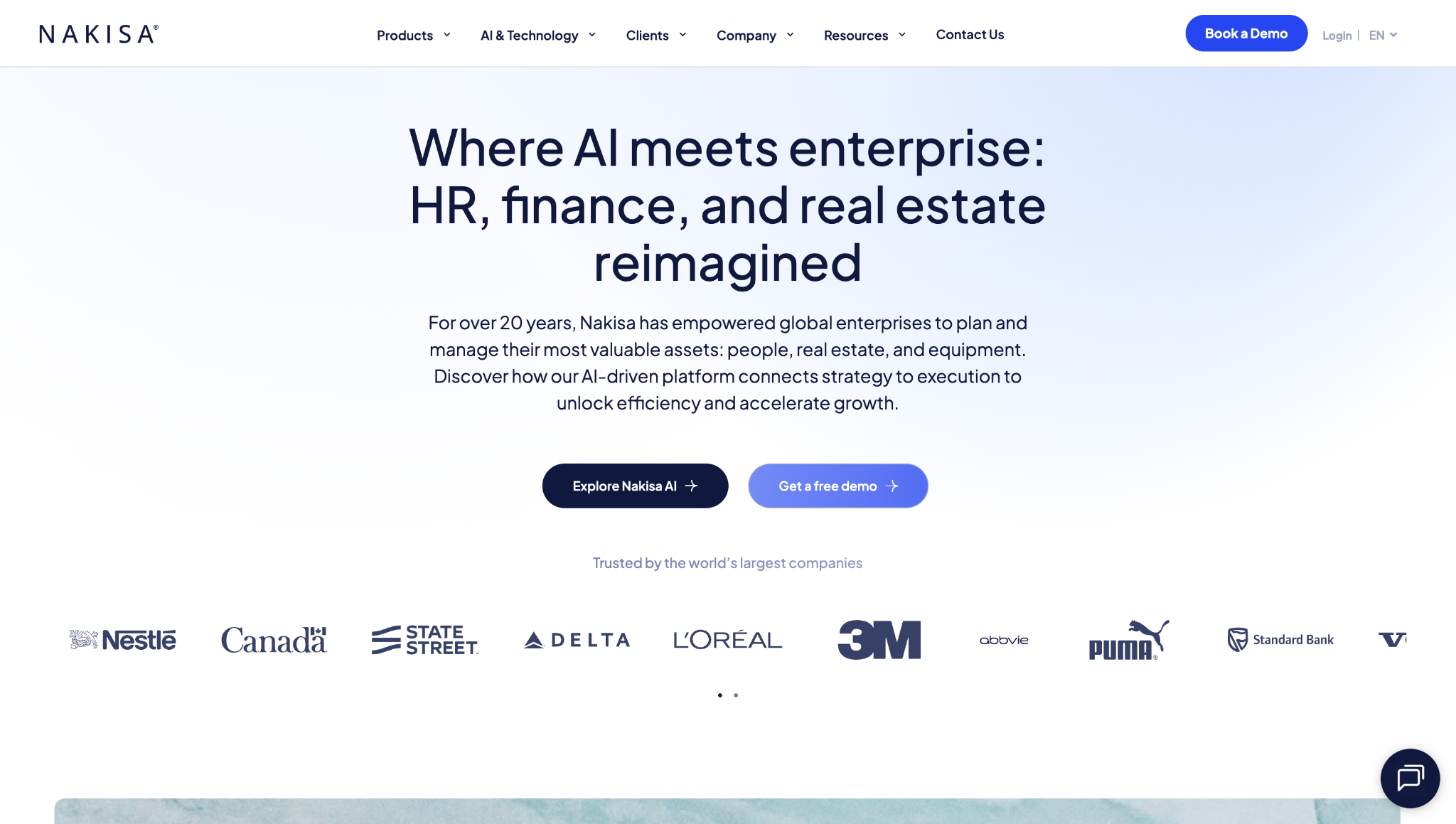
Best for: Large enterprises combining workforce planning with organizational design.
Nakisa Workforce Planning supports workforce planning, organizational design, org-chart visualization, HR analytics, skills-gap analysis, and headcount modeling.
The product targets enterprises with complex structures and changing workforce requirements.
Strategic applications include:
Finance and FP&A teams should confirm how workforce scenarios connect to budgets, cost centers, forecast models, and ERP actuals.
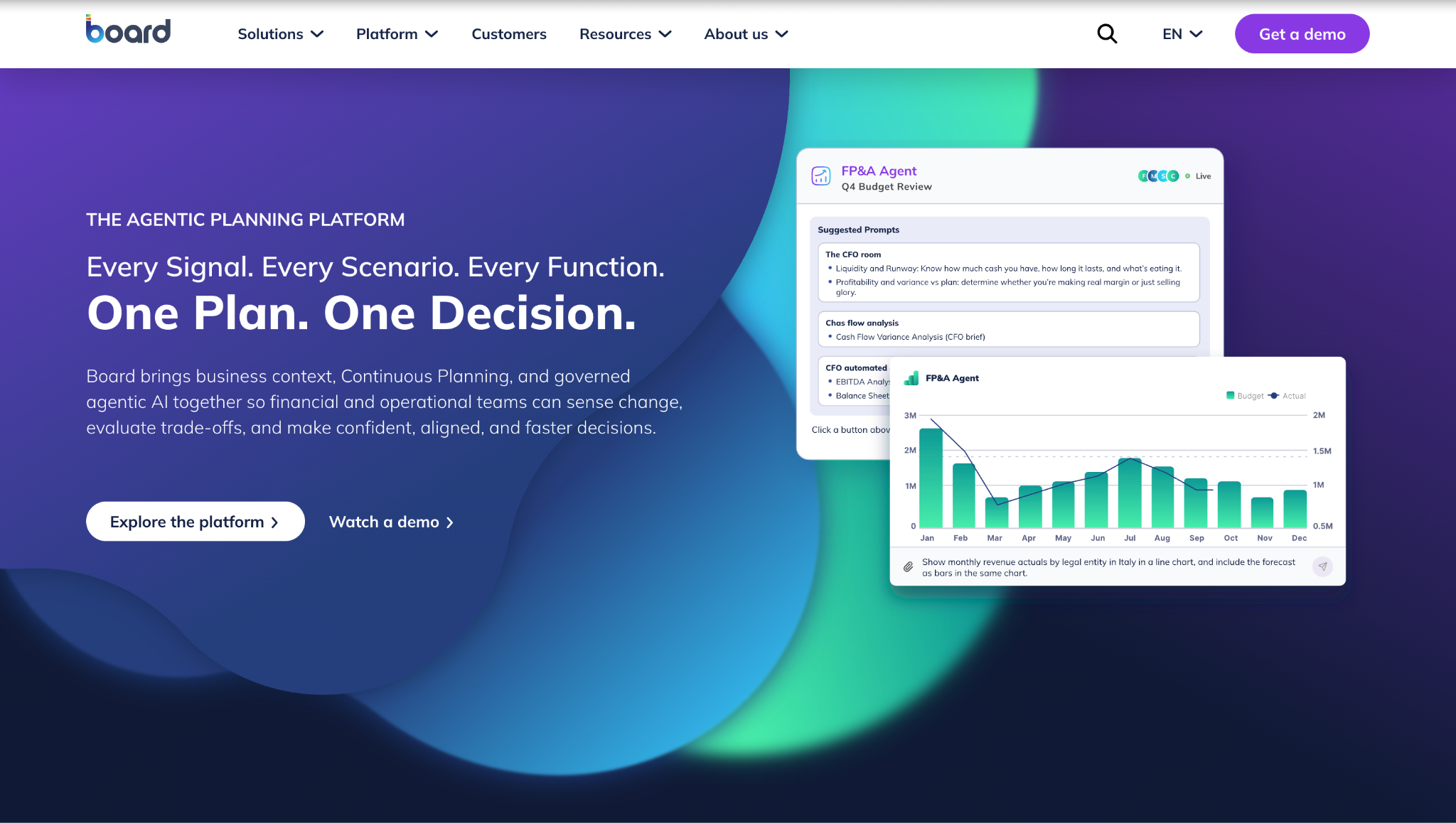
Best for: Organizations that want workforce planning inside a broader enterprise-planning environment.
Board combines financial, operational, and strategic planning in one platform. Its workforce-planning capabilities can be used alongside budgeting, forecasting, operational planning, analytics, and performance management, making it relevant when workforce assumptions form part of a wider enterprise model.
Strategic applications include:
Buyers should evaluate implementation complexity, model ownership, reporting requirements, and overall platform scope before committing.
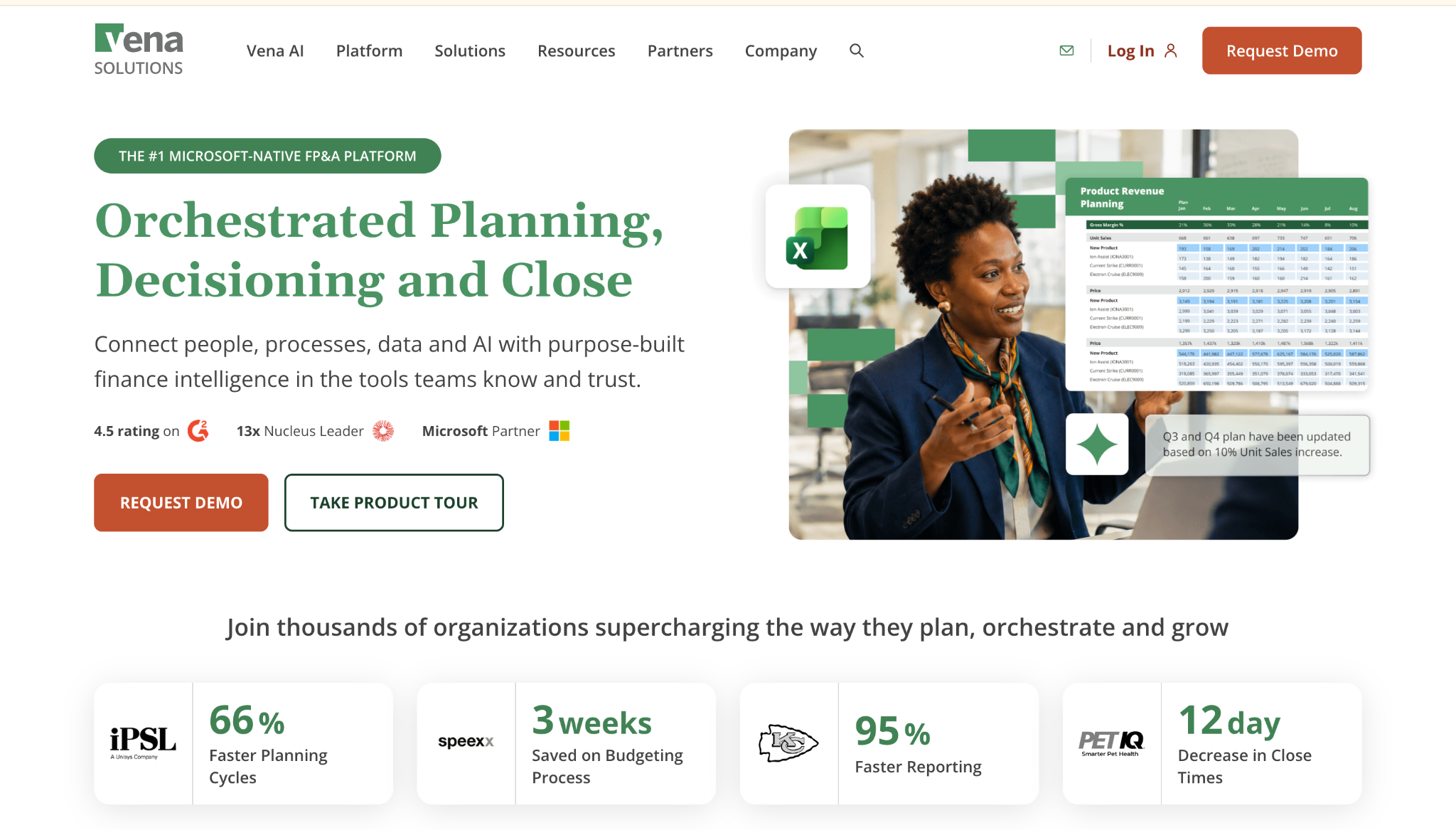
Best for: Finance teams that want workforce planning while retaining an Excel-based experience.
Vena combines centralized FP&A workflows with native Microsoft Excel integration. Its workforce-planning capabilities can bring HR and financial inputs together for labor-expense planning, compensation assumptions, benefits, taxes, reporting, collaboration, and scenario analysis.
Strategic applications include:
Vena is particularly relevant when finance wants greater governance and automation, but users remain comfortable working in Excel.
Its current Professional and Complete packages require buyers to contact the vendor for pricing.
Best for: FP&A teams that want workforce planning inside spreadsheet-oriented financial workflows.
Cube is an FP&A platform designed to work with Excel, Google Sheets, web-based planning, and connected financial data.
Its workforce-planning fit is strongest when headcount planning forms part of a wider financial model rather than a dedicated skills or organizational-design program.
Relevant applications include:
Cube can work well when finance already owns workforce-cost planning and wants to reduce manual consolidation without abandoning familiar spreadsheet interfaces.
Teams that require great skills intelligence, workforce supply analysis, or complex organizational design may need complementary capabilities.
Enterprise buyers need a platform that helps leadership connect future workforce requirements with business capacity, capabilities, timing, structure, and cost.
Finance and HR need to compare multiple workforce paths before committing to one.
Scenario modeling should allow teams to change assumptions such as:
Each scenario should show the downstream effect on workforce capacity and cost.
For more detail, see Limelight's guide to scenario planning.
Strategic workforce requirements should connect to the business assumptions creating the demand.
Useful drivers can include:
Driver-based planning allows workforce assumptions to move with the underlying business model rather than remain fixed in a disconnected headcount spreadsheet.
Position-level planning creates the bridge between workforce strategy and the financial forecast.
The software should support fields such as:
Strategic workforce planning should identify whether the organization will have the capabilities required by future strategy.
A useful platform can help compare future workforce demand with expected supply and identify where the organization may need to:
A strategic workforce planning software should support planning beyond the current budget cycle.
CFOs need to understand how headcount, compensation, benefits, hiring timing, attrition, and structural changes affect future operating plans.
The model should also make it possible to translate long-range assumptions into a nearer-term headcount plan.
Workforce plans need financial ownership.
The planning environment should connect workforce assumptions with:
This prevents HR and finance from maintaining competing versions of the workforce plan.
Strategic workforce planning works best when HR owns workforce context and finance owns financial discipline.
The software should give both teams visibility into:
A shared model reduces reconciliation work and makes assumption changes easier to trace.
Strategic workforce planning is not only a headcount exercise.
Leadership may also need to evaluate:
Organizational-design capability becomes especially important during restructuring, transformation, or rapid growth.
Finance teams use workforce-planning software to understand how hiring, attrition, compensation adjustments, benefits, role changes, and organizational plans affect budgets and forecasts before those decisions become committed spend.
A finance-led workflow can compare scenarios such as:
Each scenario should show the effect on labor cost, departmental budgets, operating expenses, forecasts, and workforce capacity.
The underlying model usually needs:
A delayed hire should change both the headcount forecast and the expense forecast. A compensation increase should flow into the relevant department plan. An accelerated-growth scenario should expose the additional workforce requirement before leadership commits to the operating plan.
That is the difference between maintaining a headcount list and treating workforce strategy as part of the wider FP&A process.
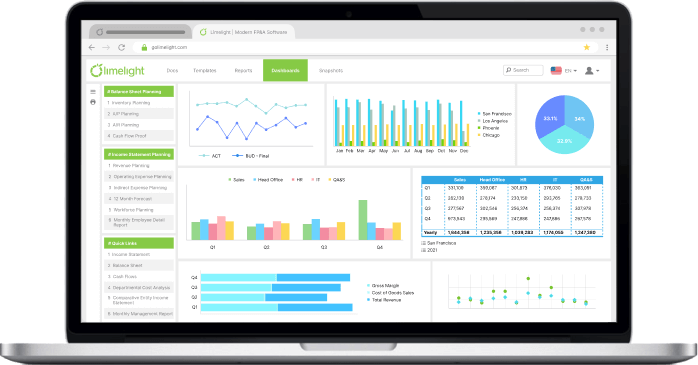
Limelight is best for finance-led strategic workforce planning where headcount, compensation, benefits, hiring timing, cost centers, actuals, and scenarios need to connect directly with FP&A workflows.
It is a cloud-based FP&A and workforce planning platform designed to bring financial, HR, and operational planning data into the same finance-owned environment.
For strategic workforce planning, the platform supports workforce planning, driver-based compensation modeling, scenario modeling, true-cost-of-workforce analysis, real-time reporting, and ERP-connected planning workflows.
It allows finance teams to model workforce decisions alongside:
Instead of updating a separate workforce spreadsheet and later pushing the numbers into the financial model, finance can use the same planning environment for workforce plans, budgets, forecasts, and scenarios.
If a planned hire moves from January to April, finance needs an estimate of how salary, benefits, payroll costs, department expense, cash requirements, and the forecast change with it.
The same applies to compensation adjustments, attrition assumptions, hiring freezes, revised department plans, and alternative growth scenarios.
Limelight's reporting layer keeps those projections connected with actual performance. Teams can review actual versus plan, labor-cost variance, department results, and workforce-driven forecast changes through the same reporting environment.
Limelight also includes a no-code analytical engine and AI capabilities such as AI Insights, AI Assistant, and AI Forecaster. These tools can support analysis of financial trends, planning assumptions, and forecast discussions while keeping workforce planning inside the broader FP&A process.
For CFOs, that means workforce planning can remain connected to the financial questions that ultimately determine whether a workforce strategy is affordable:
Limelight's strongest fit is where finance needs headcount and workforce cost to behave like the rest of the financial plan.
See how Limelight connects workforce plans with budgets, forecasts, actuals, and scenarios. Book a demo.
The best strategic workforce planning software depends on who owns the planning process and which decisions the organization needs to model.
Finance-led teams should prioritize tools such as Limelight, Anaplan, Workday Adaptive Planning, Planful, Board, Vena, and Cube when headcount cost, budgets, forecasts, and scenarios are central requirements.
Organizations prioritizing people analytics, organizational design, skills, or workforce demand and supply should also evaluate Visier, Orgvue, ChartHop, eQ8, and Nakisa.
The strongest shortlist is the one that matches the organization's planning horizon, data model, ownership structure, scenario requirements, and financial-planning process.
Strategic workforce planning looks several years ahead and aligns future workforce capacity, capabilities, organizational structure, and cost with business strategy.
Operational workforce planning translates that direction into annual or shorter-horizon workforce plans covering positions, hiring requirements, budgets, and execution.
Daily scheduling, attendance, time tracking, and shift coverage fall more naturally under workforce management.
The 7 Rs of workforce planning are commonly framed as:
The framework reinforces that workforce planning involves more than reaching a target headcount. The workforce must also have the right capabilities, structure, location, timing, and cost profile.
The main tool is scenario-based workforce planning software that models future headcount, workforce demand and supply, roles, skills, compensation, benefits, attrition, and organizational changes.
For finance teams, the platform should also connect those assumptions with budgets, forecasts, actuals, cost centers, and business drivers. The best software therefore depends on whether the primary planning problem is financial, organizational, talent-related, or a combination of those areas.
HR planning generally focuses on talent processes such as recruiting, development, retention, succession, compensation, and workforce policies. Strategic workforce planning begins with business strategy and asks what workforce the organization will require to execute it.
It adds future workforce demand, capacity, skills, organizational structure, timing, and financial cost to the planning process. The disciplines overlap, but strategic workforce planning normally requires closer involvement from finance and business leadership because workforce decisions affect the operating plan.
Strategic workforce planning software helps CFOs quantify the financial effect of workforce decisions before those decisions become committed spend.
Finance teams can model changes to hiring, compensation, attrition, benefits, organizational structure, and workforce growth and then see how those assumptions affect budgets, forecasts, cost centers, and operating expenses. The result is a workforce plan that functions as part of the financial model rather than as a separate HR spreadsheet.
Subscribe to our newsletter