
Sage Intacct

By Jade Cole |
Last Updated: November 12, 2026

Sage Intacct handles your accounting, from the general ledger to transactions and actuals, but budgeting and forecasting often move into spreadsheets. Each entity is exported from Sage Intacct, pasted into a master workbook, and reconciled manually every cycle. Sage Intacct Budgeting and Planning is sold separately and has limited customization, so teams with multiple entities, custom dimensions, or driver-based models often look elsewhere.
The best FP&A software for Sage Intacct depends on your entity structure, planning complexity, and how closely the tool needs to connect to your ledger. Platforms differ in how they connect, whether they carry custom dimensions across, how often actuals refresh, and whether budgets can be written back to Sage Intacct.
This guide compares nine platforms that integrate with Sage Intacct on integration, budgeting and forecasting, scenario modeling, and spreadsheet compatibility. It also covers when Sage Intacct’s native planning is enough, seven criteria for choosing, and six integration features to test before you commit.
The best FP&A software for Sage Intacct depends on your team size, planning complexity, and how closely you need the tool to connect to your ledger. We have shortlisted the top 9 platforms that integrate with Sage Intacct. Each of these tools suits different types of finance teams.
|
FP&A software |
Best suited for |
|
Limelight |
Comprehensive budgeting, forecasting, and reporting for Sage Intacct users |
|
Planful |
Structured planning and multi-entity forecasting |
|
Vena Solutions |
Excel-based financial planning and collaboration |
|
Prophix One |
Financial planning, consolidation, and reporting |
|
Datarails |
Automating existing Excel-based financial models |
|
Solver |
Financial reporting and integrated planning |
|
Cube |
Spreadsheet-native FP&A |
|
Jedox |
Flexible enterprise planning and modeling |
|
Centage |
Budgeting and forecasting |
The table below compares the nine tools on how they connect to Sage Intacct, how they handle budgeting, forecasting, and scenario modeling, and how they work with spreadsheets.
|
Platform |
Sage Intacct integration |
Budgeting & forecasting |
Scenario modeling |
Spreadsheet compatibility |
Best for |
|
Limelight |
Certified Marketplace partner; secure API connection with transaction-level drill-down |
Budgeting, planning, and forecasting with prebuilt templates and driver-based planning |
Driver-based financial modeling |
Excel-free, cloud-based platform |
Comprehensive FP&A for mid-sized to large organizations |
|
Planful |
Marketplace listing; REST APIs, connectors, and SFTP; nightly or on-demand sync |
Rolling forecasts, driver-based cash flow forecasting, and prebuilt templates |
Side-by-side comparison of plan versions |
Web-based, with Excel-familiar formulas |
Multi-entity budgeting, forecasting, and consolidation |
|
Vena Solutions |
Native connector; automatic data load with drill-down to transactions |
Budgeting, forecasting, and driver-based workforce planning |
Scenario planning with predictive analytics |
Excel-native, integrated with Microsoft 365 |
Excel-centric teams on Microsoft 365 |
|
Prophix One |
Certified Marketplace integration; native Data Integration; actuals at period close |
Zero-based, traditional, and driver-based budgeting |
Conservative, base, and stretch scenarios compared side by side |
Web-based |
Governed budgeting, forecasting, and consolidation |
|
Datarails |
Runs FP&A alongside Sage Intacct; entity and data consolidation with currency handling |
Planning, variance analysis, and reporting |
— |
Excel-native |
Teams that want to keep working in Excel |
|
Solver |
Sage ISV program; Sage Intacct API; standard and QuickStart connectors |
Driver-based budget models, rolling forecasts, and 100+ templates |
What-if scenarios and simulations, compared side by side |
Excel add-in for reports and budget forms |
Reporting, consolidation, and budgeting together |
|
Cube |
Direct general ledger sync, including chart of accounts and journal entries |
Budgeting, modeling, and revenue, cash flow, and headcount planning |
Scenario planning |
Excel and Google Sheets |
Spreadsheet-first teams with one or many entities |
|
Jedox |
Jedox Integrator (ETL); bi-directional data flows with scheduled refresh |
Driver-based planning across finance, HR, sales, and S&OP |
Driver-based and scenario modeling |
Excel add-in and Jedox Web |
High-volume, cross-functional enterprise planning |
|
Centage |
Native Sage Intacct REST API integration; continuous sync; budgets can be pushed back |
Budgeting, rolling forecasts, and driver-based planning |
Scenario planning |
Web-based |
Multi-entity budgeting, including nonprofits |
Each tool shortlisted in this guide integrates with Sage Intacct seamlessly. However, they differ in:
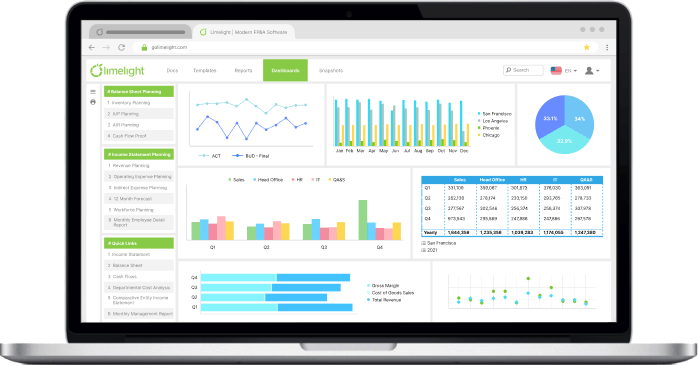
 Limelight is a cloud-based, Excel-free FP&A platform built for Sage Intacct users who want to move beyond spreadsheets. It covers budgeting and planning, forecasting, and reporting in one place. It is used by mid-sized to large companies, with a focus on nonprofits, SaaS, and higher education.
Sage Intacct integration: Limelight is a certified Sage Intacct Marketplace partner and connects to your data through secure APIs, so there is no manual entry. You can customize dimensions, hierarchies, and accounts, and drill down to the transaction level.
Key features:
Advantages:
Best for: Mid-sized to large organizations that want advanced analytics and collaborative planning, particularly nonprofits, SaaS companies, and higher education institutions.
Pricing: Limelight offers two plans:
Both include budgeting, forecasting, workforce planning, reporting, dashboards, AI insights, and narrative reporting, with no separate module pricing. Implementation includes finance-led expertise and ready-to-use planning models. Pricing requires a personalized quote. Contact our team for customized pricing
 Planful is a cloud financial performance management platform that brings budgeting, forecasting, consolidation, reporting, and workforce planning into one system. Embedded AI supports analysis and forecasting, and planning deployments go live in under eight weeks.
Sage Intacct integration: Planful is an approved listing on the Sage Intacct Marketplace. It connects through a combination of RESTful APIs, connectors, and SFTP, and pulls trial balances, journal entries, the chart of accounts, and cost center data from Sage Intacct. General ledger data flows in nightly or on demand, and no custom build or third-party middleware is required.
Key features:
Advantages:
Limitations:
Best for: Mid-market and enterprise finance teams that run budgeting, forecasting, and close and consolidation together, particularly organizations with multi-entity structures.
Pricing: Planful does not publish its pricing. Subscriptions are scoped to company size, number of users, and the modules selected, and the sales team provides a custom quote after a demo.
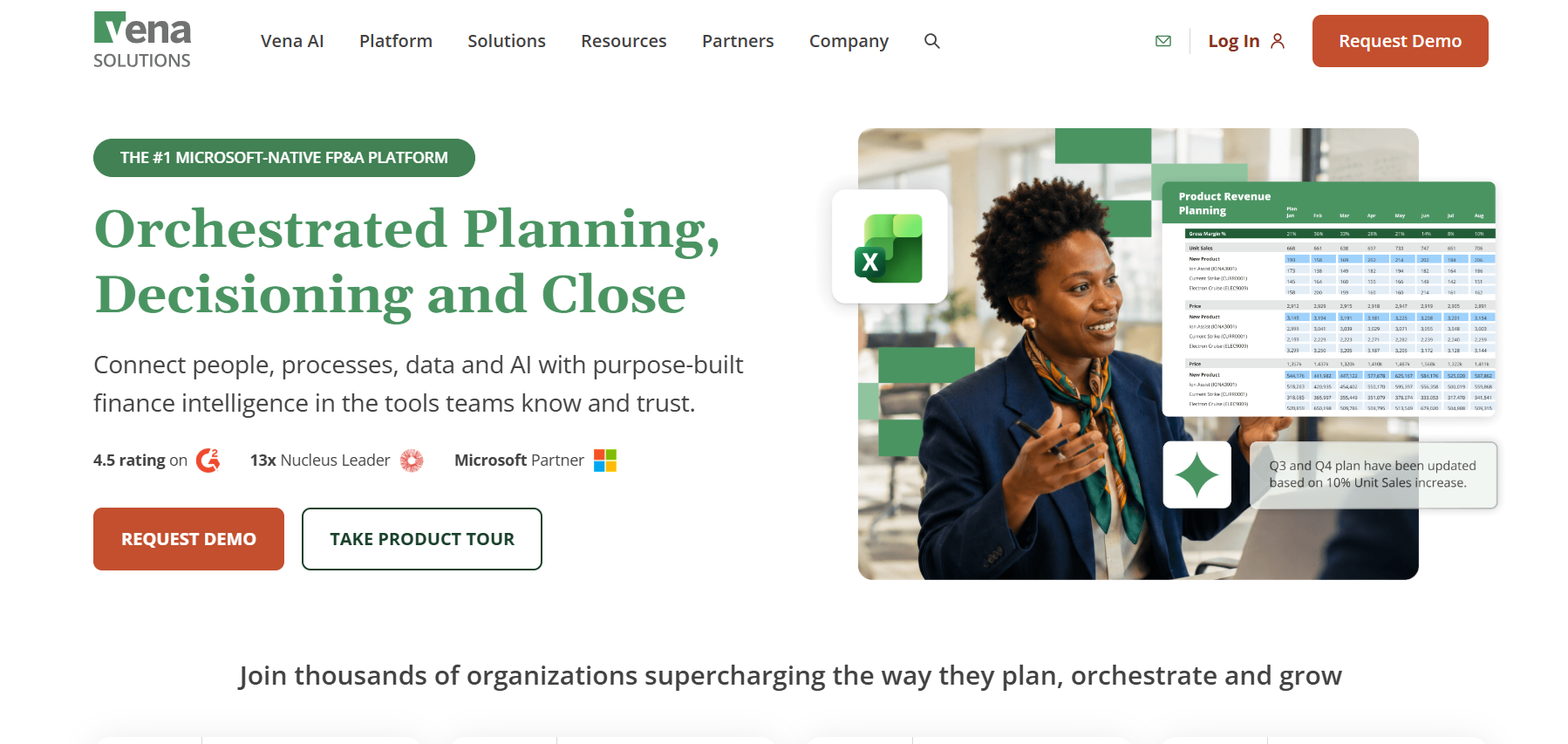 Vena is an AI-powered, Excel-native planning platform that connects Microsoft Excel to a centralized database. It covers budgeting, forecasting, financial reporting, scenario planning, workforce planning, and financial close and consolidation, with Vena Copilot and Vena Insights providing AI support.
Sage Intacct integration: Vena connects to Sage Intacct through a native connector that links directly to the source system. Sage Intacct data loads into Vena templates automatically and updates actuals as needed. Users drill down from Vena reports into Sage Intacct transaction details.
Key features:
Advantages:
Limitations:
Best for: Mid-market and large organizations that want an Excel-native FP&A platform integrated with Microsoft 365.
Pricing: Vena offers two plans:
Both offer flexible user licensing. Nonprofits may qualify for discounted pricing. Specific prices are not publicly listed. Contact the Vena sales team for customized pricing.
 Prophix One is a finance platform with agentic AI, built for mid-market finance teams. It covers budgeting, planning, forecasting, reporting, consolidation, intercompany management, account reconciliation, and workflow.
Sage Intacct integration: Prophix announced a certified integration with Sage Intacct in October 2019 and is part of the Sage Intacct Marketplace. Prophix One's native Data Integration connects to Sage Intacct, and finance teams manage the connection themselves without IT involvement. Actuals flow in automatically at period close.
Key features:
Advantages:
Limitations:
Best for: Mid-market finance teams, CFOs, and FP&A leaders that need budgeting, forecasting, and consolidation on one governed platform
Pricing: Pricing for Prophix One is not publicly available. The subscription cost depends on the number of users, integrations, and use cases, so reach out to the Prophix sales team for a custom quote.
 Datarails is a financial operating system for finance teams. It consolidates data from financial and operational sources into one governed source of truth while teams keep working in Excel, and it connects that data to AI tools.
Sage Intacct integration: Sage Intacct handles accounting, and Datarails handles FP&A. Datarails gives finance teams access to their financials in one place whether the numbers live in Sage Intacct or in Excel, and combines the two for data and entity consolidation, foreign currency handling, and reporting. Implementations are short and serviced, backed by an in-house FP&A customer support team.
Key features:
Advantages:
Limitations: Planning stays in Excel, so teams that want to leave spreadsheets will need a web-based tool.
Best for: Finance and FP&A teams that want to keep working in Excel while centralizing Sage Intacct and other data.
Pricing: Datarails offers three custom-quoted plans:
 Solver is an AI-accelerated, cloud-based extended FP&A (xFP&A) platform for reporting, consolidation, budgeting, forecasting, and analysis. It combines Sage Intacct data with other sources, including industry-specific systems, operational data, and spreadsheets, into one source of truth.
Sage Intacct integration: Solver is part of Sage's independent software vendor (ISV) program, and its connector was developed with advice from Sage Intacct and follows Sage's recommended best practices. It connects through the Sage Intacct API and loads data from any Intacct module, with support for general ledger and sub-ledger reports and dashboards. A standard connector covers every field in the API, and the patented QuickStart connector is pre-mapped to specific Sage Intacct fields with ready-to-use reports and budget models. Reports and budget forms connect directly to Sage Intacct data and are designed in an Excel add-in.
Key features:
Advantages:
Limitations: Its roots are in reporting and BI, so test planning depth against your own budgeting process. Implementation time depends on entities, data sources, and custom models.
Best for: Mid-market finance teams, including CFOs, financial controllers, FP&A managers, and senior accountants, that want reporting, consolidation, and budgeting together.
Pricing: Solver offers three license types:
All subscriptions include planning, reporting, consolidation, integrations, templates, AI tools, unlimited support, and automatic updates. Custom quotes are available.
 Cube is an agentic FP&A platform that connects Excel and Google Sheets to centralized, governed financial data. It covers reporting and analysis, planning and modeling, and consolidation and close, with AI agents for data cleanup, analysis, and forward-looking models.
Sage Intacct integration: Cube syncs general ledger data from Sage Intacct, including the chart of accounts and journal entries, as needed in real time. Data categories and metadata can be configured to fit your model, and multiple Sage Intacct instances map into a master Cube chart of accounts. Cube pulls consolidated or detailed data depending on volume, and setup takes around two weeks.
Key features:
Advantages:
Limitations: Budget write-back to Sage Intacct is not described on Cube's integration page. Planning remains spreadsheet-based.
Best for: Spreadsheet-first finance teams, including CFOs and FP&A directors, that need centralized, consolidated data across one or many Sage Intacct entities.
Pricing: Cube offers three custom-quoted plans:
 Jedox is a planning and performance management platform for finance and other teams, used by more than 2,900 organizations. It runs on an in-memory calculation engine, with visual tools for rule-building, driver logic, and scenario modeling that require no scripting, and teams work in an Excel environment through the Jedox Excel add-in and Jedox Web.
Sage Intacct integration: Sage Intacct data loads into Jedox through the Jedox Integrator, an ETL tool with a visual interface for mapping, transforming, and loading data. Jedox partner FutureView Systems builds Sage Intacct integrations on the platform, and nonprofit Upstream USA runs Sage Intacct as a source system in Jedox with transparency down to transaction-level detail. Data can be imported, transformed, and written back through bi-directional flows, with automated scheduling and refresh.
Key features:
Advantages:
Limitations: The Integrator gives fine control but expects a technical administrator. Data loads in scheduled batches rather than continuously.
Best for: CFOs, FP&A teams, and finance leaders at organizations with multidimensional, cross-functional, high-volume planning requirements.
Pricing: Jedox offers three subscription plans:
All plans include standard business-hours support. Pricing is available through custom quotes
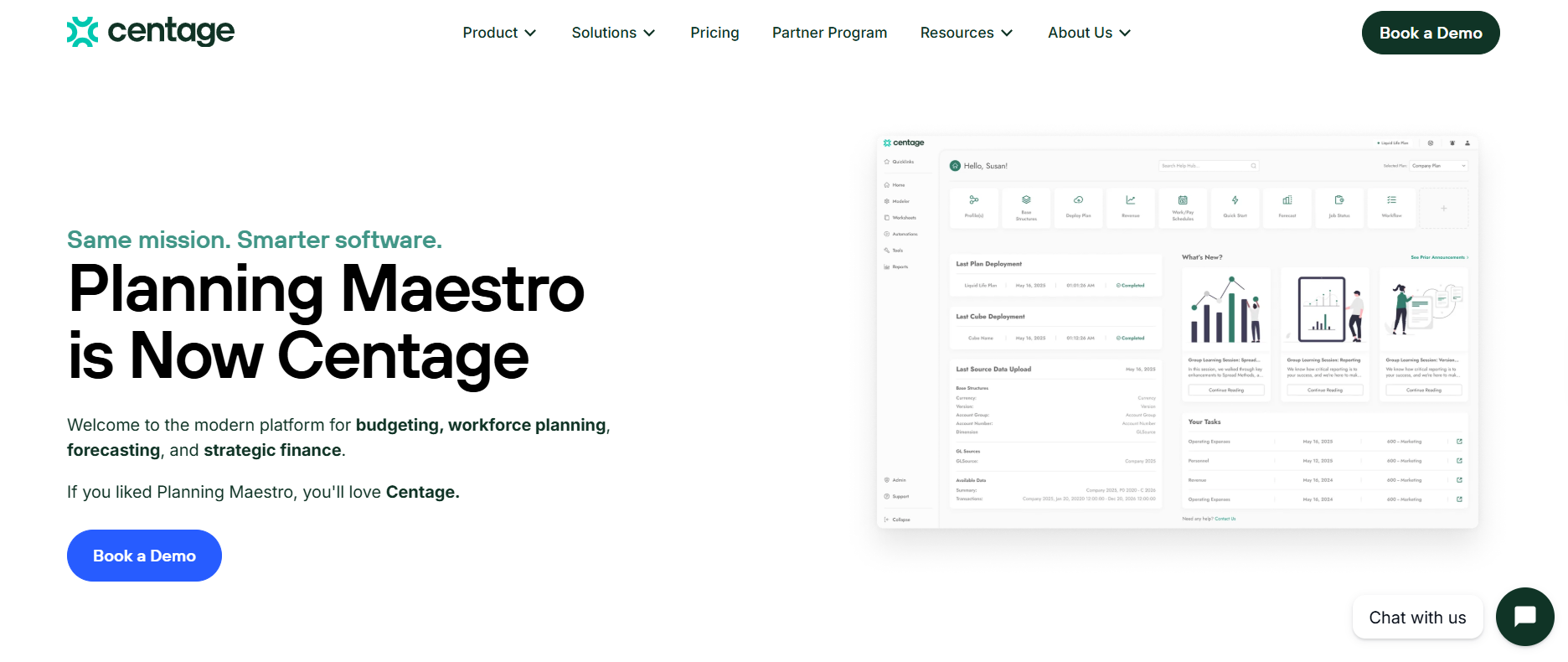 Centage delivers FP&A software that automates budgeting, forecasting, and reporting without the complexity of enterprise tools. It covers scenario planning, multi-entity planning, workforce planning, and workflow, and more than 500 finance teams use it.
Sage Intacct integration: Centage connects through a native integration built on the Sage Intacct REST API, with credential-based access. Actuals sync automatically and continuously. During setup, entities, dimensions, and the chart of accounts are mapped with automatic mapping suggestions, and custom dimensions such as departments, locations, projects, and classes map to Centage dimensions. Approved budgets can be pushed back to Sage Intacct.
Key features:
Advantages:
Limitations: Centage quotes a 4–6 week implementation. Confirm refresh frequency and write-back scope during your evaluation.
Best for: Companies that use Sage Intacct's multi-entity capabilities, including nonprofits.
Pricing: Centage pricing starts at $699/month, with most mid-market customers paying $18,000-$40,000 annually. Custom quotes depend on legal entities, chart-of-accounts size, and users. Every subscription includes budgeting, forecasting, consolidation, workforce planning, reporting, AI-assisted setup, US-based onboarding, and standard support. Advisory hours and managed FP&A are optional paid services.
Sage Intacct handles accounting well. Sage Intacct Budgeting and Planning is sold separately and has limited customization, so it may not fit teams that need advanced modeling, dimensional reporting, or deeper general ledger insight.
Spreadsheets break down as plans grow. Common problems:
Annual budgets go stale quickly. FP&A platforms add:
With actuals flowing in from Sage Intacct, finance teams can produce:
Businesses with several entities need consistent financial data, dimensional reporting, currency handling, and consolidated planning. FP&A software preserves entity structures from Sage Intacct and rolls them up into a consolidated plan, so you do not rebuild the hierarchy in a spreadsheet each cycle.
Pricing, onboarding, and security are worth checking, but begin with whether the tool fits your workflows and data structure. The seven criteria below cover how well a platform connects to Sage Intacct, how it handles entities and planning, and what it takes to adopt and scale it.
The tool should connect to Sage Intacct directly through its API instead of exports or middleware. A direct connection supports automated data synchronization and preserves both standard and custom dimensions. Ask whether the connection is certified in the Sage Intacct Marketplace.
Check that the platform handles multiple entities, departments, locations, projects, and custom dimensions. Ask how intercompany eliminations and entity-level drill-down work.
Look for annual budgeting, rolling forecasts, and driver-based planning. Users should be able to change assumptions and see results without rebuilding the model.
Finance teams should be able to compare business conditions, hiring decisions, revenue assumptions, and expense scenarios side by side. A built-in change log helps track plan updates and keeps owners accountable.
Look for actual-versus-budget reporting, customizable dashboards, and management reports. The tool should let you query data on demand, annotate reports, apply formatting rules to highlight data points, and automate report generation.
Compare spreadsheet-based and web-based interfaces for your team's skills. Ask about onboarding requirements, implementation effort, and prebuilt templates. A tool that needs constant admin help will slow adoption.
Compare licensing, implementation costs, additional modules, and support terms. Check whether the platform limits dashboard users, and whether it scales with your headcount and entity count. Our FP&A demo checklist can help you compare vendors consistently.
If headcount is a large part of your budget, also check for workforce planning software capabilities at the individual employee level, including payroll, benefits, taxes, and merit increases.
A tool that “integrates with Sage Intacct” may not access all your data or support every workflow. Test these six features before you commit:
Sage Intacct Planning is enough for organizations with straightforward budgeting, basic forecasting, and actuals-vs-forecast comparisons, since it integrates directly with the Sage Intacct ledger. Teams outgrow it when they need complex driver-based models, workforce planning, multi-entity consolidation, or reporting across systems beyond the ledger. At that point, dedicated FP&A software is worth evaluating.
Limelight connects directly to Sage Intacct and pulls actuals automatically, so finance teams stop exporting ledger data into spreadsheets each cycle. Sage Intacct dimensions carry through planning and reporting, which keeps budgets, forecasts, and scenarios in the same structure as the ledger. Teams build in an Excel-like interface they already know, and can drill from a variance down to the transaction behind it. That makes it a fit for teams whose planning needs have outgrown the native module.
See Limelight on Your Sage Intacct Data
Book a demo and walk through budgeting, forecasting, and reporting on your own actuals, dimensions, and entities.
Yes. Sage Intacct Budgeting and Planning is a separate module, sold on its own, that lets businesses create budgets, manage model calculations, and compare actuals to forecasts in a spreadsheet-style interface. It has a built-in, bidirectional integration with Sage Intacct and works well for straightforward budgeting needs.
Sage Intacct Planning covers core budgeting and forecasting inside the Sage ecosystem. Dedicated FP&A software typically adds advanced scenario modeling, driver-based planning, workforce planning, multi-entity consolidation, and broader reporting. Capabilities vary by vendor, so compare them against your own requirements before deciding.
Yes. Most modern FP&A platforms connect to Sage Intacct through its API, which moves entities, dimensions, and actuals into the planning tool automatically. Some use middleware or scheduled batch loads instead. Ask whether the connection is direct, how often it refreshes, and whether it is certified in the Sage Intacct Marketplace.
Many do. Limelight and Centage map custom dimensions such as departments, locations, projects, and classes, and Solver offers a pre-mapped QuickStart connector. Support differs by tool, so confirm that your specific custom dimensions carry over and remain available for reporting and planning.
Yes. Most platforms pull actuals from Sage Intacct on a schedule or continuously, depending on the vendor. Refresh frequency ranges from scheduled batch loads to daily or hourly updates. Ask each vendor for the exact frequency and whether you can trigger a manual refresh.
It depends on the platform, your data structure, and your requirements. Small projects take two weeks, whereas custom implementation may take 4–6 weeks. Ask each vendor for a scoped estimate based on your setup.
Subscribe to our newsletter