
ERP

By Inder Seth |
Last Updated: November 12, 2026

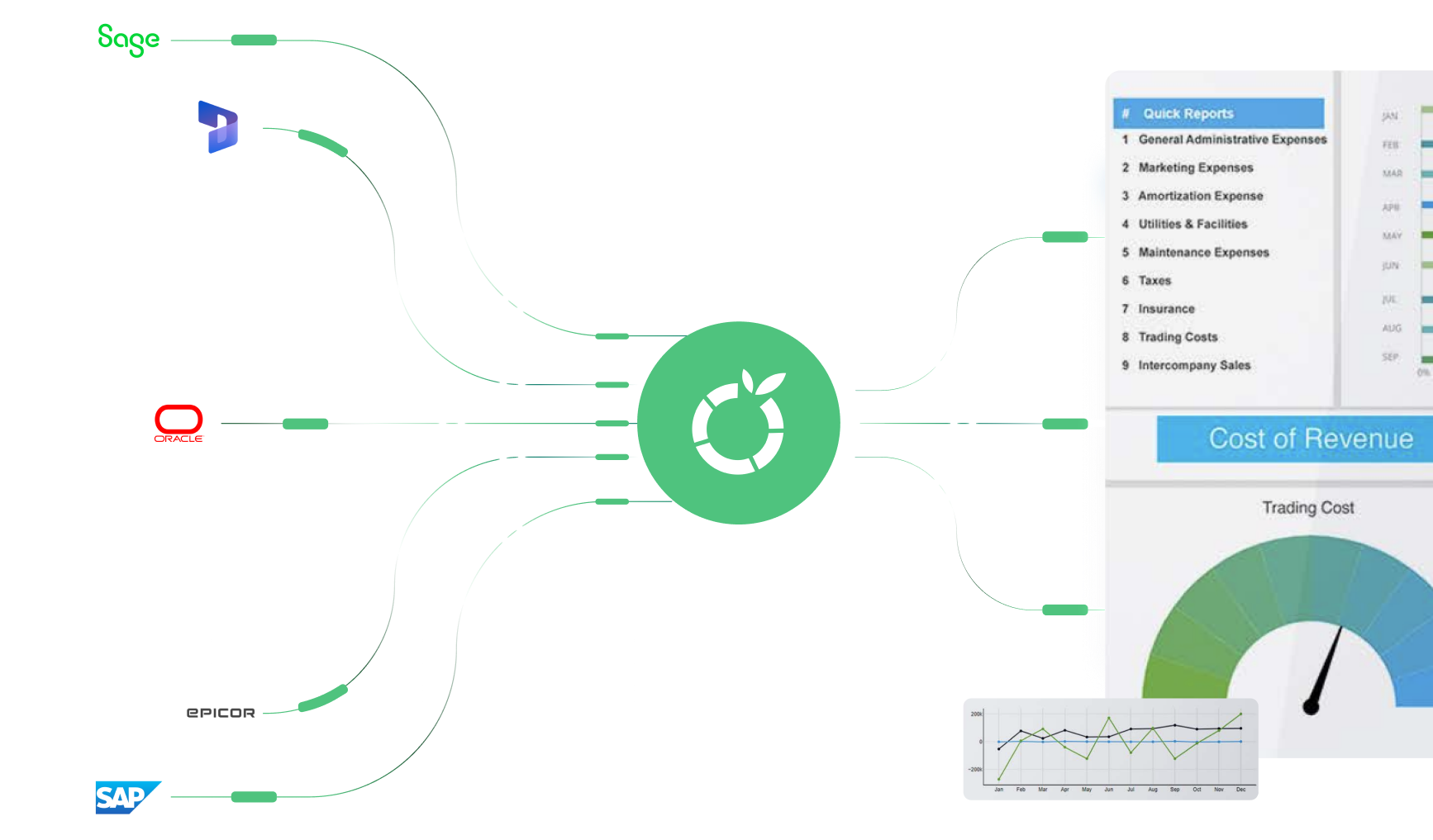
Businesses using Oracle NetSuite often rely on additional tools to manage budgeting, forecasting, financial reporting, and scenario planning. While NetSuite provides a centralized financial and operational data foundation, finance teams may still need a dedicated FP&A platform to automate planning workflows, consolidate financial information, and support forward-looking analysis.
The right NetSuite FP&A software should integrate with existing financial systems, support multi-entity reporting, simplify budgeting and forecasting, and provide finance teams with the flexibility to model different business scenarios.
This guide compares leading FP&A platforms for NetSuite users, examining their integration capabilities, planning features, reporting functionality, ease of use, and suitability for different business requirements.
Excel remains useful for ad hoc analysis and flexible modeling. The problem arises when disconnected workbooks become the operating system for an organization-wide budget, forecast, or reporting process.
In a typical NetSuite environment, finance may export actuals, distribute templates to department owners, and collect completed files by email or shared folders. Contributors cannot always work from a consistent model, and finance must coordinate submissions manually.
Dedicated FP&A software can provide shared models, defined responsibilities, workflow status, and controlled input access. It allows department managers to contribute while finance maintains ownership of the model and process.
Budget owners frequently create copies for different assumptions or scenarios. File names such as “final,” “final-v2,” and “approved-final” make it difficult to identify the authoritative plan. A workbook may also contain actuals exported from NetSuite on different dates.
A centralized FP&A platform can maintain approved versions, scenarios, and audit history in one environment. Finance can compare a budget, forecast, and actual results without manually stitching together separate files.
Spreadsheets can expose salary, customer, departmental, or entity-level information to people who do not need it. Passwords and folder permissions provide some control, but they may not offer the same level of role-based access and activity tracking as a governed planning platform.
FP&A tools can restrict users by role, entity, department, account, or workflow responsibility. Buyers should still evaluate each vendor’s security model rather than assume all platforms provide the same controls.
As the number of contributors grows, finance must validate copied formulas, links, macros, and account mappings. One overwritten formula or changed worksheet structure can disrupt consolidation.
A dedicated platform stores calculation logic and mappings in a managed model. Standardized templates, validation rules, and automated aggregation reduce, not eliminate, the manual work required to consolidate submissions and compare them with NetSuite actuals.
Spreadsheet scenarios often become independent copies of a model. Updating assumptions across every version is slow and creates reconciliation risk.
FP&A software can separate assumptions, drivers, versions, and scenarios within a common model. Finance teams can run base-case, best-case, and worst-case analyses while preserving consistent definitions and actual data.
An FP&A platform complements NetSuite instead of replacing the ERP. NetSuite records and manages transactions, while FP&A software uses financial and operational data to help teams plan what may happen next.
NetSuite is typically the authoritative source for the general ledger and related financial records. FP&A software imports or accesses those actuals and combines them with assumptions, operational drivers, and user input.
For example, a finance team might pull monthly general-ledger actuals from NetSuite, map accounts to management-reporting hierarchies, and use those results as the starting point for a rolling forecast.
A planning platform can distribute departmental templates, prepopulate historical actuals, apply business rules, collect submissions, route approvals, and consolidate results. Finance can then forecast revenue, headcount, operating expenses, and cash flow using common assumptions.
Organizations with subsidiaries or legal entities need consistent mappings for accounts, currencies, departments, and intercompany structures. FP&A software can provide management-level consolidation and planning across entities, while NetSuite remains the source for recorded financial results.
Buyers should distinguish management consolidation and planning from statutory consolidation, and confirm whether the platform supports their exact accounting and ownership requirements.
Finance leaders need to understand how changes in revenue, hiring, pricing, utilization, or costs affect the plan. A dedicated model can hold multiple assumptions and calculate their impact without rebuilding every report.
FP&A platforms can combine actuals, budgets, and forecasts in management reports and dashboards. Teams can investigate budget-versus-actual, forecast-versus-actual, and period-over-period variances using consistent hierarchies.
Financial plans depend on operational inputs. Sales may own pipeline assumptions, HR may own hiring plans, and department leaders may own expenses. FP&A software can connect these inputs through controlled workflows while finance maintains common definitions and oversight.
Choosing the right cloud FP&A software is a critical decision for any business. To make the selection process smoother, here are the features you should prioritize. These features are designed to cater to your financial planning and analysis requirements, ensuring effective management of your resources and financial performance.
A ‘NetSuite integration’ label doesn’t show how deep the integration goes. Ask exactly what it covers, including:
During a demonstration, ask the vendor to show how a changed NetSuite dimension, new subsidiary, failed synchronization, or restated period is handled.
Finance should be able to maintain account hierarchies, reporting rollups, business drivers, assumptions, and calculations without depending on engineering for routine changes. Ask which changes administrators can make directly, what requires consultants, and how model changes are tested and governed.
Look for income statements, balance sheets, cash-flow reports, management packs, dashboards, drill-downs, and variance analysis. Confirm whether users can trace a number back to its source, create alternate hierarchies, and distribute reports with appropriate access controls.
Evaluate annual budgets, rolling forecasts, driver-based planning, scenarios, allocations, top-down targets, bottom-up submissions, and workflow approvals. Ask the vendor to demonstrate your most complicated planning use case rather than a generic revenue model.
Confirm support for subsidiaries, multiple charts of accounts, currencies, eliminations where applicable, ownership structures, and entity-specific assumptions. Clarify whether capabilities are designed for management reporting, statutory consolidation, or both.
Look for assignments, deadlines, approvals, reminders, status dashboards, validation rules, and repeatable data loads. Ask how the platform handles late submissions, rejected budgets, reopened periods, and forecast updates.
Assess the experience for model administrators, finance analysts, and occasional department contributors. Ask who performs implementation, what internal resources are required, how training works, and how support is delivered after go-live. Avoid treating a promised timeline as guaranteed until scope and data readiness are understood.
The table below is a shortlist, not a final integration certification. Confirm connector type, supported NetSuite objects, refresh options, and current commercial terms with each vendor.
|
Platform |
NetSuite integration |
Budgeting & forecasting |
Reporting |
Spreadsheet support |
Best for |
|
Limelight |
Direct integration supported |
Budgeting, forecasting, modeling, workflows |
Financial and operational reporting |
Excel-like web experience and formula familiarity |
Mid-sized finance teams seeking a finance-owned platform |
|
Oracle NSPB |
Oracle/NetSuite ecosystem offering; verify configuration and data flows |
Planning, budgeting, forecasting |
Planning-oriented reporting |
Verify current spreadsheet add-in options |
NetSuite customers preferring an Oracle-aligned solution |
|
Workday Adaptive Planning |
Connector/integration approach must be verified |
Enterprise planning and forecasting |
Reporting and dashboards |
Verify current Excel capabilities |
Organizations needing broad planning capabilities |
|
Planful |
NetSuite integration method must be verified |
Financial planning and forecasting |
Reporting and analysis |
Verify current spreadsheet features |
Finance teams evaluating an established FP&A suite |
|
Anaplan |
Integration is commonly configuration-led; verify exact architecture |
Connected and enterprise planning |
Model-based reporting |
Spreadsheet role varies by design |
Complex, cross-functional planning environments |
|
Vena |
NetSuite connector |
Budgeting, forecasting, workflows |
Financial reporting |
Supports spreadsheets |
Teams wanting governed planning with familiar spreadsheet workflows |
|
Cube |
NetSuite integration |
Planning and analysis |
Management reporting |
Spreadsheet-oriented workflows |
Lean finance teams that want to retain spreadsheet interfaces |
|
Datarails |
NetSuite integration |
Budgeting and forecasting |
Reporting and dashboards |
Spreadsheet-oriented workflows |
Teams modernizing an Excel-centered FP&A process |
|
Abacum |
NetSuite integration |
Planning and forecasting |
Reporting and collaboration |
Verify current spreadsheet support |
Modern finance teams evaluating web-based planning |
|
Pigment |
NetSuite integration |
Scenario modeling and enterprise planning |
Interactive reporting |
Primarily web-model oriented |
Organizations with complex modeling and collaboration needs |
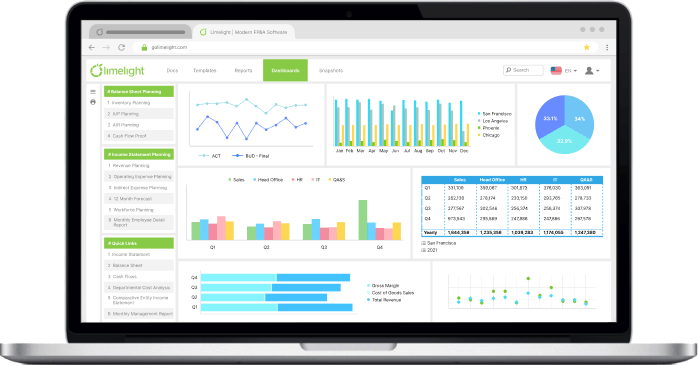
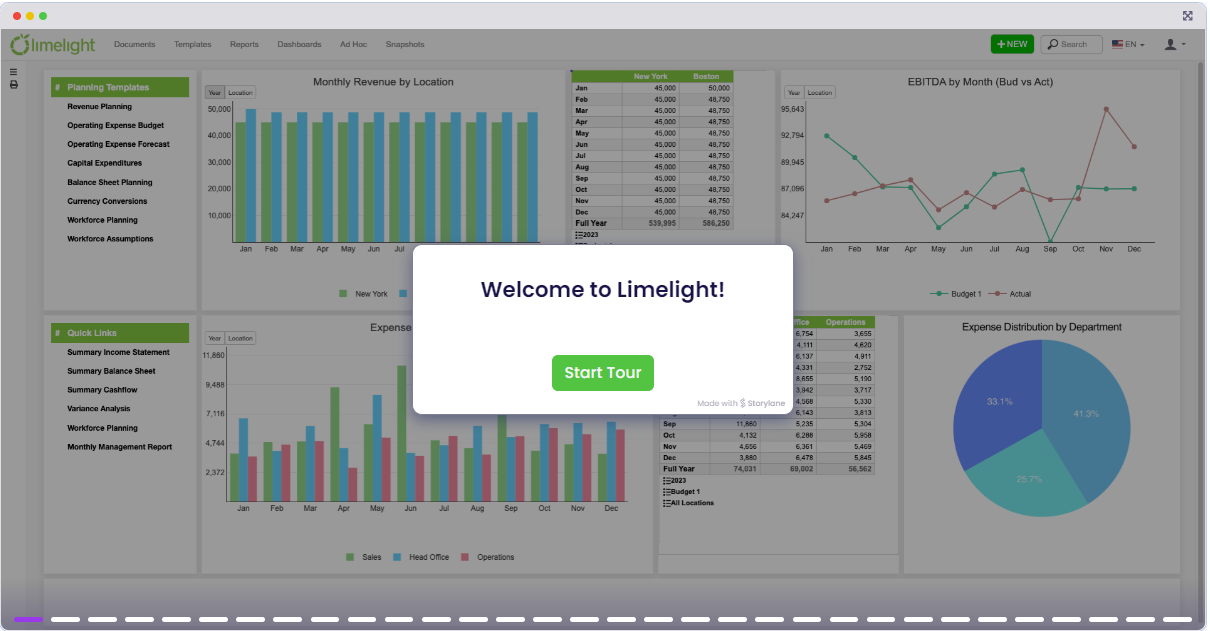 Limelight is an all-in-one financial planning, forecasting, and reporting web-based workspace. It directly integrates with Oracle NetSuite as well as other systems such as HR, Payroll, and CRM to centralize data.
It offers a modern, user-friendly interface that is easily managed by business users and is accessible from anywhere and on any device. Limelight brings the best of Excel and the web together and automatically consolidates financial and operational data for immediate analysis so teams can collaborate across departments in real time.
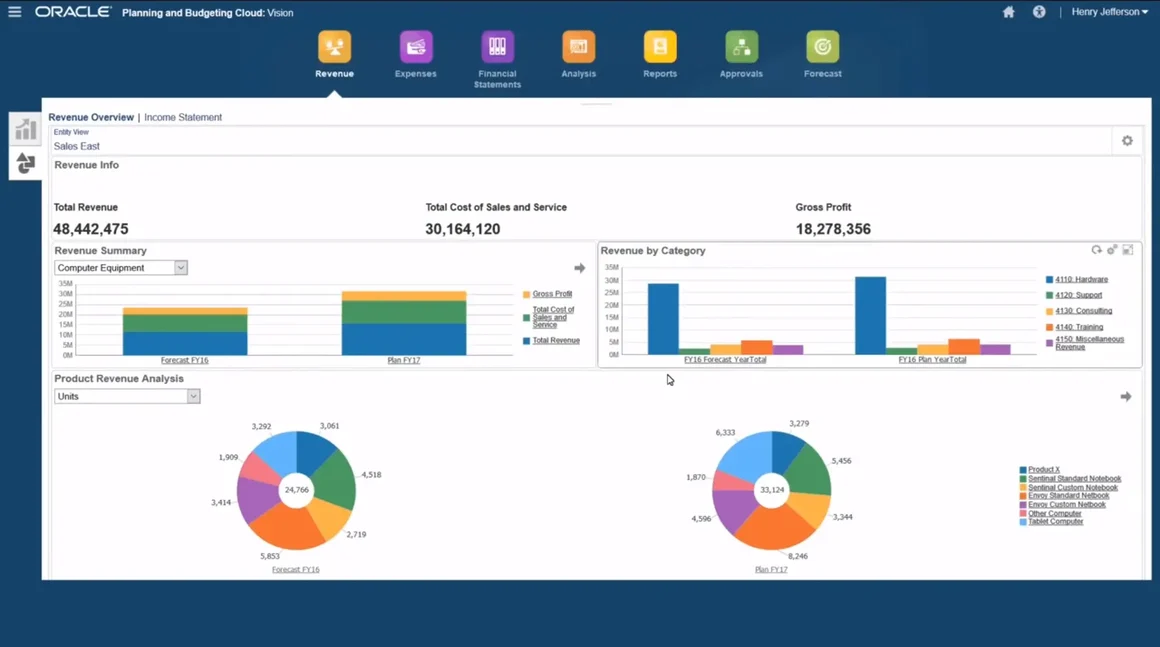 NSPB is NetSuite's planning product for budgeting, forecasting, and scenario modeling. NetSuite sells it as an add-on module to NetSuite ERP, and users sign in to it through an Oracle Cloud service, separate from the NetSuite login.
NetSuite integration:
Key features:
Ease of use: Contributors work in a web interface or in Excel through Smart View.
Pricing: NetSuite sells NSPB as an add-on module on an annual license, with a one-time implementation fee, and doesn't publish prices. User limits differ by subscription.
Best for: NetSuite customers who want planning from Oracle and have confirmed which subscription covers the features they need, especially workforce planning.
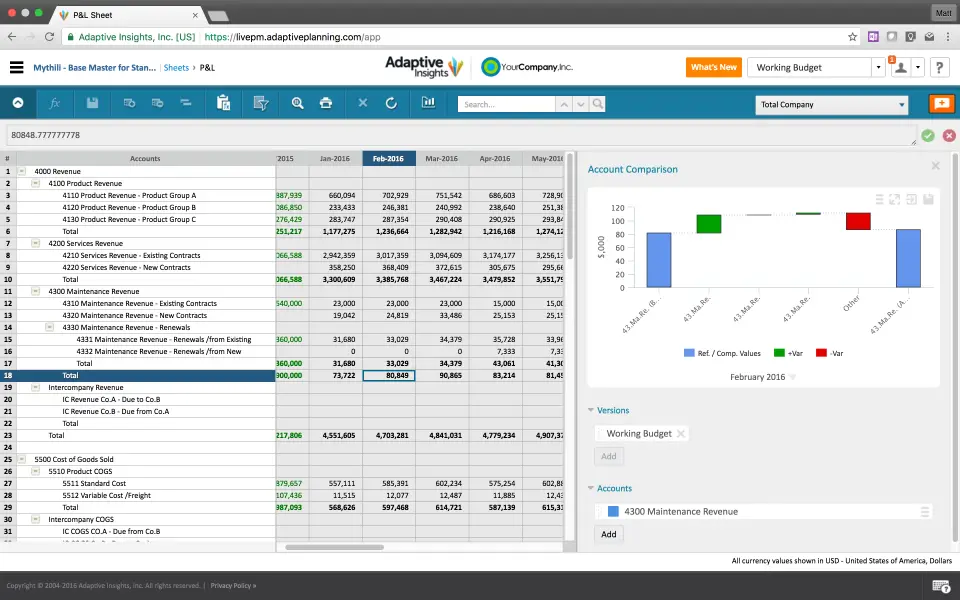 Workday offers Adaptive Planning as a cloud product for planning, budgeting, forecasting, reporting, and analysis that links financial, workforce, sales, and operational plans.
NetSuite integration:
Key features:
Ease of use: A click-not-code interface that keeps planning with finance. Workday sells an Administrator Training Kit as an add-on, and training pricing varies by license.
Pricing: Workday doesn't publish prices. It offers a 30-day free trial and lists the Adaptive Planning package and a Close and Consolidation package (pricing varies).
Best for: Organizations that want finance, workforce, and operational planning on one platform and can plan for a multi-month implementation.
 Planful is a financial performance management platform covering planning, budgeting, forecasting, reporting, consolidation, and close, with 1,500+ customers.
NetSuite integration: Planful offers two integration methods:
Key features:
Ease of use: Budget owners and other contributors enter and submit their numbers in Excel, so they don’t need to learn a new tool. The setup work falls on the admin. Planful’s scenario workflow moves each plan through forward and approve steps, with due dates and a set number of approvers per step. In decentralized setups with many contributors, the workflow can send each user a large number of tasks. Planful’s guide tells admins to learn Task Manager before turning workflow on.
Pricing: Subscription pricing based on company size, user count, and selected modules. Planful doesn't publish prices. Its subscription agreement prices renewals at the then-current list price and doesn't carry first-term discounts forward unless agreed in writing.
Best for: Finance teams that want planning and consolidation on one platform, especially with multi-entity, multi-currency structures.
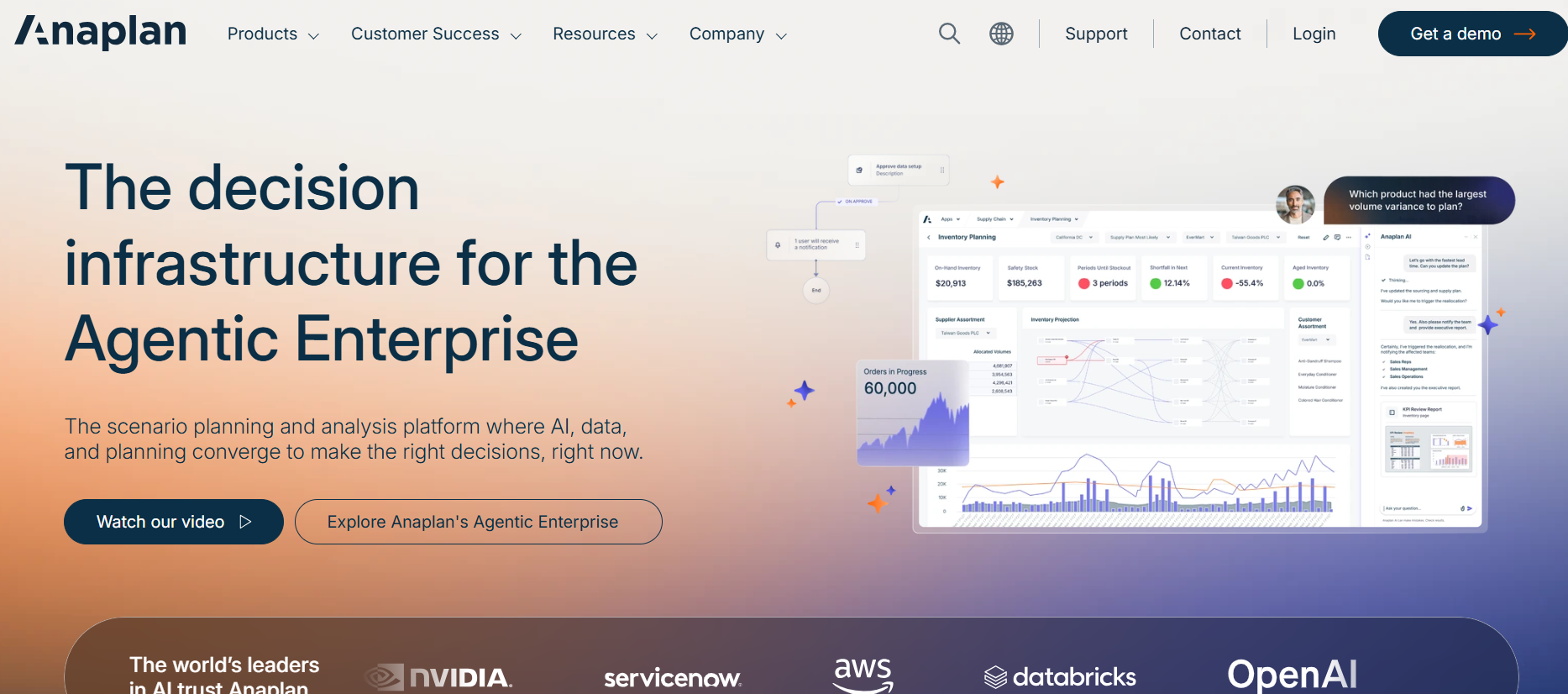 Anaplan is an AI-driven scenario planning and analysis platform that connects finance, sales, HR, and supply chain. Its finance applications include Integrated Financial Planning, Operational Workforce Planning, and Financial Close and Consolidation.
NetSuite integration:
Anaplan can load NetSuite data, but it doesn’t document a NetSuite-specific connector. Its Data Orchestrator connector list doesn’t include NetSuite. NetSuite data reaches Anaplan through one of two routes, based on Anaplan’s own documents and customer stories:
Either route means a second tool or a warehouse to buy, build, and maintain on top of Anaplan. Ask Anaplan which route they would use for your NetSuite setup, and who builds and maintains it.
Key features:
Ease of use: Anaplan says finance teams can set up and change models with low-code or no-code tools and no IT involvement. Test that claim by asking your own finance user to change a model and a report without admin help.
Pricing: Anaplan doesn't list prices on its site. Ask for licenses, implementation, and the integration layer as separate line items.
Best for: Larger or more complex organizations that plan across finance, sales, supply chain, or workforce on one platform.
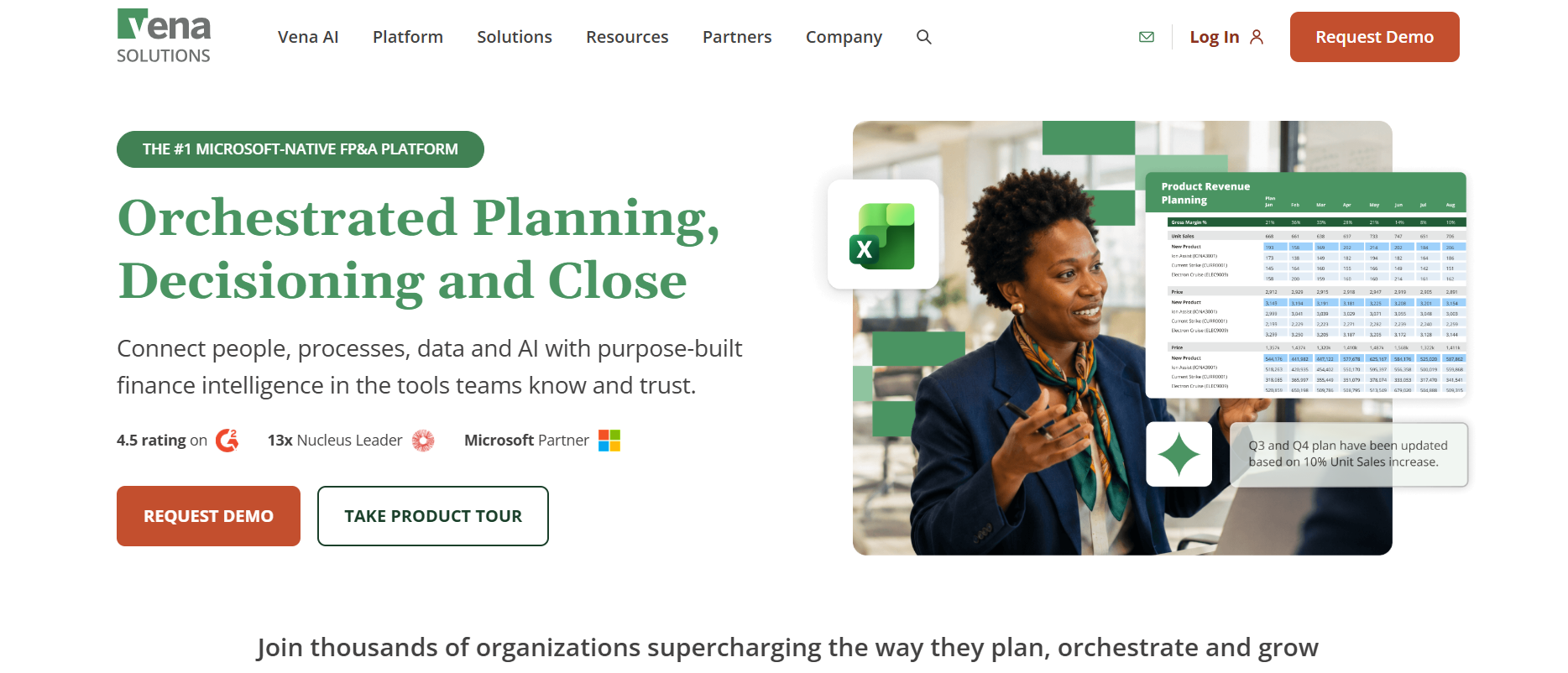 Vena is an FP&A platform built around native Excel, with a central database, workflow, and version control behind the spreadsheets. Vena describes itself as Microsoft-native, across Excel, Power BI and Azure.
NetSuite integration:
Key features:
Ease of use: Planning happens in Excel, with full Excel integration included in both plans. Vena offers self-paced training through its customer portal and Vena Academy. Test how templates, permissions, and model changes are administered, and who owns them after implementation.
Pricing: Vena has two plans, Professional and Complete, and doesn't publish prices. Complete includes Vena Insights, premium support, a sandbox, and managed services, which Professional offers at an additional cost. Pricing depends on organization size, users, use cases, and support needs.
Best for: Finance teams that work in Excel and Microsoft 365 and want governed planning, workflow, and a central database behind it.
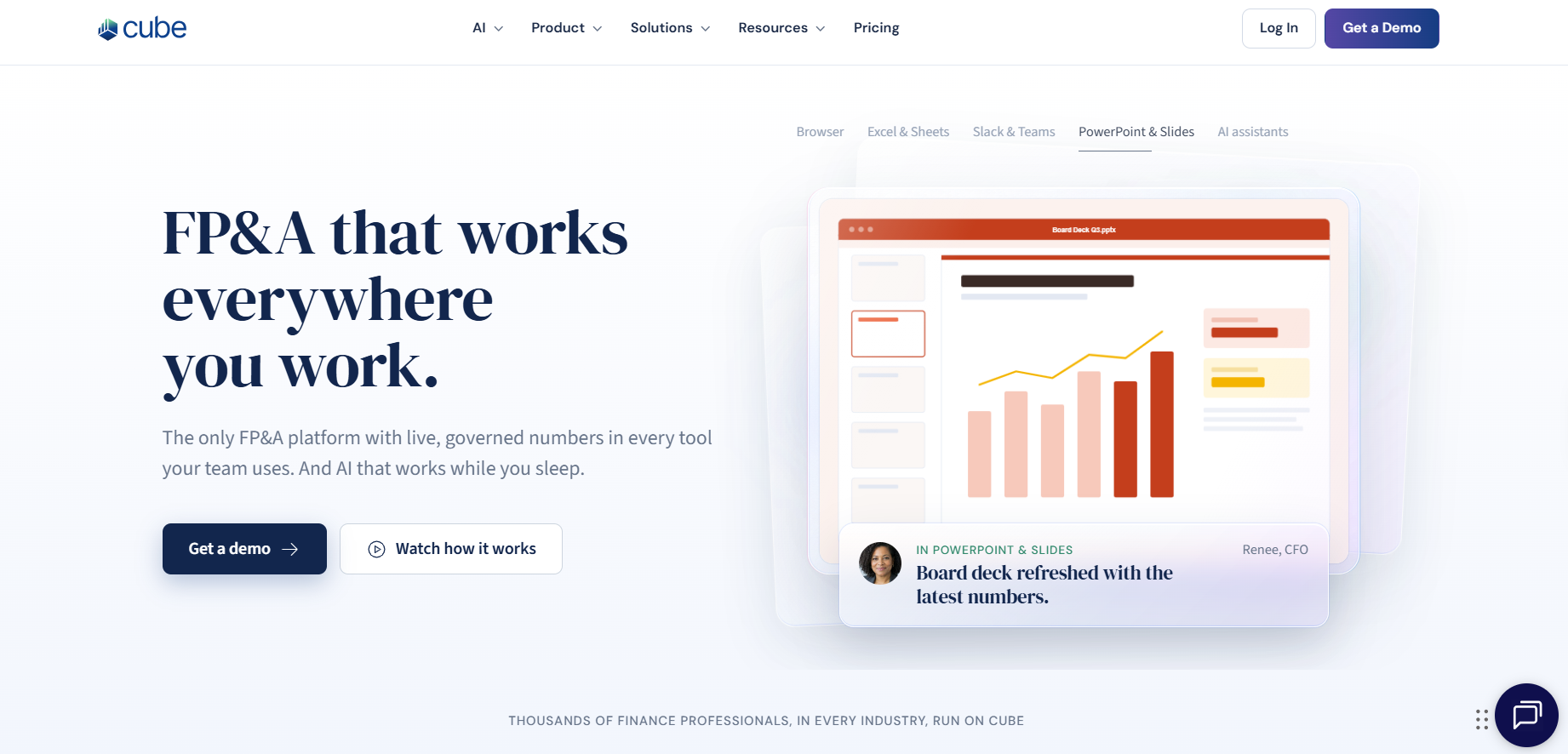 Cube is an agentic FP&A platform that works in Excel, Google Sheets, Slack, and Teams, with two-way spreadsheet sync.
NetSuite integration:
Key features:
Ease of use: Cube says its setup is designed for finance to run without outside consultants. Test who maintains mappings and roll-ups once implementation ends.
Pricing: Cube doesn't publish one price list. Contact the sales team for a custom quote
Best for: Lean or mid-market finance teams on NetSuite that want to keep working in Excel or Google Sheets, including multi-subsidiary setups.
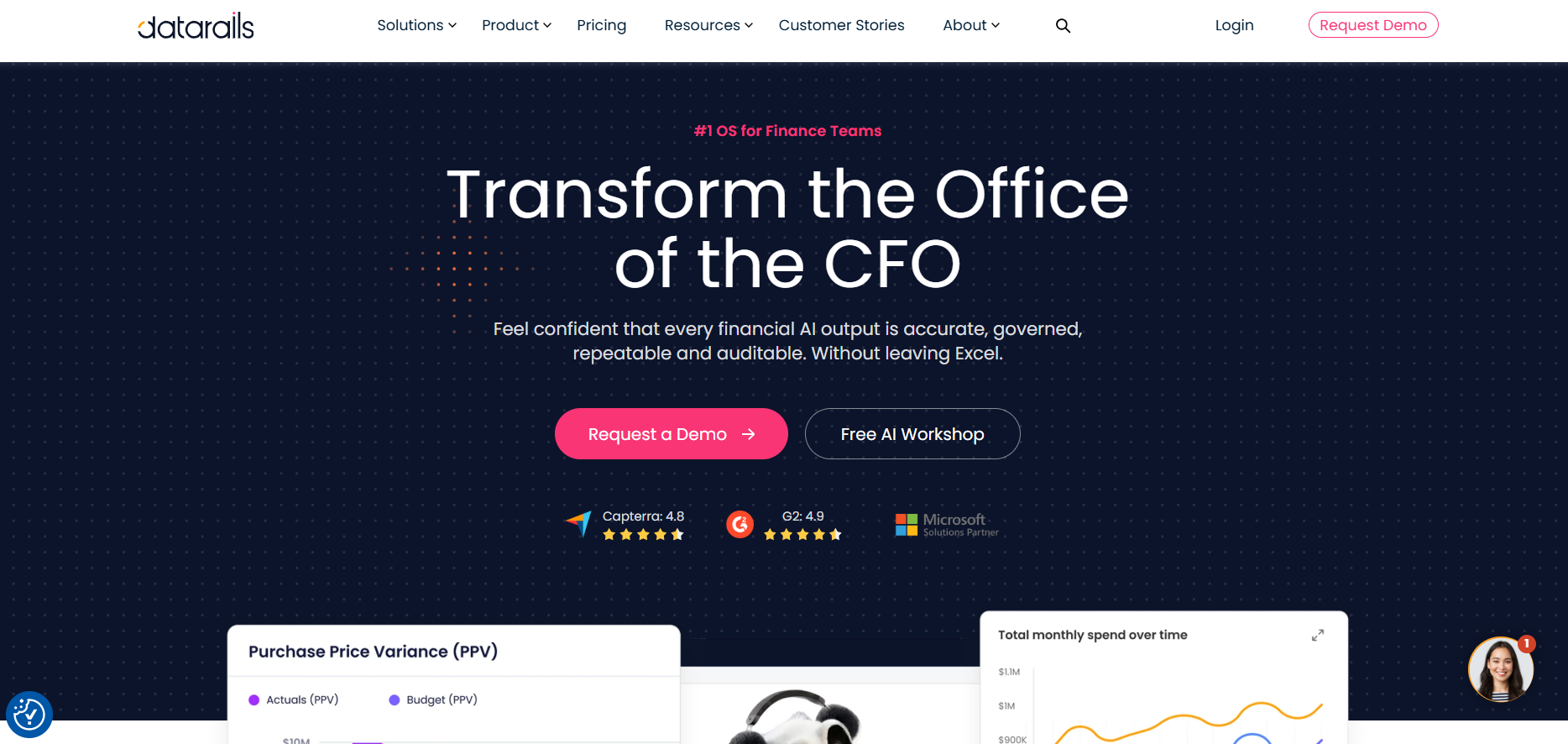 Datarails is an Excel-based FP&A platform. It focuses on small and mid-market finance teams with established Excel models that want consolidation, reporting, and audit trails without leaving Excel.
NetSuite integration: Datarails supports three sync options:
Key features:
Ease of use: Excel stays the interface, which suits teams with established workbooks. Test how existing models map into Datarails, and who maintains the NetSuite bundle and role permissions.
Pricing: Datarails has three plans. Professional includes 2 users and 1 integration, Premium 5 users and 2 integrations, and Expert 15 users plus 50 viewers and 3 integrations. Datarails' pricing guide gives typical ranges of $35,000 to $80,000 a year for mid-market teams and above $100,000 for enterprise, plus a one-time onboarding fee delivered by its own team. Template customizations carry no extra fee. The number of integrations is plan-limited, so count your NetSuite connection plus payroll or CRM.
Best for: Finance teams with established Excel models that want automated consolidation and reporting on NetSuite data.
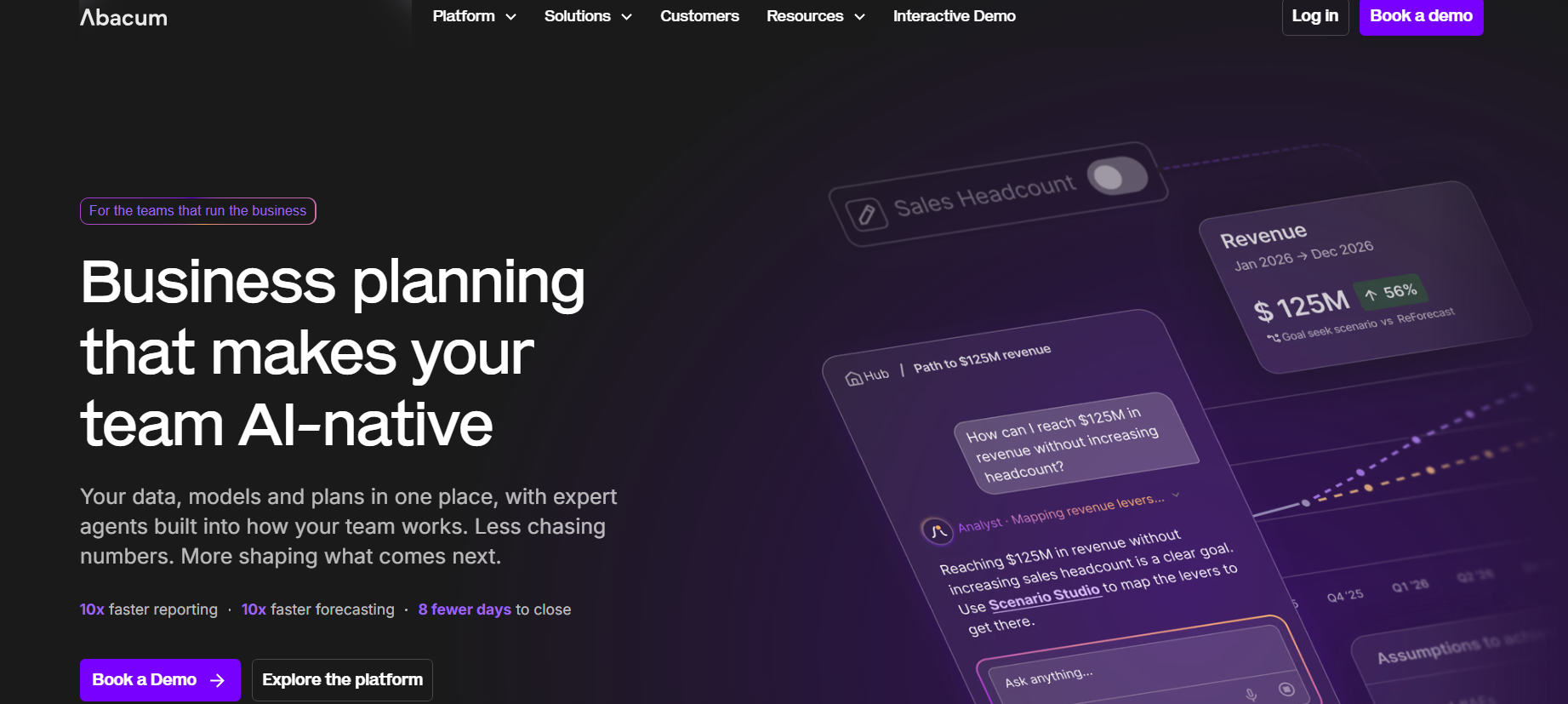 Abacum is a cloud planning platform for finance teams that connects actuals, assumptions, and plans in one model. It pulls actuals from NetSuite and other systems, and budget owners work in dedicated spaces with input templates and budget-vs-actuals views. Models cover multi-entity setups, rolling forecasts, and scenarios.
NetSuite integration:
Key features:
Ease of use: Abacum says models can evolve without a support ticket or a consultant contract, and that implementations are finance-owned and go live in weeks. Include model builders and budget owners in the demo, and test a real budget change.
Pricing: Abacum scopes pricing to entities, users, and modules, and gives custom proposals.
Best for: Multi-entity finance teams on NetSuite that want self-service for budget owners and AI-assisted planning.
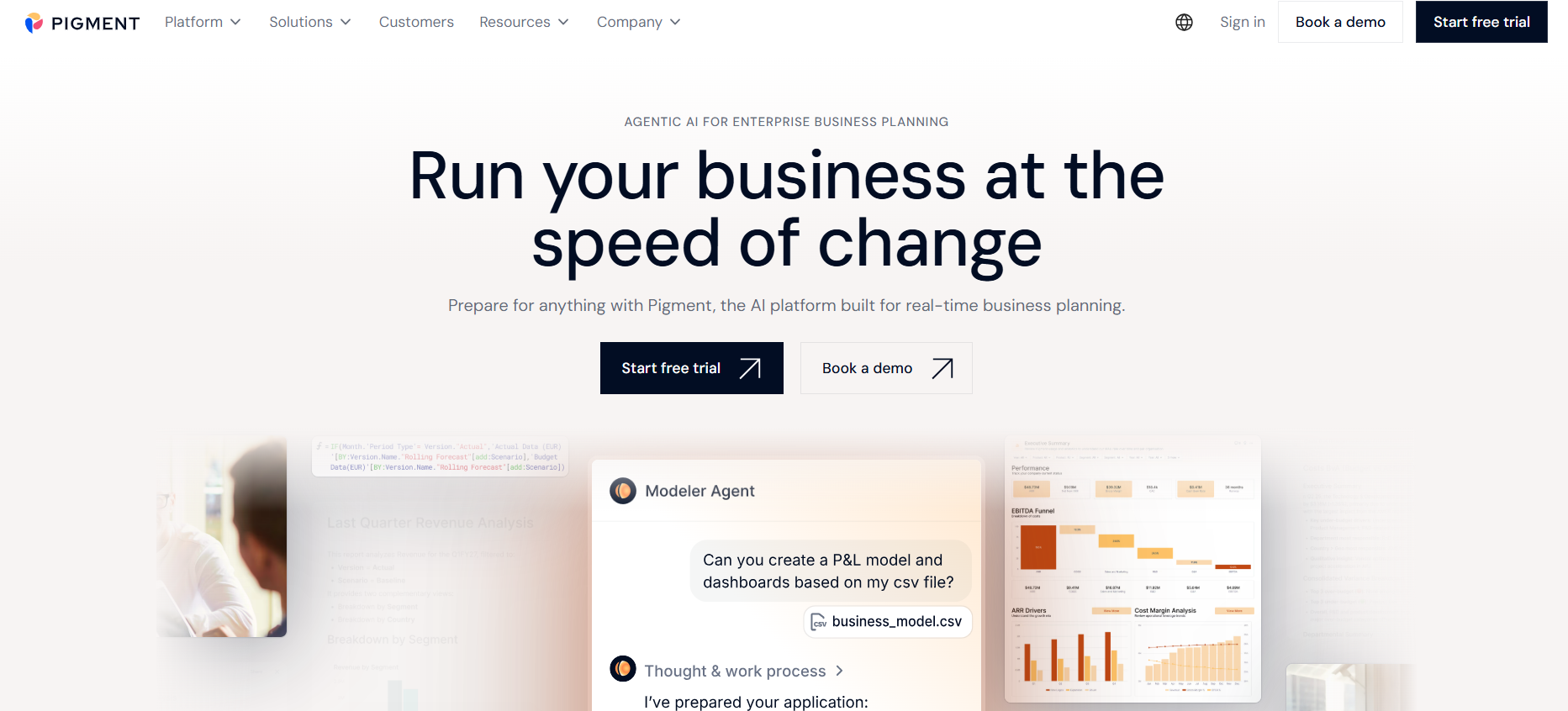 Pigment is a cloud planning platform that finance, sales, HR, and supply chain teams use in the same models. Plans are built on multidimensional models, which means one set of data can be viewed and planned across several dimensions at once. Teams can run scenarios in one click and build dashboards on the same data. NetSuite data comes in through a native connector that loads saved search results.
NetSuite integration:
Key features:
Ease of use: Pigment says business users can adapt models without IT.
Pricing: Pigment doesn't publish prices. A plan combines a platform fee, a number of licenses (Explorer, Contributor or Editor) and associated features. Pigment offers a 14-day free trial in a private workspace with no credit card, after which the workspace is read-only.
Best for: Organizations that plan across finance, sales, HR, and supply chain on one model and have people to build and maintain it.
Every tool in this list claims to support NetSuite integration, but the capabilities of the integration differ. Some read NetSuite saved searches, some query it through SuiteQL or ODBC, and Anaplan relies on a separate integration tool or data warehouse. The method decides which records and dimensions arrive, how often they refresh, and who has to set up and maintain the connection.
Confirm which records are loaded and at what level of detail. General-ledger balances may be sufficient for high-level planning, while detailed reporting may require transactions, vendor or customer dimensions, open items, or operational data. Establish whether loads are full or incremental and how restated periods are handled.
Ask how subsidiaries, legal entities, eliminations, currencies, and ownership structures map into the planning model. Confirm that users can plan at the appropriate entity level and consolidate results consistently.
NetSuite environments often use departments, classes, locations, and custom segments to represent management dimensions. Verify that the integration preserves the dimensions required for budgeting, reporting, allocations, and access control.
“Real time” can describe very different architectures. Ask for the actual refresh method and schedule. More frequent is not always better: the right cadence depends on reporting needs, source-system load, reconciliation, and whether users require transaction-level detail.
The platform should provide a repeatable way to compare imported balances with NetSuite. Ask about control totals, failed-record alerts, mapping exceptions, duplicate handling, restatements, and audit logs.
Clarify who configures the connector, owns credentials, monitors failures, adds new entities or segments, and updates mappings after the chart of accounts changes.
NetSuite integration checklist
Possibly, but not automatically. NetSuite may be sufficient when planning requirements are straightforward, the number of contributors is small, existing modules meet the need, and the finance team can maintain the process without excessive manual work.
A dedicated FP&A platform becomes more useful when the organization needs frequent forecasts, complex drivers, multiple scenarios, many budget owners, cross-functional inputs, management reporting across entities, or stronger workflow and governance.
|
Capability |
NetSuite ERP |
Dedicated FP&A software |
|
Financial transaction management |
Primary functionality |
Uses connected financial data |
|
General ledger |
Yes |
Uses GL data for planning and analysis |
|
Budgeting |
Depends on configuration and modules |
Core functionality |
|
Rolling forecasts |
Depends on available modules and setup |
Common core functionality |
|
Scenario planning |
Available capability varies by module and configuration |
Common planning use case |
|
Financial reporting |
Yes |
Planning-oriented management reporting |
|
Variance analysis |
Reporting and analysis capabilities |
Budget-vs.-actual and forecast analysis |
|
Cross-functional planning |
Depends on configuration |
Collaborative planning workflows |
The right tool depends on how your NetSuite account is set up and who will run planning day to day. Start with the account: how many subsidiaries you report on, which custom segments you need in the plan, and whether budget owners will enter numbers in a spreadsheet or in the tool. Then look at who builds and maintains the models once the vendor’s implementation team leaves.
Document the planning processes that must be supported:
Rank them as required, preferred, or future.
Inventory subsidiaries, currencies, chart-of-account variations, departments, classes, locations, custom segments, historical depth, and other source systems. Complex source data can matter more than the number of users.
Define the records, granularity, and cadence actually required. Use a reconciliation test during evaluation: select a closed month and ask each vendor to demonstrate how imported totals would be matched to NetSuite.
Some teams want to preserve Excel-oriented input and reporting; others prefer browser-based models and standardized workflows. Assess the administrator experience separately from the occasional contributor experience.
Provide vendors with a representative model, report, and scenario. Ask them to show how finance would add an account, change a hierarchy, create a forecast version, and investigate a variance.
Compare software, implementation, integration, data preparation, training, partner services, internal administration, and future model changes. Do not rely on a fixed timeline until data, scope, resources, and acceptance criteria are agreed.
Shortlisting questions
Implementation starts in NetSuite, before any planning model exists. A NetSuite admin sets up token-based authentication, an integration record, and a role with access to the data the tool will read. If that role is missing permissions, tools such as Pigment and Datarails load incomplete data. After that, the team maps accounts and dimensions, loads actuals, and checks the totals against NetSuite.
The team connects to or loads NetSuite data, establishes control totals, and verifies that balances match the source. Historical periods should be checked for completeness and consistency.
Accounts, subsidiaries, departments, classes, locations, and custom segments are mapped to planning and reporting structures. This step is essential when management reporting differs from the ERP hierarchy.
Finance defines assumptions, calculations, drivers, versions, scenarios, allocations, and planning granularity. Existing spreadsheets can inform requirements, but copying every legacy workbook may reproduce unnecessary complexity.
The team builds management reports, dashboards, variance views, and distribution processes. Reports should be tested against known NetSuite results.
Administrators configure access, assignments, deadlines, submission states, and approvals. Sensitive data such as compensation should receive explicit access testing.
Finance should run end-to-end tests with representative users, reconcile actuals, validate calculations, document exceptions, and confirm support ownership before go-live.
What to prepare before implementation
The right FP&A platform should extend the value of NetSuite by turning financial actuals and operational data into governed budgets, forecasts, scenarios, reports, and decisions. Evaluate each option based on integration depth, modeling flexibility, user experience, reporting, multi-entity requirements, implementation effort, and total cost.
Limelight is the for growing finance teams seeking to centralize financial and operational data, automate planning workflows, and manage budgeting, forecasting, reporting, and workforce planning in a finance-owned cloud platform.
Looking to simplify budgeting, forecasting, and reporting with NetSuite? Explore Limelight’s FP&A software and NetSuite integration, or request a demo to discuss your planning requirements.
The best option depends on your NetSuite structure, planning complexity, reporting needs, preferred user experience, implementation resources, and budget. Shortlist platforms only after defining required records, dimensions, entities, workflows, and refresh cadence. Then test each vendor with a real model, report, and reconciliation scenario.
NetSuite supports financial management, reporting, and budgeting capabilities, with available planning options depending on modules and configuration. Oracle NetSuite Planning and Budgeting is also an option in the ecosystem. A separate FP&A platform may be useful when teams need more flexible models, frequent forecasts, scenarios, or collaborative workflows.
NetSuite ERP primarily records and manages financial and operational transactions. FP&A software uses actual data from NetSuite and other systems to build budgets, forecasts, scenarios, management reports, and cross-functional plans. The two systems typically complement one another rather than serve as direct replacements.
Platforms commonly evaluated by NetSuite users include Limelight, Oracle NSPB, Workday Adaptive Planning, Planful, Anaplan, Vena, Cube, Datarails, Abacum, and Pigment. Integration method and depth vary. Confirm supported NetSuite records, dimensions, entities, refresh options, reconciliation, and writeback directly with each vendor.
Many platforms can automate data movement through native or prebuilt connectors, APIs, integration tools, scheduled files, or a data warehouse. “Automatic” does not mean identical across vendors. Ask about refresh schedules, monitoring, mapping changes, failed loads, restatements, reconciliation, and who maintains the integration.
Potential data includes general-ledger actuals, accounts, subsidiaries, departments, classes, locations, currencies, and custom segments. Some integrations may support more detailed records or operational data. Availability depends on the vendor, connector, NetSuite configuration, permissions, and chosen implementation architecture.
Many FP&A platforms support planning and management reporting across subsidiaries, entities, and currencies, but the details vary. Buyers should test entity mappings, currency translation, shared assumptions, intercompany treatment, access controls, and consolidated reporting. Also distinguish management planning from statutory financial consolidation requirements.
Most vendors use quote-based pricing. Total cost can include software licenses, implementation, integration, data preparation, training, partner services, support, and internal administration. Compare proposals using the same scope, users, entities, modules, integrations, historical data, reports, and post-launch support requirements.
Implementation time depends on data quality, entity complexity, model scope, integrations, reporting requirements, user availability, and governance. Avoid relying on a generic timeline. Ask each vendor for a scoped plan with responsibilities, data prerequisites, testing stages, reconciliation criteria, and assumptions.
Prioritize integration depth, finance-owned modeling, budgeting and rolling forecasts, scenarios, reporting, variance analysis, multi-entity support, workflow, permissions, reconciliation, and administration. Also evaluate implementation resources, customer support, and total cost. A connector logo alone is not proof that the integration fits your NetSuite environment.
Subscribe to our newsletter